How to use this page
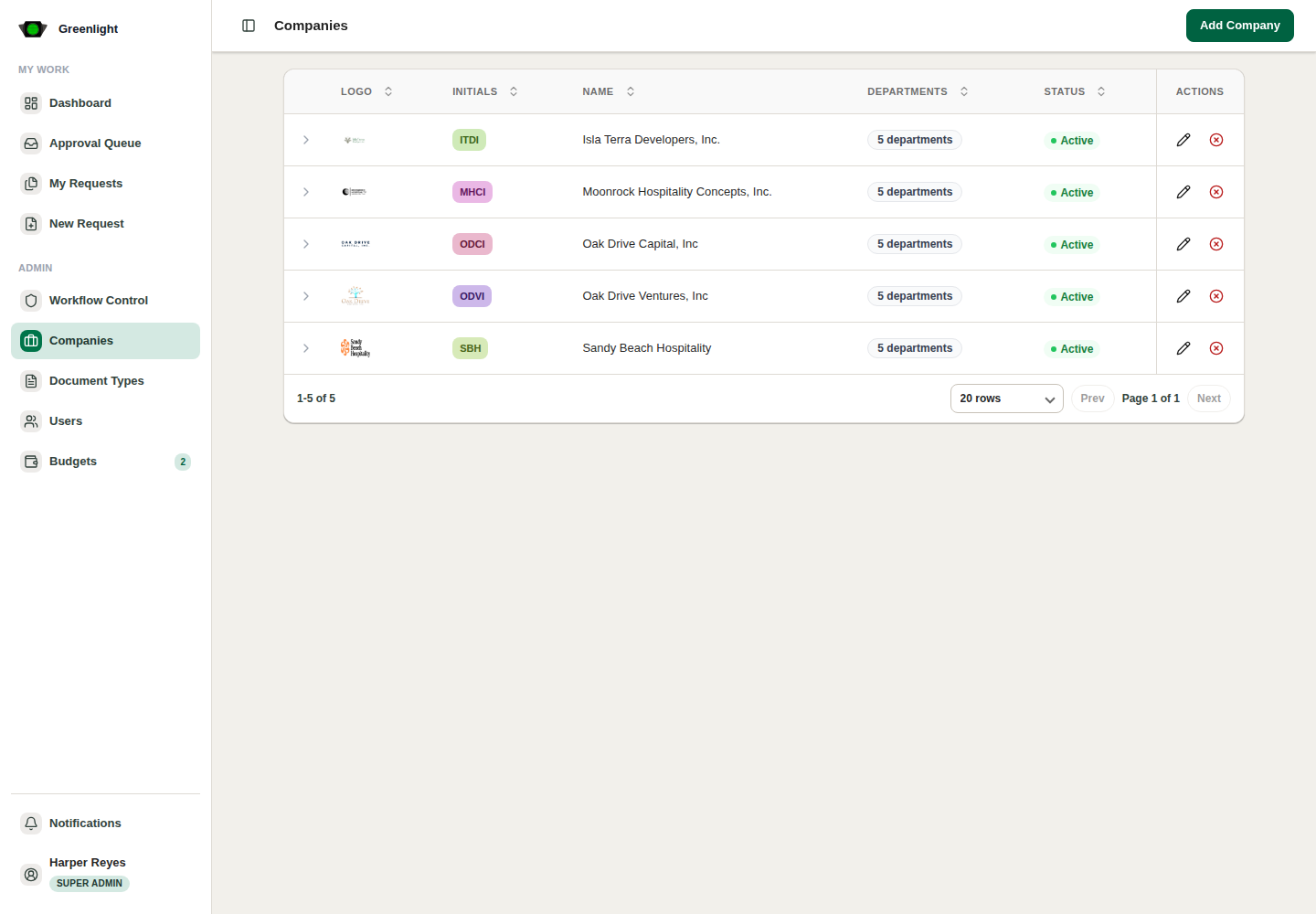
- 1 Add companies first: users, departments, templates and proposals all depend on company context.
- 2 Add departments inside each company so user assignments and signatory rules have something to point at.
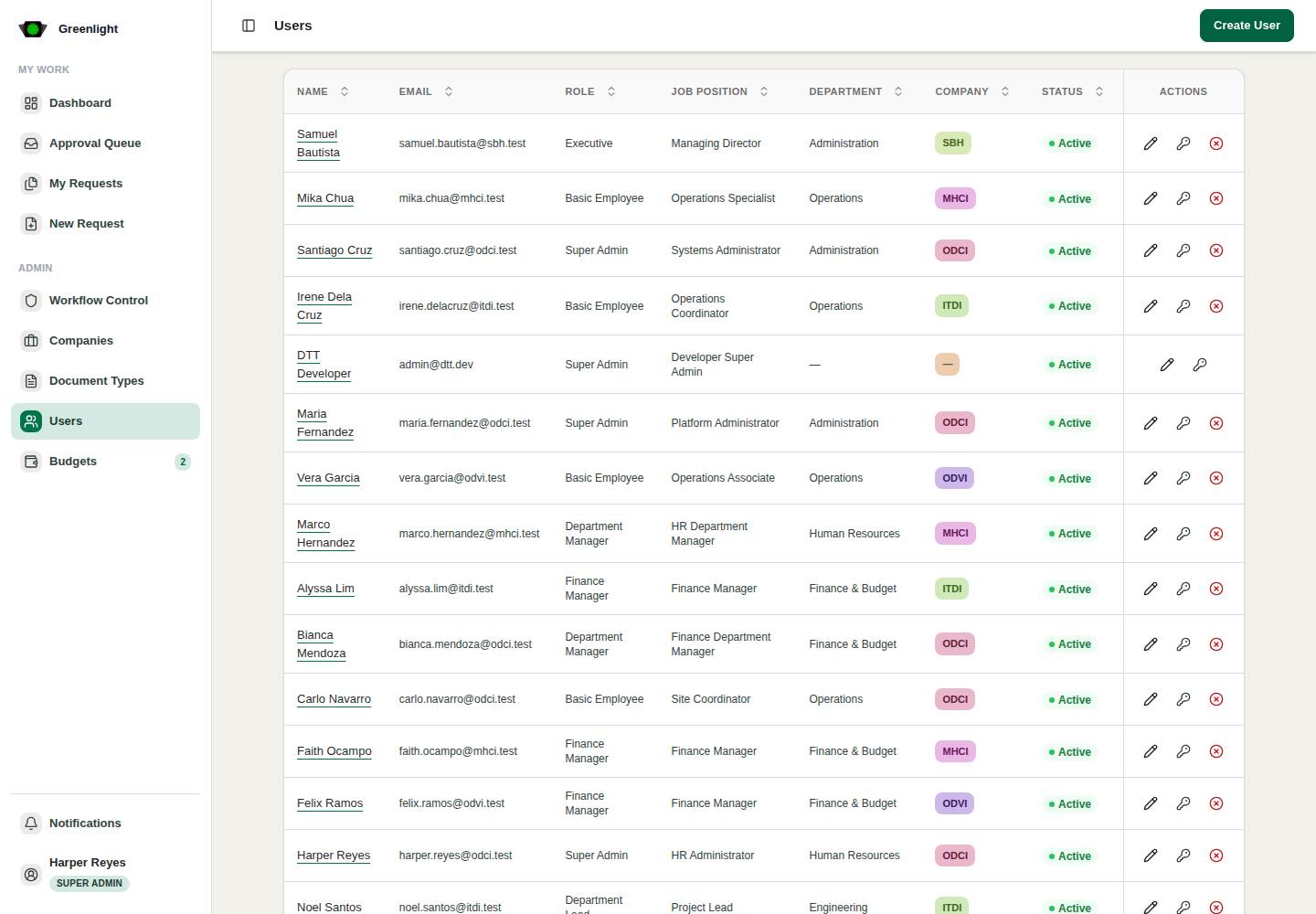
- 3 Invite users by email, then verify them once they have finished onboarding, assigning company, role and department.
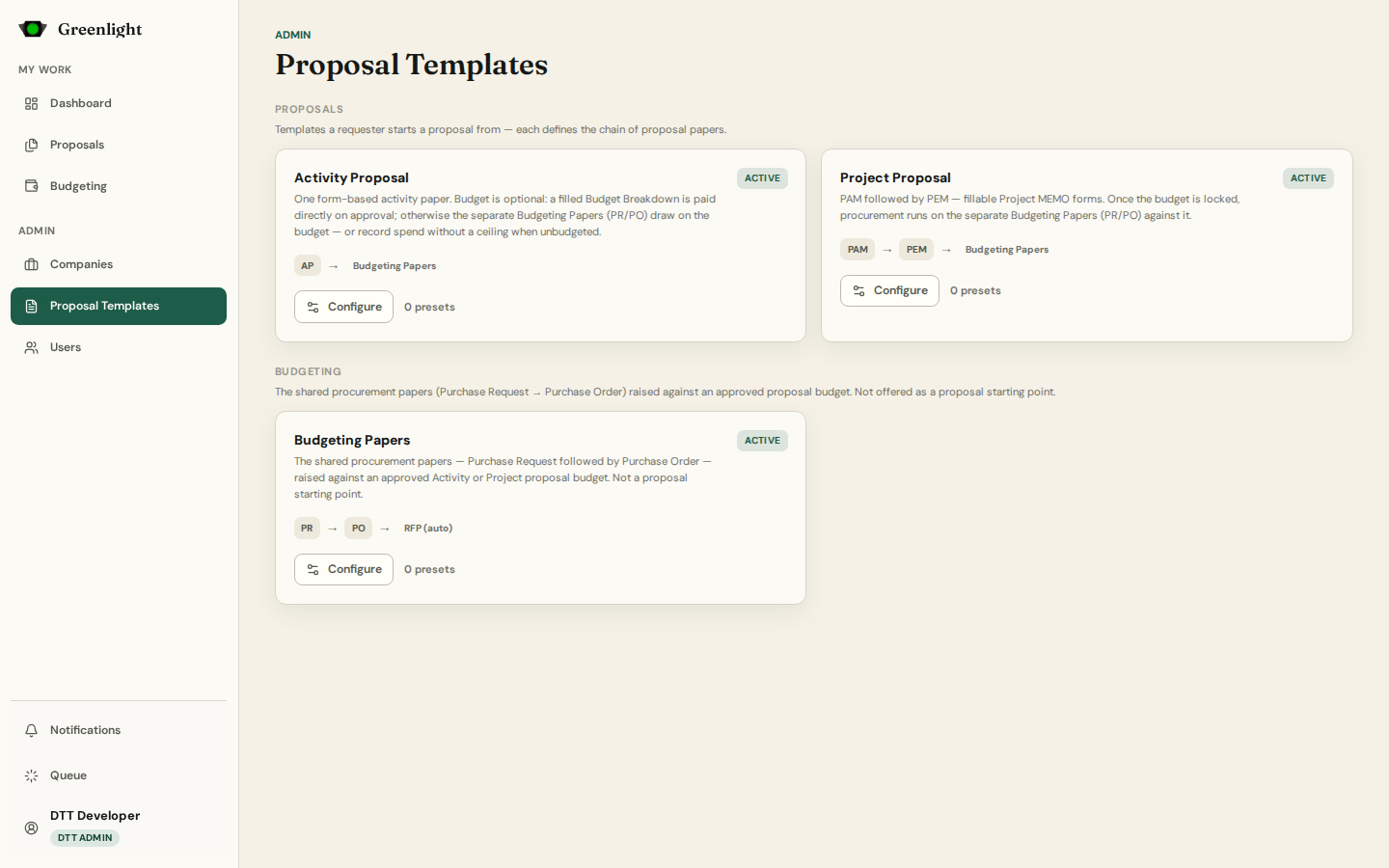
- 4 Configure the proposal templates: default signatories per paper, and each paper's form fields and page template.
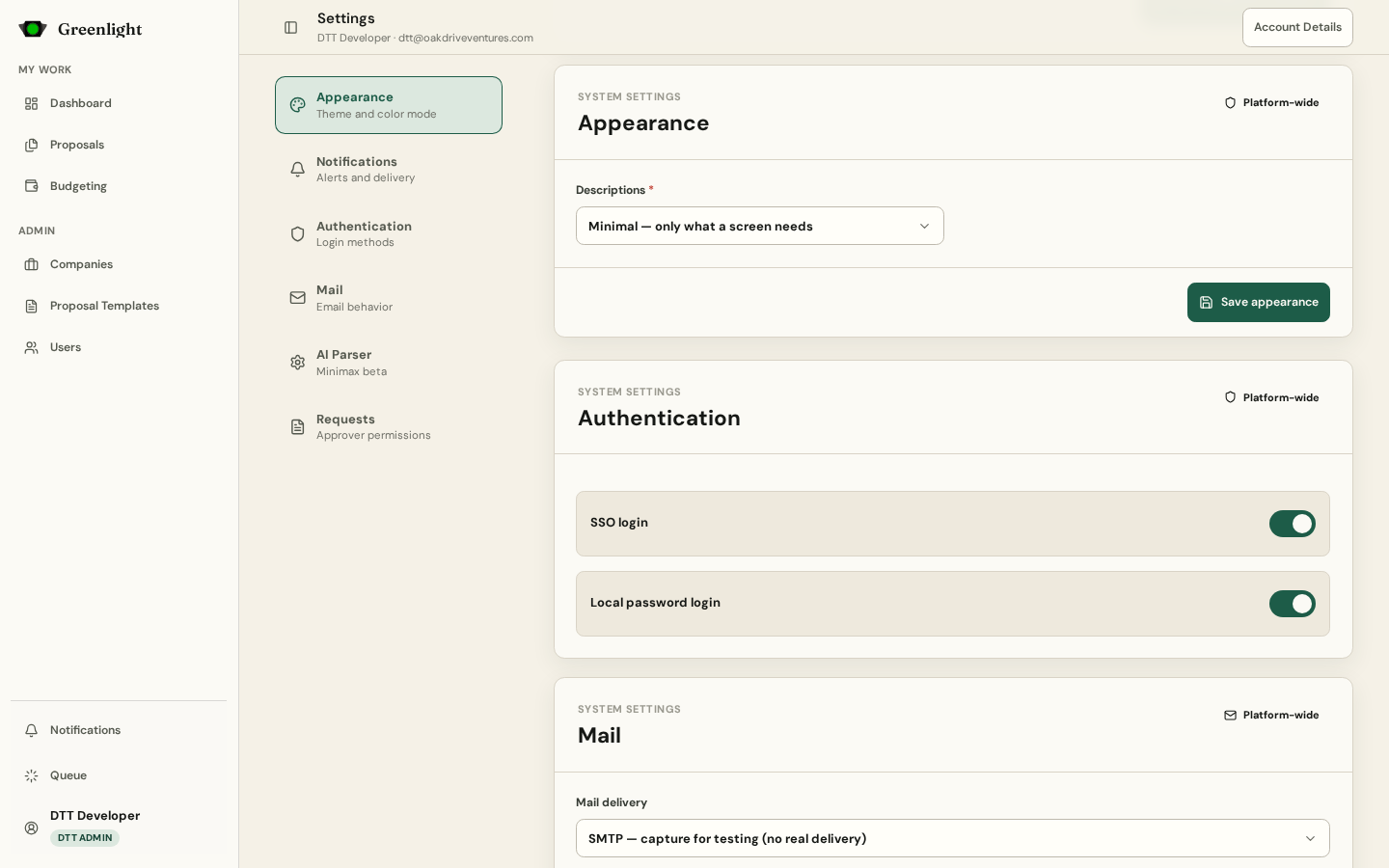
- 5 Check the system settings: login methods, mail delivery, and the Descriptions level of the interface.
- 6 Let requesters in only when a full chain — proposal papers and budgeting papers — has signatories on every paper.
Recommended order
- Companies before departments, departments before user assignments.
- Templates before the first proposal: a paper without signatories cannot be routed.
- Mail delivery before invitations: invitations and approval links travel by email.
Readiness check
- Every approver has a signature on file (Admin › Users › Edit user shows it).
- Every paper in every template lists its signatory slots.
- The Captured mail page is empty of surprises: on a sandbox mail is captured, in production it is delivered.
Screenshots
Page states