How to use this page
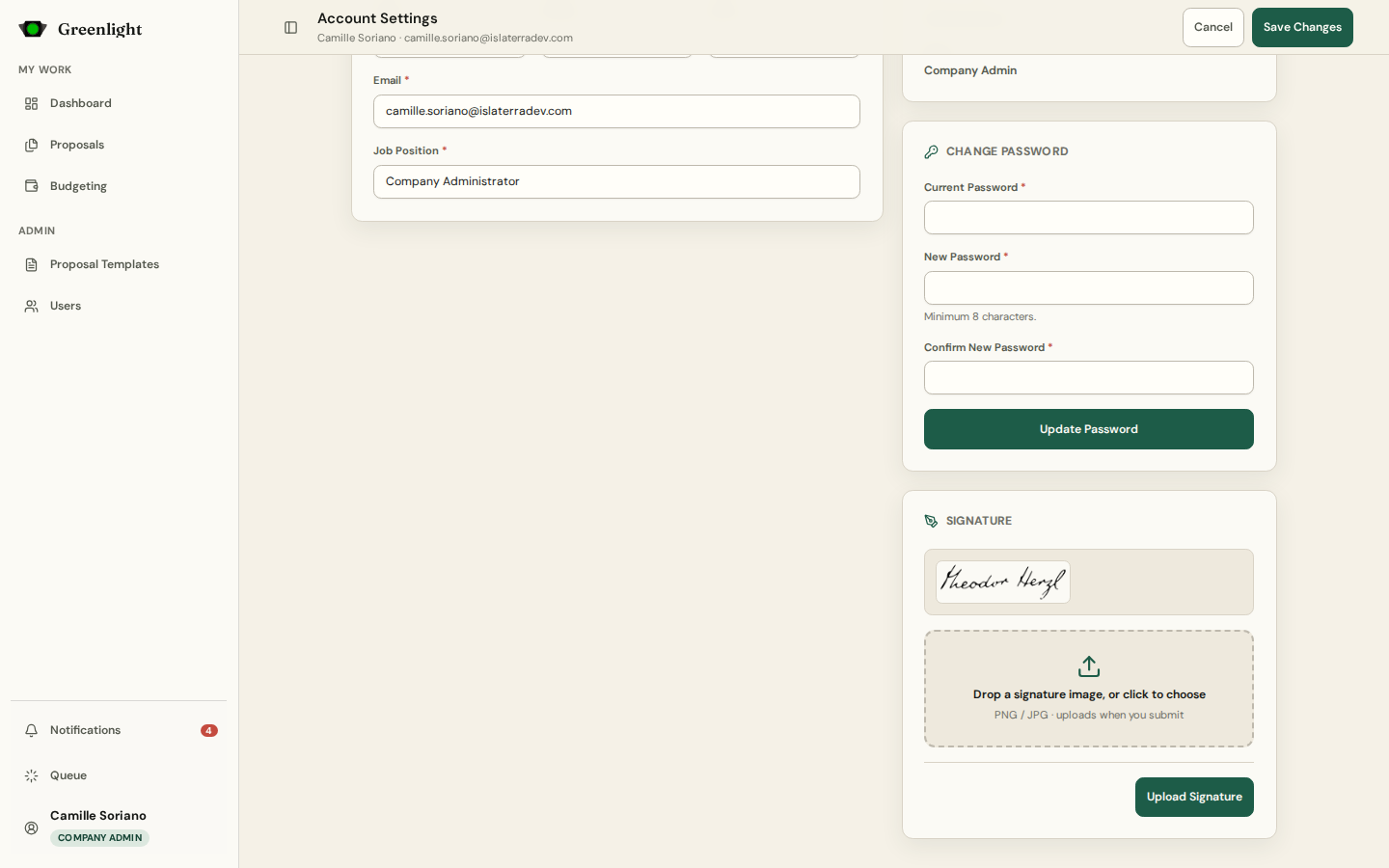
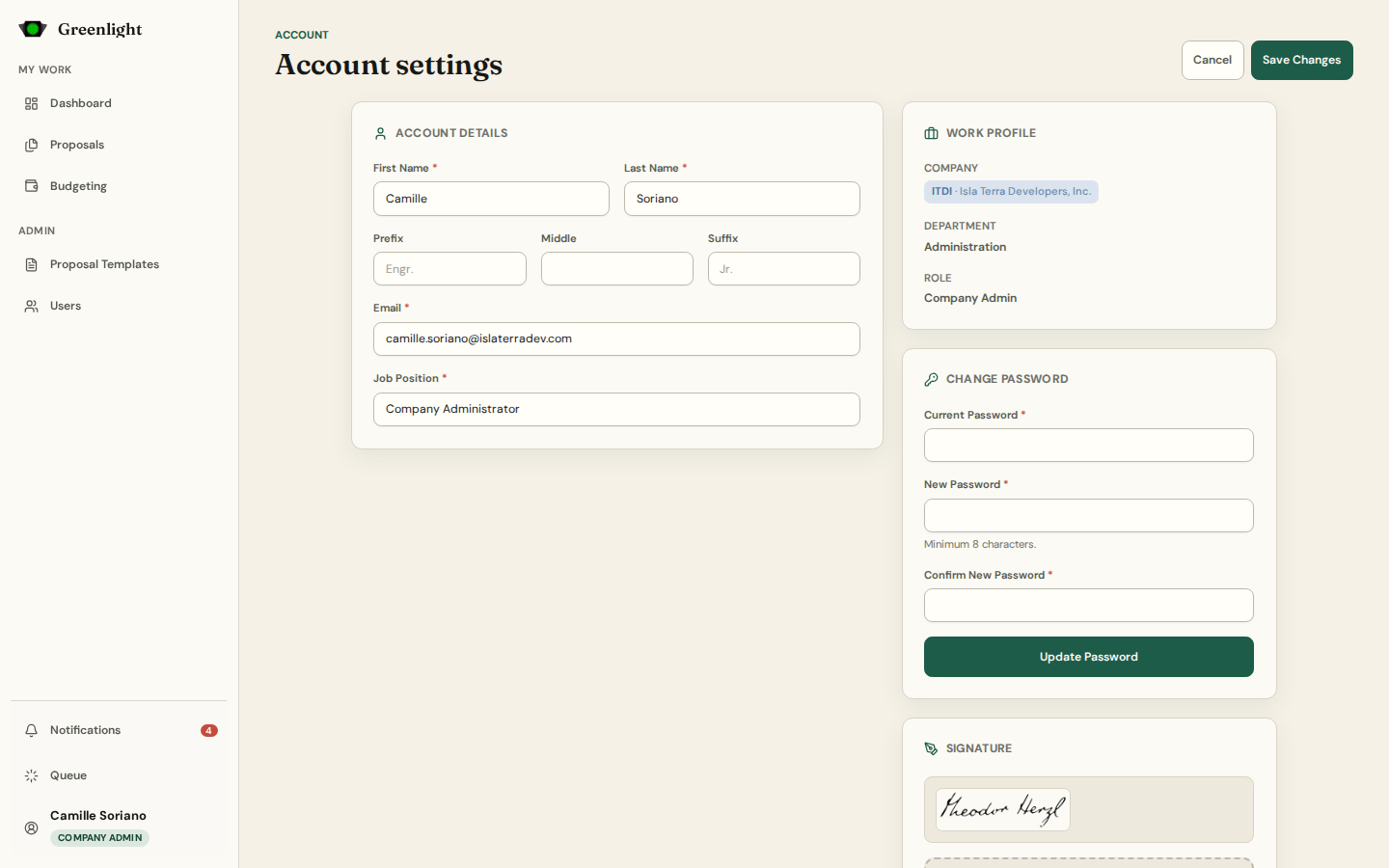
- 1 Account Details: name, prefix, middle, suffix, email and job position. Save from the top bar.
- 2 Work Profile shows your company, department and role — administrators change these, not you.
- 3 Change Password needs the current one; a password an administrator reset must be changed here on next sign-in.
- 4 Signature: upload a clean image of only the signature. It is stamped onto every PDF you approve, so keep it current.
- 5 Working for more than one company? The account menu at the bottom of the sidebar lists your positions; pick the one to work as.
Notes
- Company, department and role changes go through Admin › Users.
- Theme, color mode and alert preferences live in Settings, not here.
Screenshots
Page states