How to use this page
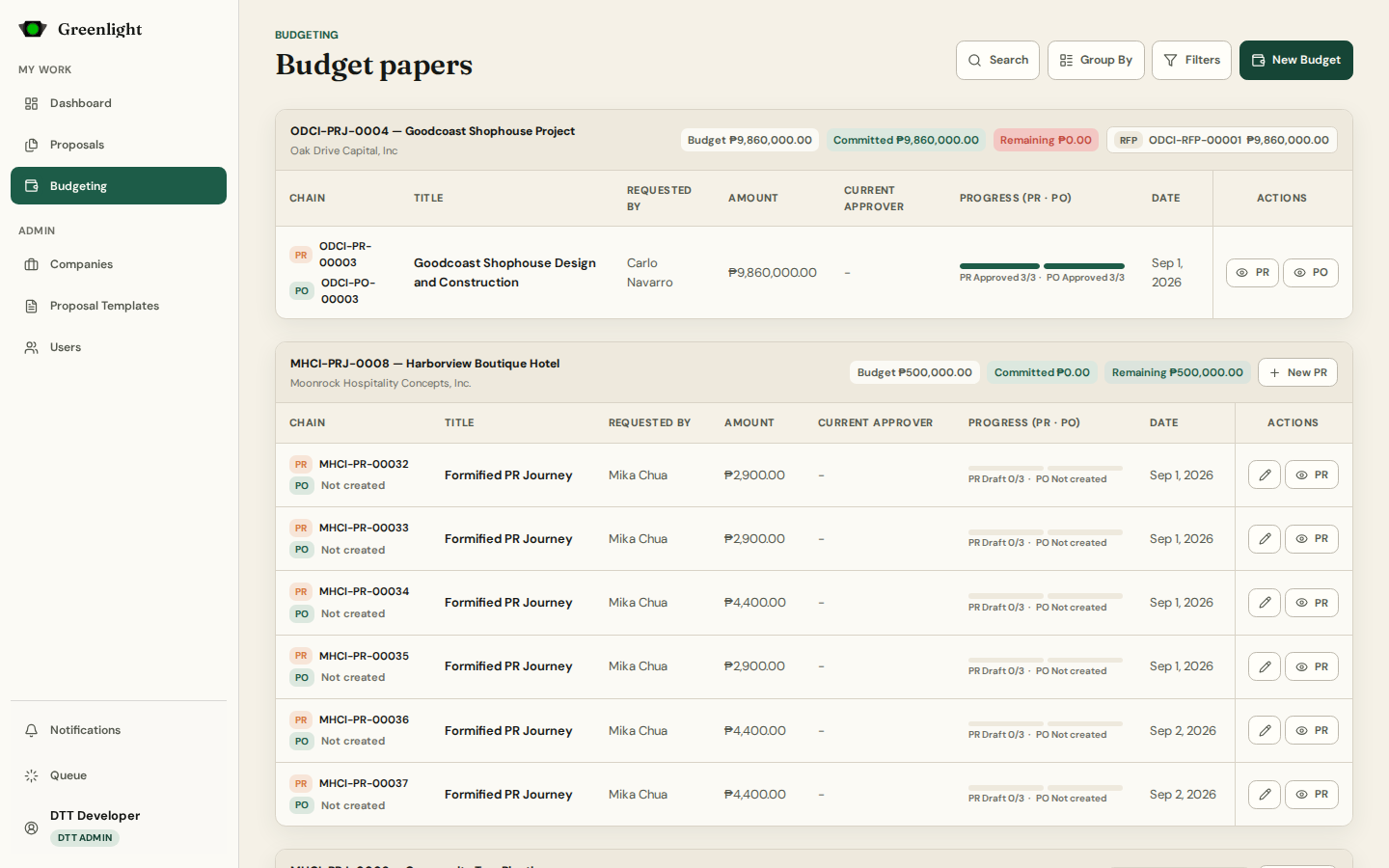
- 1 Budgeting opens grouped By Proposal: each proposal with its Budget, Committed and Remaining chips, its PR → PO chains, and a New PR button while budget remains.
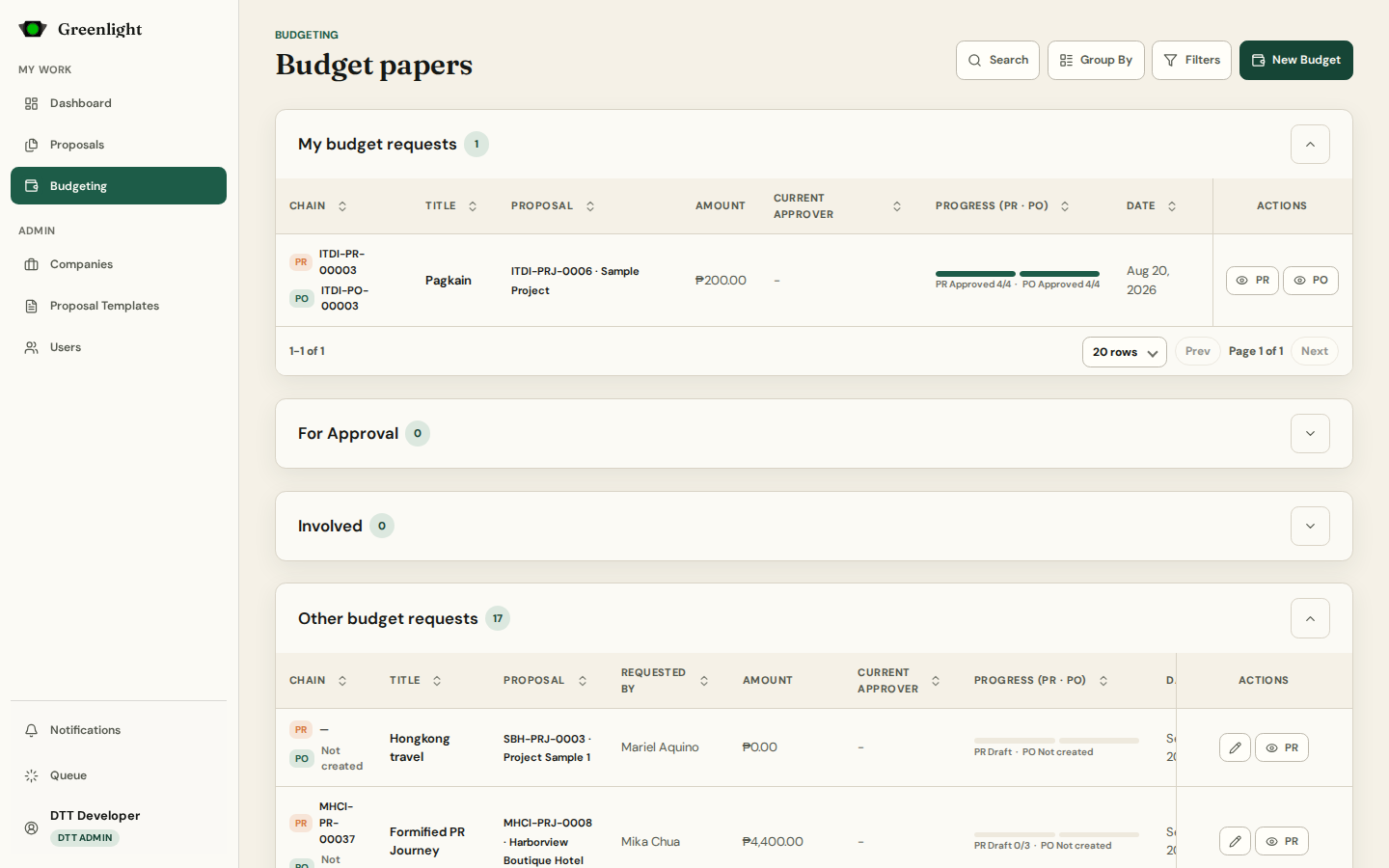
- 2 Group By › Normal switches to lanes: My budget requests, For Approval, Involved (chains you sit on), Other budget requests.
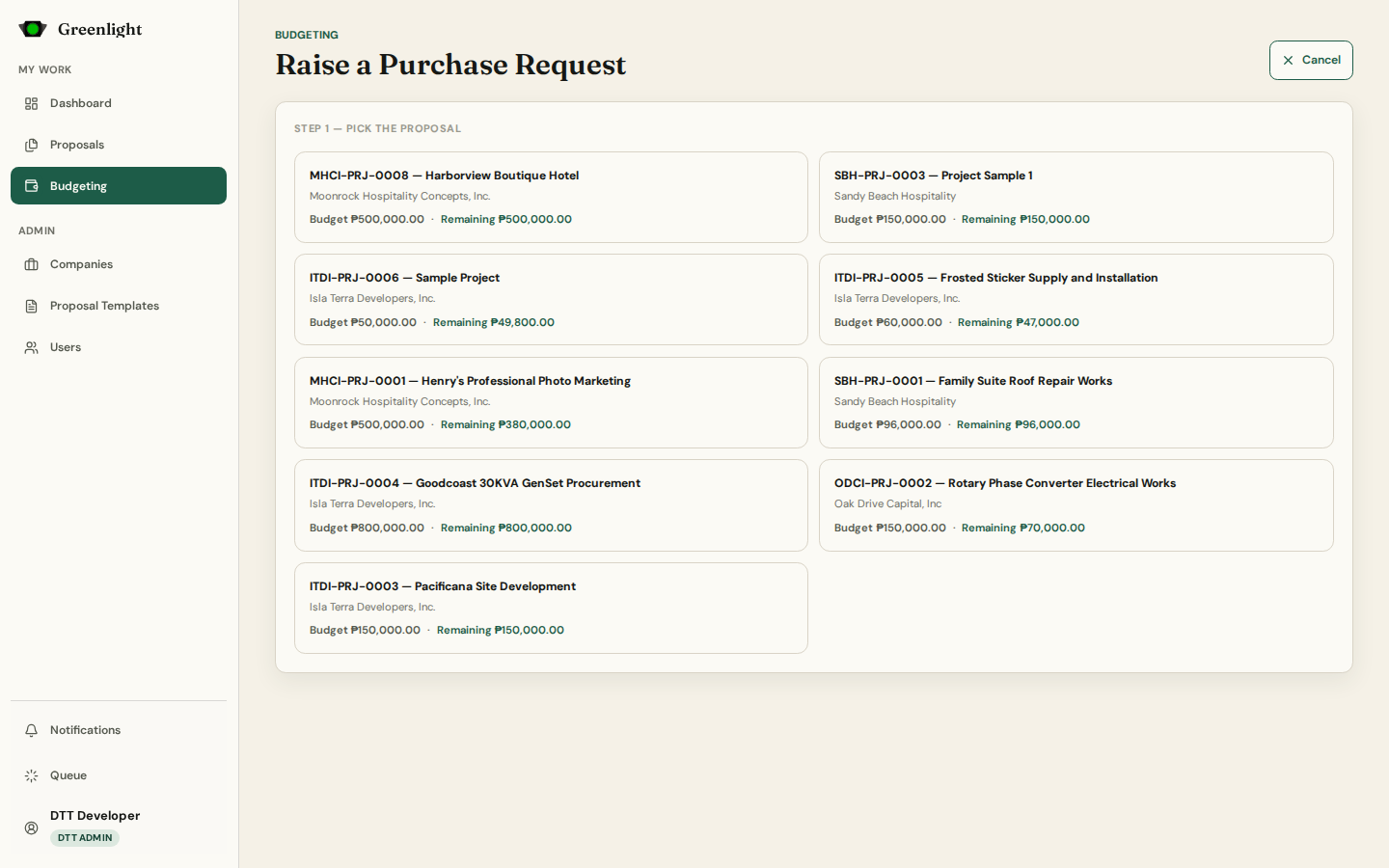
- 3 New Budget starts a Purchase Request. Pick the proposal, fill the structured form (items, quantities, formula columns), assign signatories, review, submit.
- 4 When the PR is approved, create its Purchase Order from the chain: terms are prefilled from the template, vendor and delivery details come from saved presets.
- 5 PO approval draws the amount from the proposal budget once; voiding the PO reverses it. Several PR → PO chains can run until the budget is exhausted.
- 6 The RFP (Request for Payment) is compiled automatically when a PO is approved — nobody starts it by hand. Every paper exports to Excel and renders to PDF.
Addresses
- A chain lives at /budget/<uuid> with /pr and /po beneath it; the wizard at /budgeting/create keeps its draft in the URL like proposals do.
- Unbudgeted proposals record spend without a ceiling; the overview page says so.
Screenshots
Page states