How to use this page
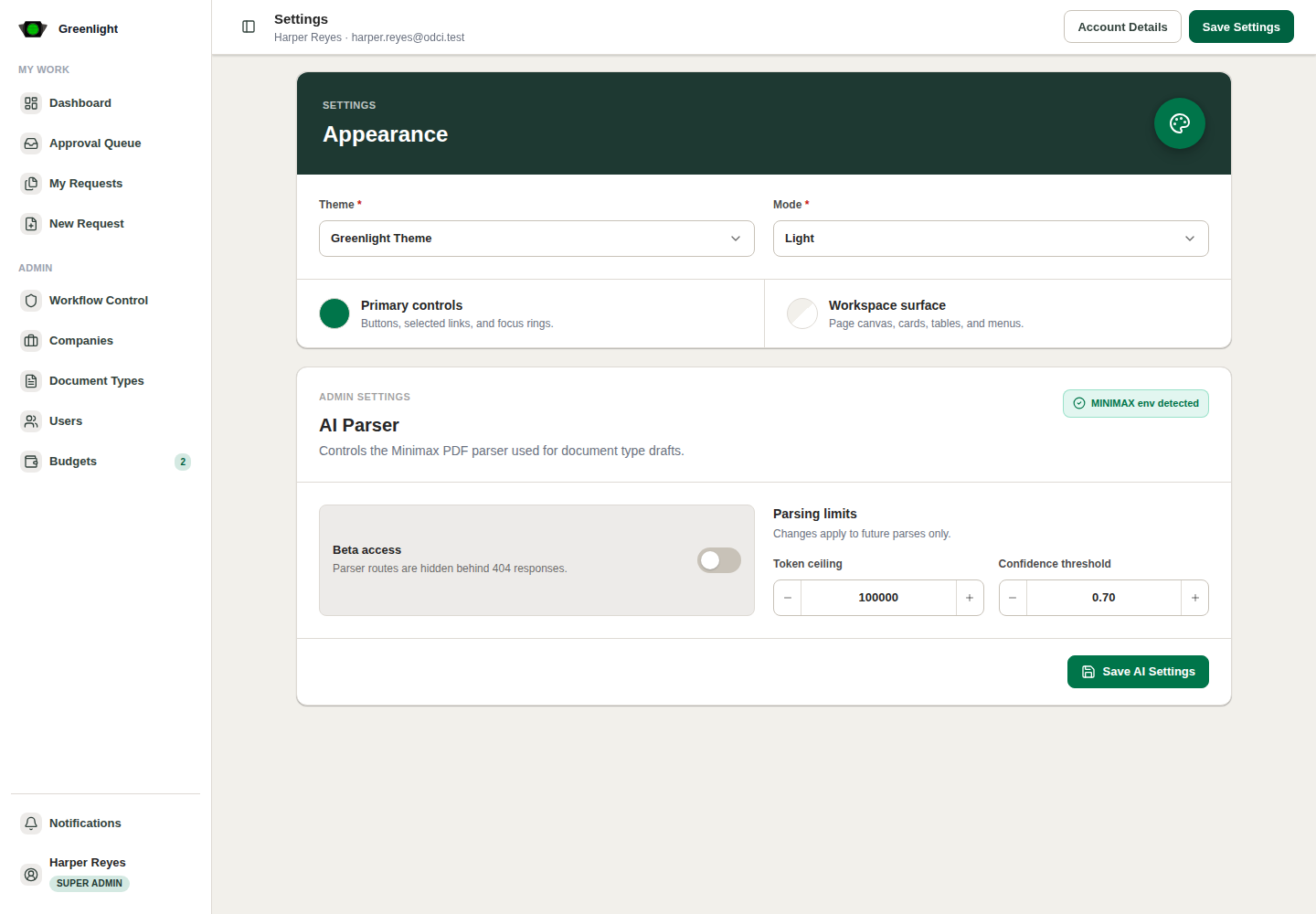
- 1 Appearance: choose a theme and a mode (light, dark, or system). The live preview shows the theme before you save it.
- 2 Notifications: in-app popups and mail delivery, each with the event types you want, plus grouping by request.
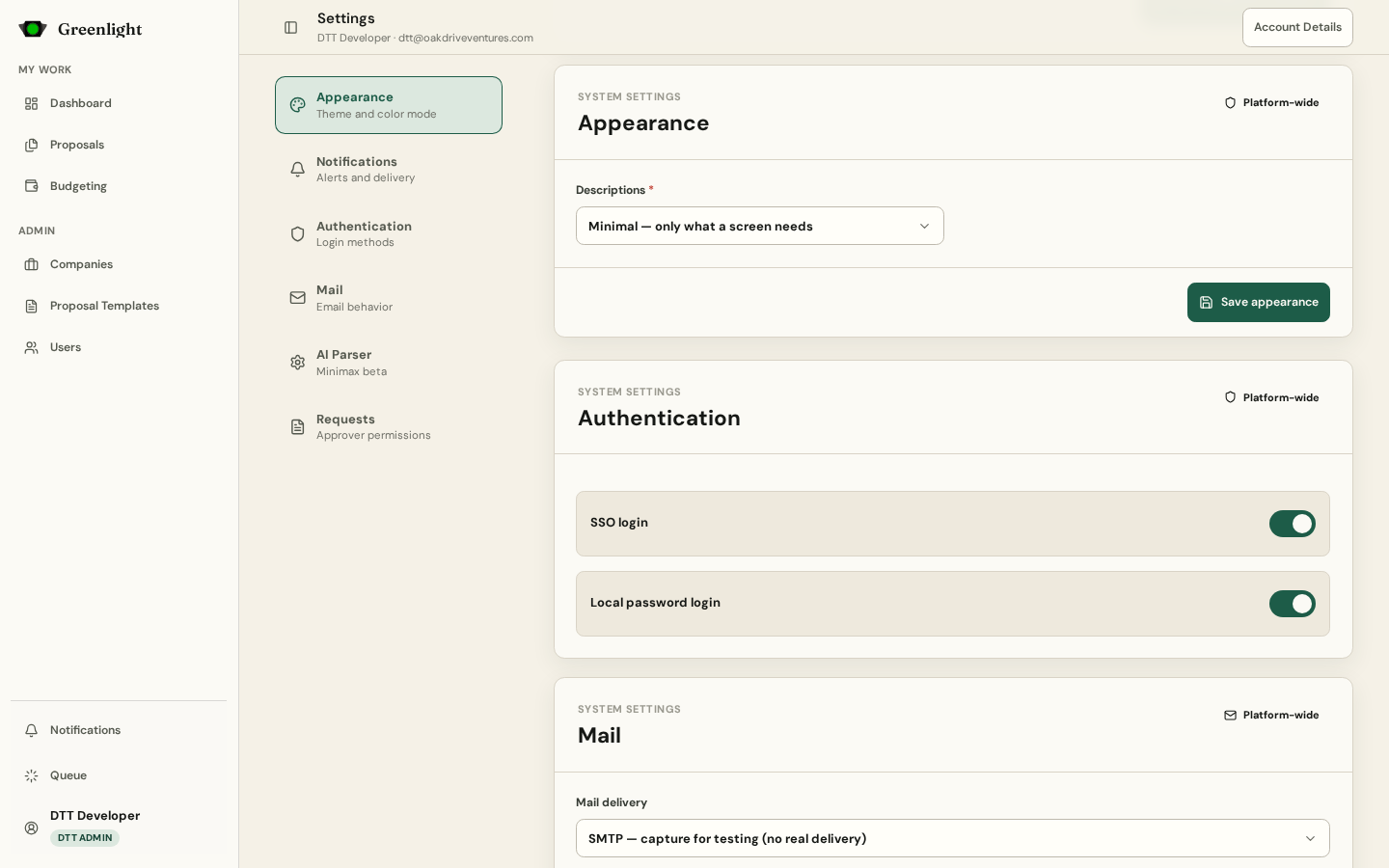
- 3 System › Appearance (DTT Admin): Descriptions sets how much every screen explains itself — Minimal hides every explanation not needed to act, Standard adds the short ones, Full shows everything.
- 4 System › Authentication: enable SSO, email-and-password login, or both. Disabling both locks everyone out.
- 5 System › Mail: real delivery or capture (captured mail is readable at /mail, so nothing reaches a real inbox from a sandbox); whether approval emails attach the signed PDF; how long email access links stay valid.
- 6 System › AI Parser and Requests: the beta parser gate and its limits; and Allow approvers to edit requests — whether an approver may change a paper's own fields, not just approve or reject it.
Where things save
- Appearance and Notifications save per account with their own buttons.
- System settings apply to everyone at once; the Descriptions level takes effect on the next page load.
Screenshots
Page states