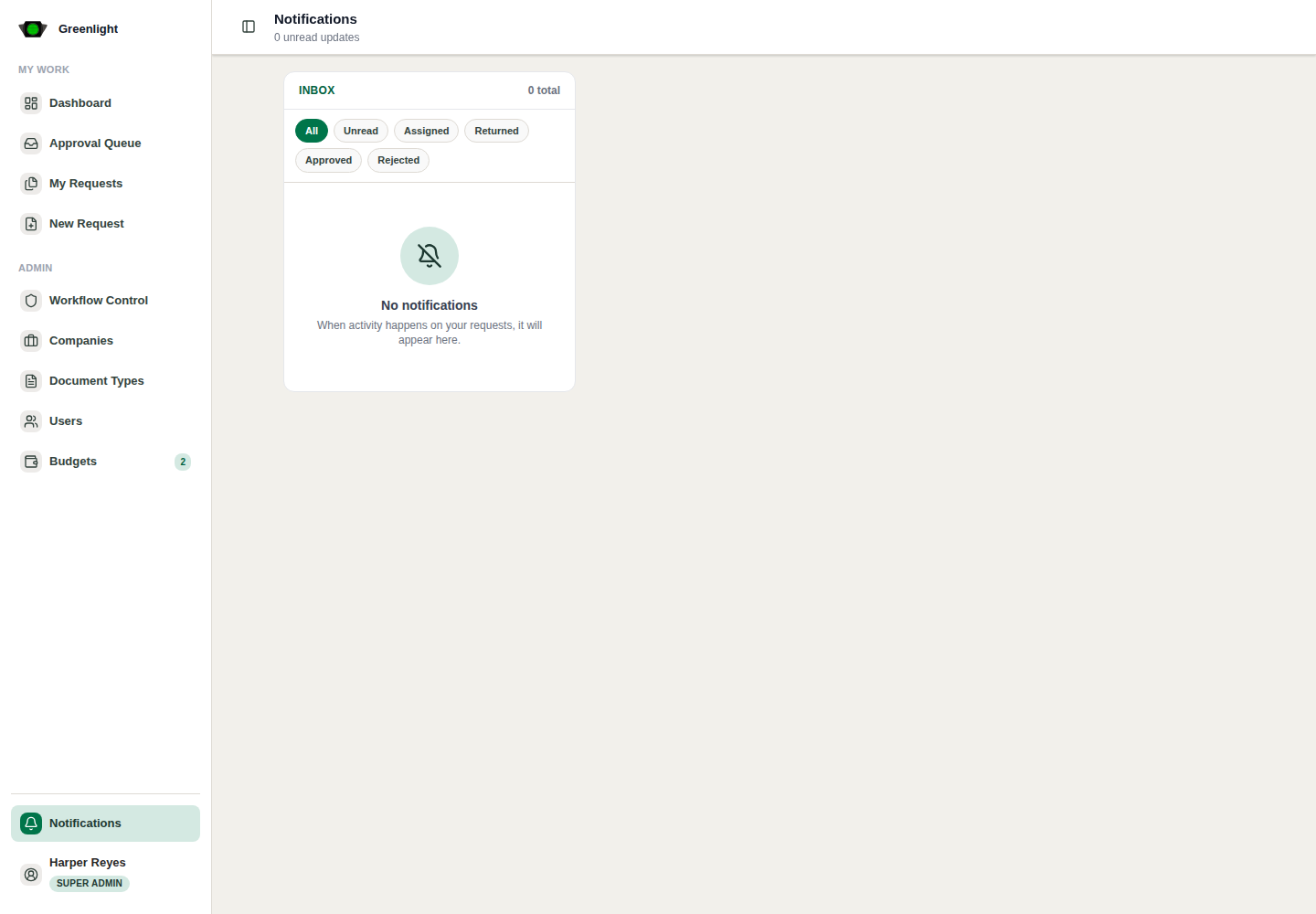
How to use this page
- 1 The bell in the sidebar foot shows unread updates as they arrive; open Notifications for the full inbox.
- 2 The inbox lists notification, request, category, status and priority; pick a row to read it in the pane on the right without leaving the page.
- 3 Open the linked paper from the row when the notification implies action.
- 4 Mark all as read once nothing pending remains; a single row is marked read when you open it.
- 5 Emails carry a signed link that opens the paper without a password; Settings › Notifications decides which events reach your inbox and your email.
Do not clear blindly
- A notification about a returned paper means revise from the paper page, not from the inbox.
- Grouped notifications collapse by request; the latest activity stays on top.