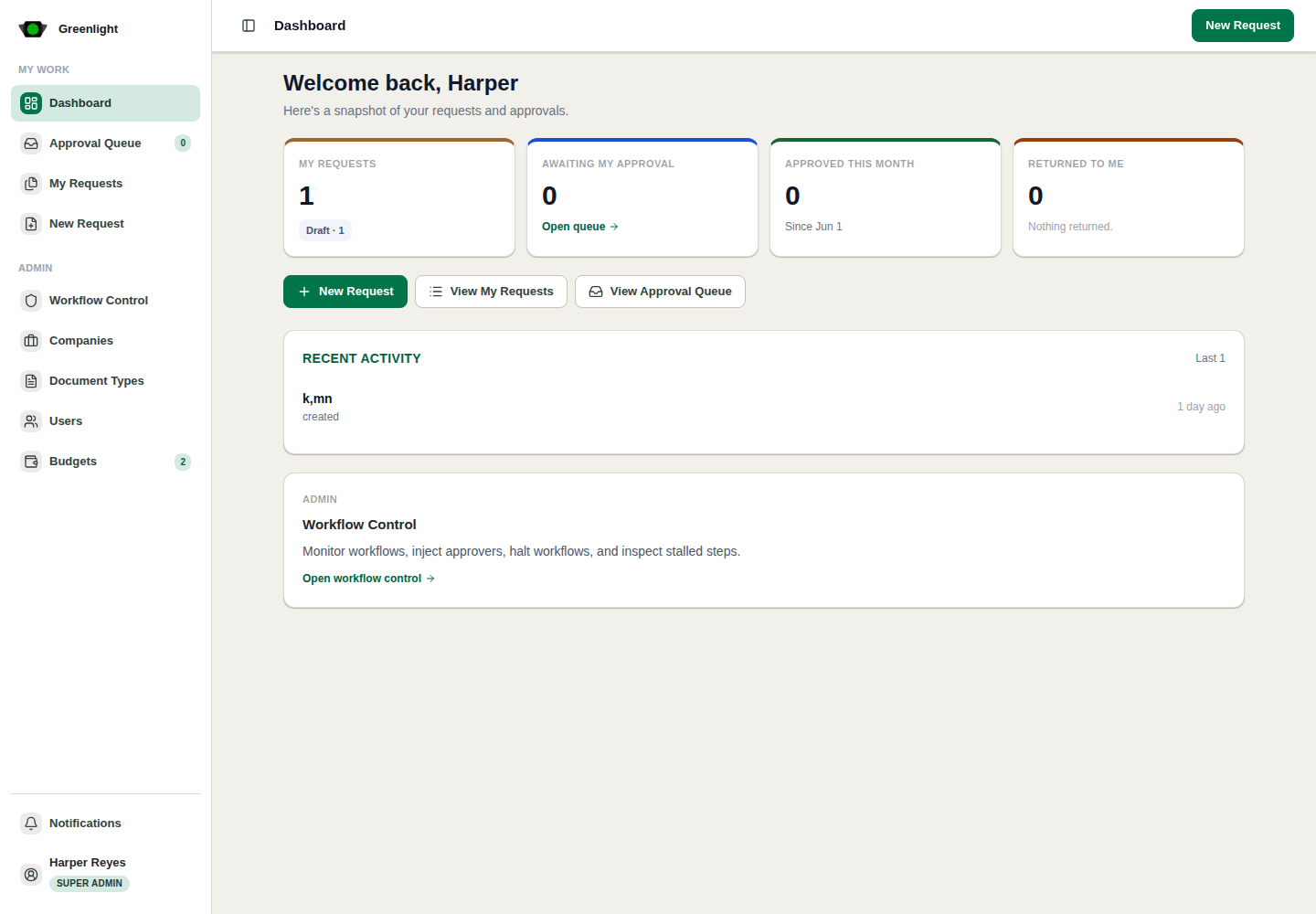
How to use this page
- 1 Read the metric tiles. Administrators get an organization row first (total requests, pending approvals, active users, returned, approved, drafts); everyone gets their own row (awaiting your decision, your proposals, approved this month, returned for revision).
- 2 Every tile is a link into the Proposals workspace already filtered to what the number counts.
- 3 Approvals in motion lists the active chains with their progress, current approver and last activity; stalled ones are flagged.
- 4 For Approval shows the two most relevant items per lane; open a lane to see everything waiting for you.
- 5 Your recent activity is the timeline of what you touched last.
- 6 New Proposal in the top-right starts the create wizard.
Daily pattern
- Start on the dashboard, then move into Proposals or Budgeting.
- Treat the numbers as navigation, not evidence: decide on the paper page.