How to use this page
- 1 Companies: company records, initials, logos, departments, and active status.
- 2 Proposal Templates: the chains of papers a proposal follows, their default signatories, presets, and each paper's form and page template.
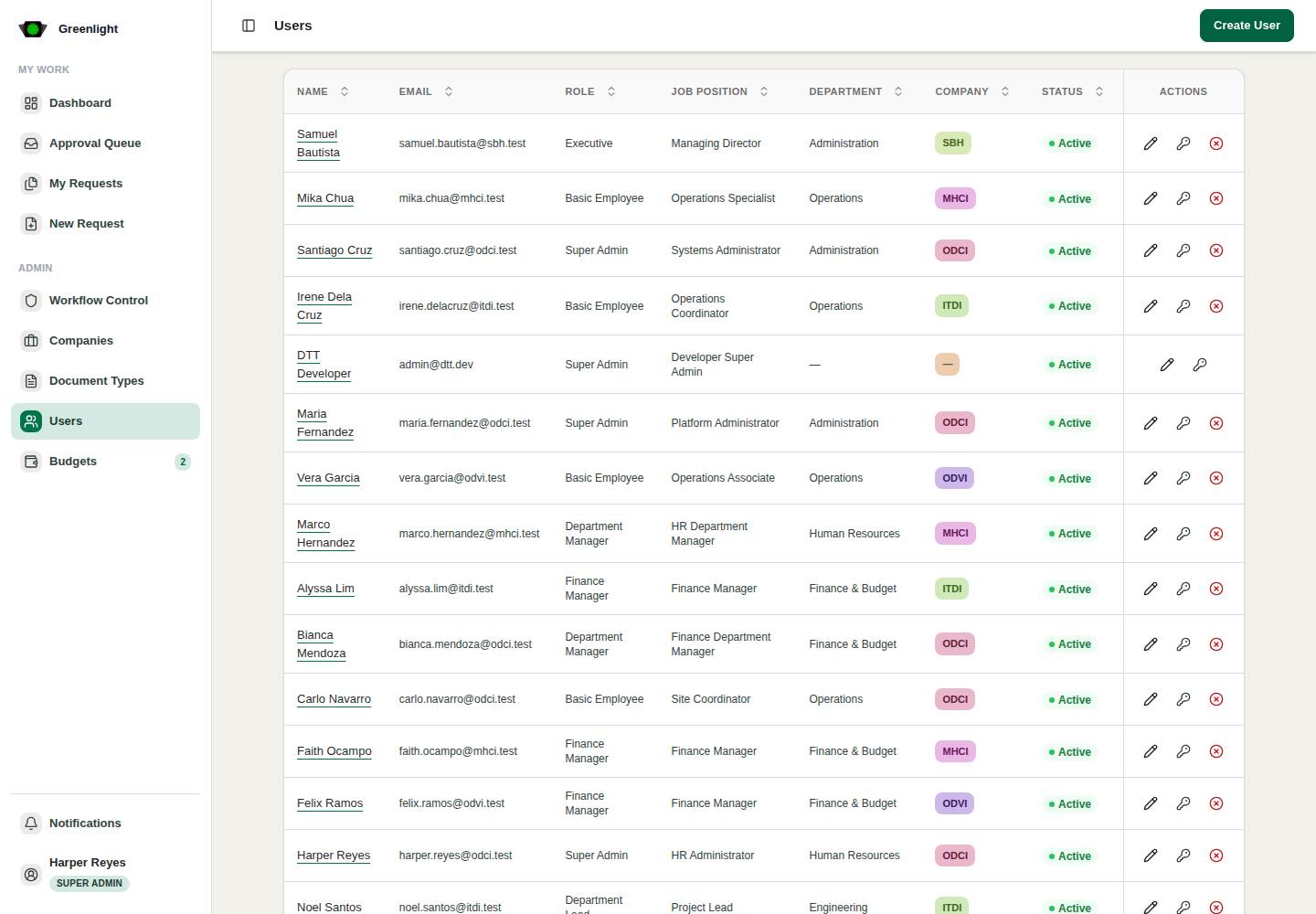
- 3 Users: invitations, verification, company assignments with roles and departments, password resets, disabling.
- 4 Inside Proposals: Void an approved paper or Halt a running chain from the row actions when normal routing cannot resolve it.
- 5 Inside Queue: All users shows every job across the accounts you administer.
- 6 DTT Admin only: System settings, Captured mail, Create User, and the legacy monthly Budgets page at /admin/budgets.
Admin safety
- Prefer the normal actions — return, revise, resubmit — before Halt or Void.
- Every intervention writes an audit entry with your name and the reason.