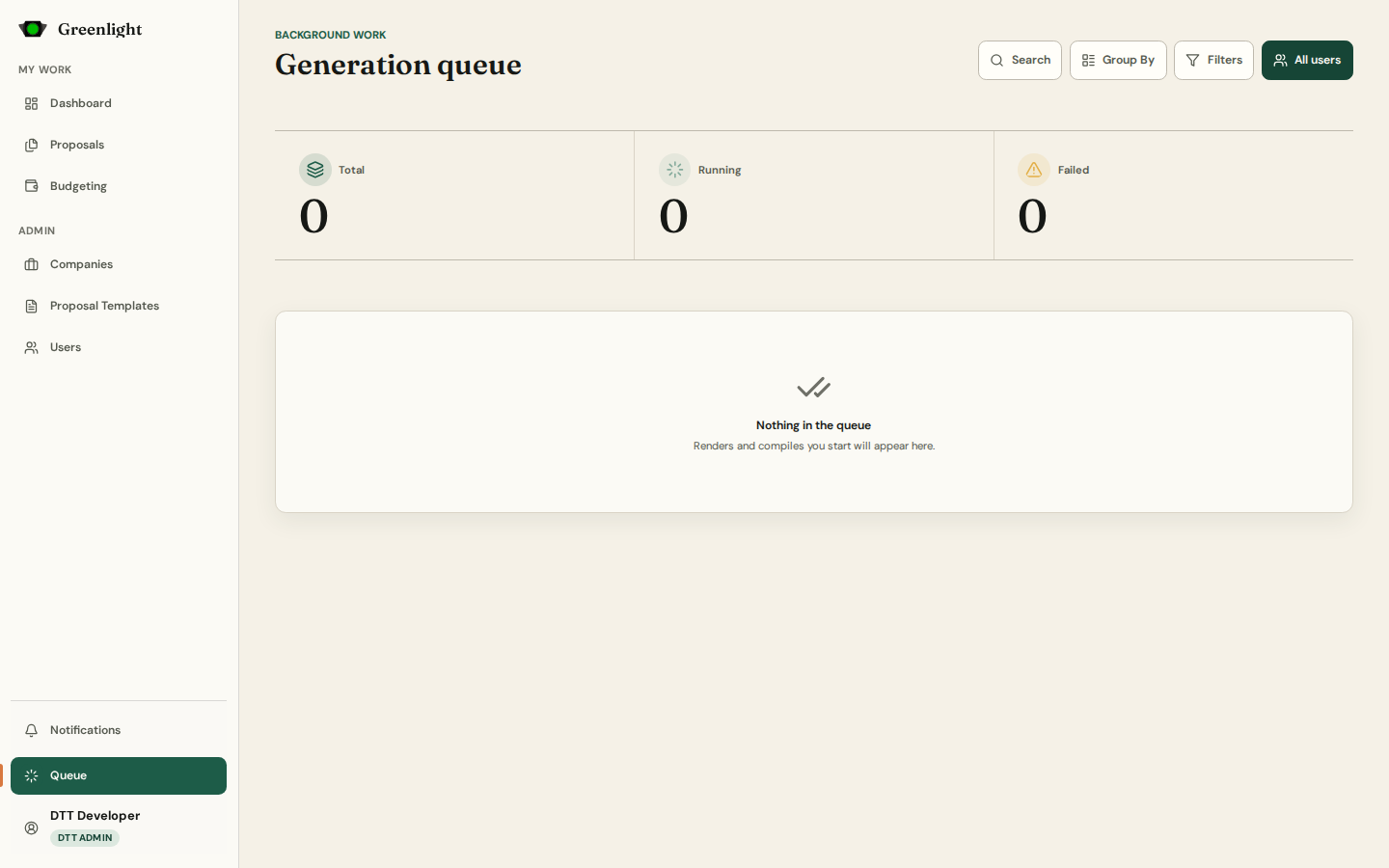
How to use this page
- 1 Open Queue from the sidebar foot; the same list pops up from the sidebar item while jobs are running.
- 2 Total, Running and Failed count what is listed. Search and Filters narrow by status and kind.
- 3 Only me / All users switches between your own jobs and every account you administer (administrators only).
- 4 Group By › By User bunches each owner's jobs together; Normal is newest first.
- 5 Retry a failed job; Cancel one that is still waiting (a job already rendering cannot be stopped); Dismiss a finished row.
- 6 A failed render keeps its reason in the row — a missing Chrome, a print page that timed out — so you can tell what to fix.
Four queues
- Renders, default work, notifications and audit each have a queue; one worker can carry all four.
- Paper pages never block on a render: Open PDF and Download wait for the job and then serve the file.