How to use this page
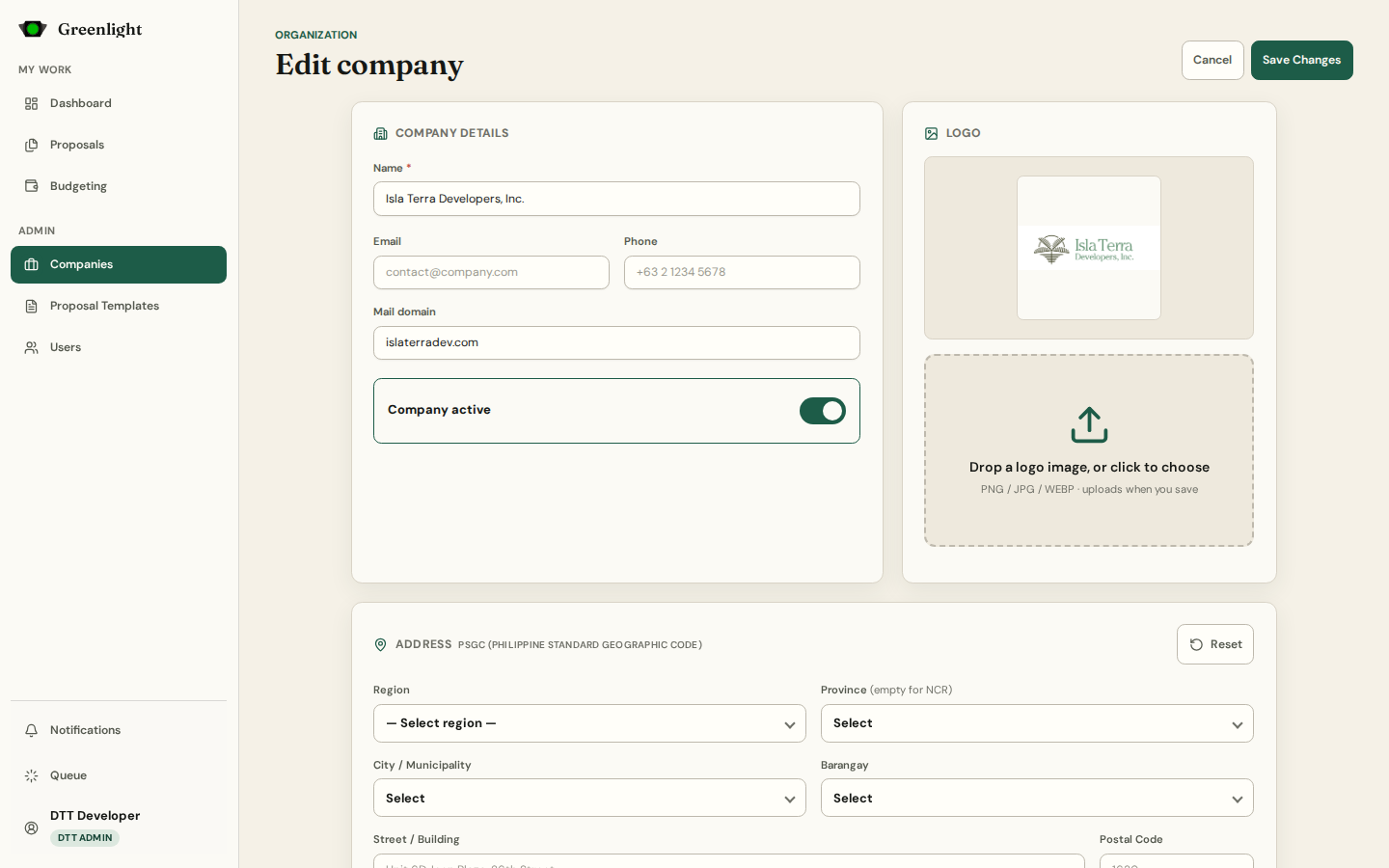
- 1 Add Company opens the form: name, initials, logo, address and the metadata printed on generated documents.
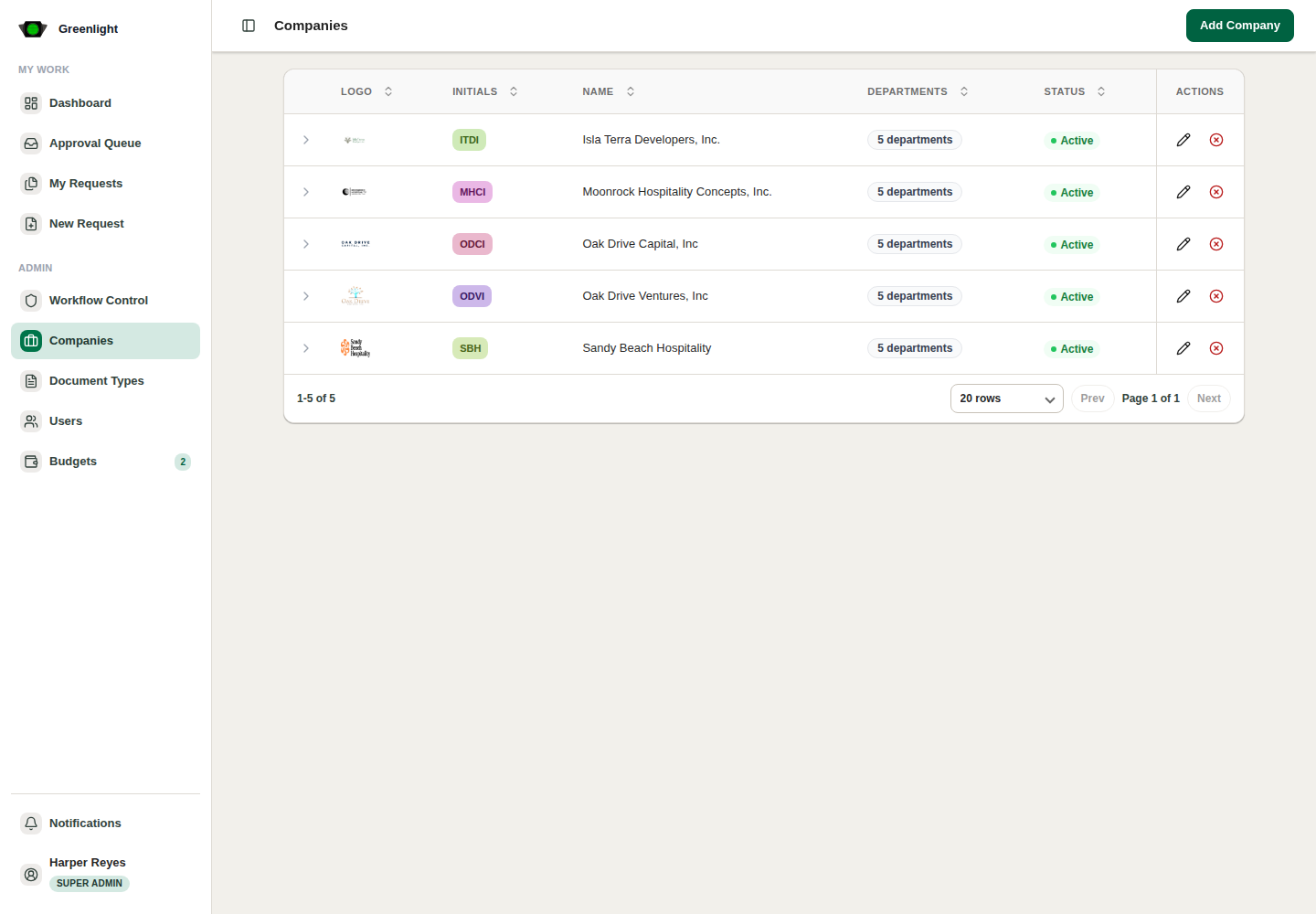
- 2 Expand a row (the chevron) to see its departments; add, rename, archive and restore departments there or from Edit.
- 3 Edit updates the record; Deactivate hides a company from new work while keeping its history; Delete is only offered when nothing depends on it.
- 4 The Departments column counts live departments; the Status pill shows Active or inactive.
Troubleshooting
- Check the company before debugging missing users or invisible proposals.
- Department changes flow into user assignments and signatory rules that require a matching department.
Screenshots
Page states