How to use this page
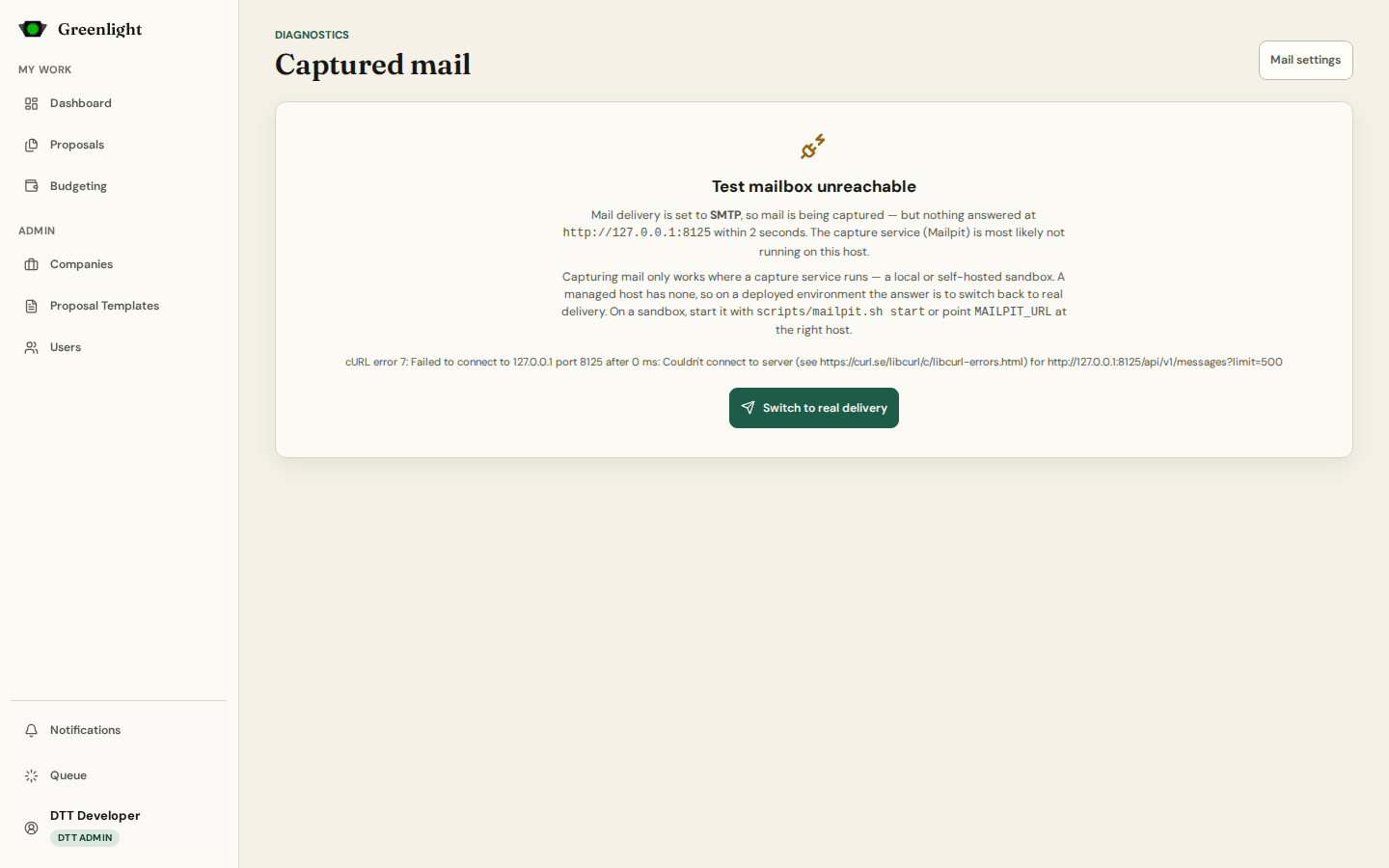
- 1 Open /mail (also linked from Settings › Mail). It lists captured messages on the standard list table; open one to read the full body, including the signed approval links.
- 2 When the capture service is not running the page says so and offers Switch to real delivery.
- 3 Read-only by design: nothing here can be forwarded or deleted.
Use it to
- Check what an invitation or approval email looks like before enabling real delivery.
- Follow an access link the way a recipient would.