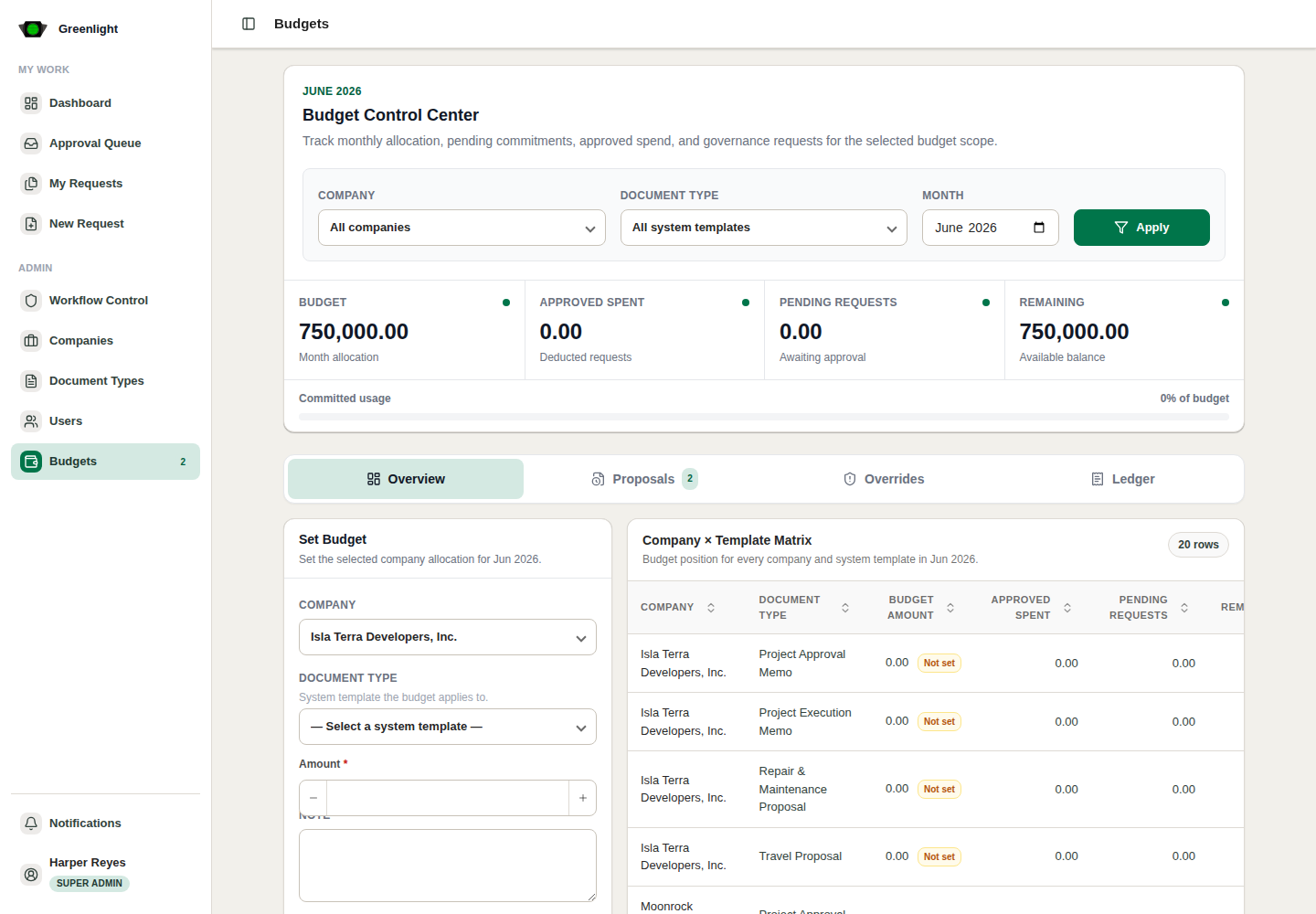
How to use this page
- 1 Open /admin/budgets directly; the sidebar no longer links it.
- 2 Pick month, company and system template, then read the Overview: budget, approved spend, pending, remaining.
- 3 Proposals: approve, reject with a note, or accept with edits a monthly change a finance user proposed.
- 4 Overrides: final-approval exceptions where the month's budget was insufficient.
- 5 Ledger: deductions, reversals and balance movements for audit.
Today
- Proposal and budgeting papers do not use the monthly engine; their envelope lives on the proposal.
- Use this page only for documents that still carry a monthly budget requirement.