Help Center
Greenlight Help Center
Task-focused guides for proposals, approvals, budgeting, your account, and administration.
End-to-end sequence
Getting started: the order of things
What has to happen, in what order, and who does it — from the first company record to a signed PDF. Each step links to its detailed guide.
- 1 Create companies and departments
- 2 Invite the people
- 3 Accept the invite and set yourself up
- 4 Verify accounts and assign roles
- 5 Configure proposal templates and papers
- 6 Create a proposal
- 7 Review and approve
- 8 Spend against the approved budget
- 9 Find what was approved
- 10 Get the signed PDF
- 11 Keep up and tune the system
Each help address mirrors the application address where there is one: /proposals/create is explained at /help/proposals/create, /admin/users at /help/admin/users.
Setup
Setup guides
End-to-end sequence
Getting started: the order of things
What has to happen, in what order, and who does it — from the first company record to a signed PDF. Each step links to its detailed guide.
 Invitee
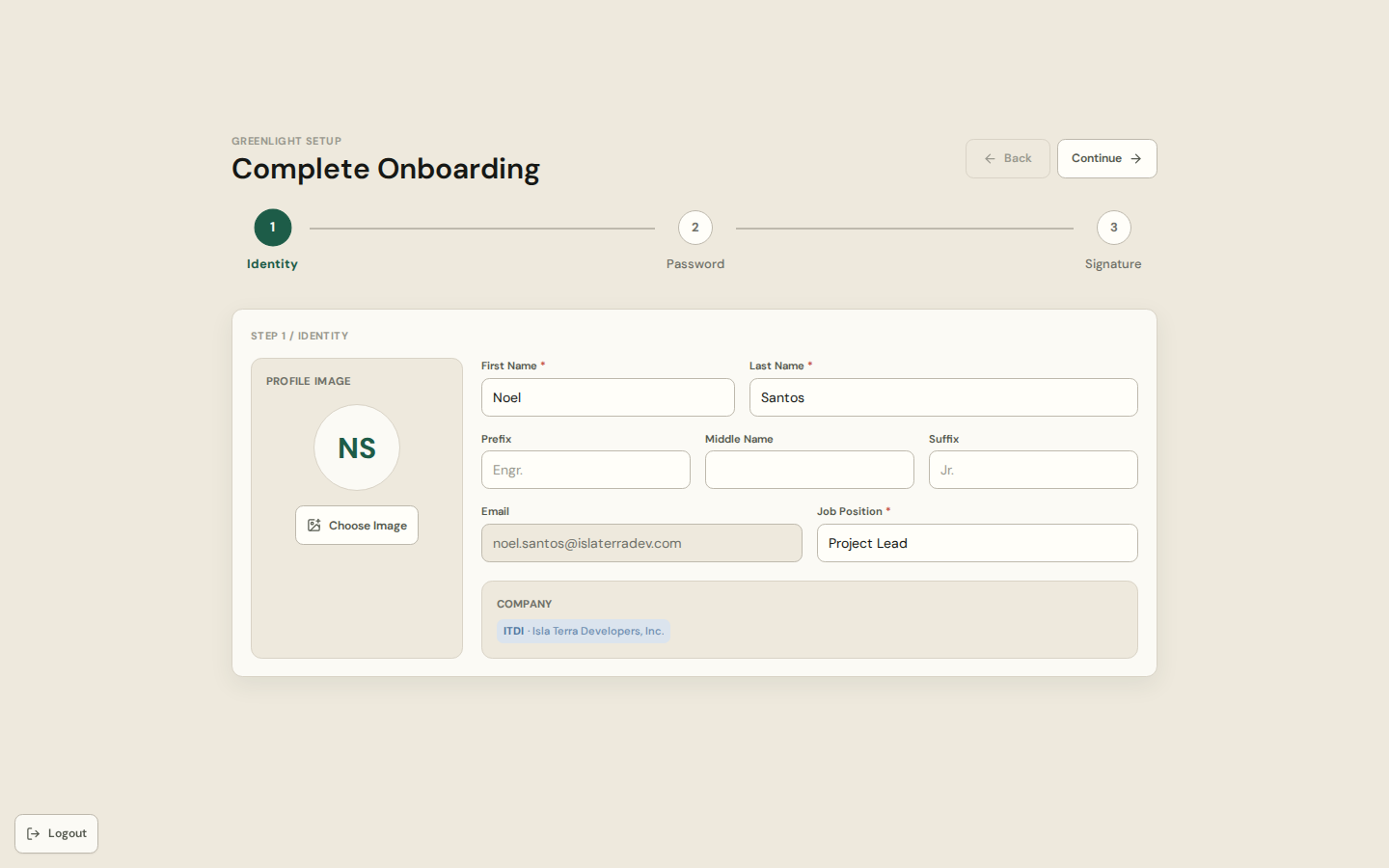
Your first sign-in
From the invitation email to a verified account: onboarding, the waiting page, and the ways you can sign in afterwards.
Invitee
Your first sign-in
From the invitation email to a verified account: onboarding, the waiting page, and the ways you can sign in afterwards.
 System readiness
Admin first setup
The checklist an administrator works through before requesters start: companies, departments, people, templates, papers.
System readiness
Admin first setup
The checklist an administrator works through before requesters start: companies, departments, people, templates, papers.
My Work
My Work guides
Start here
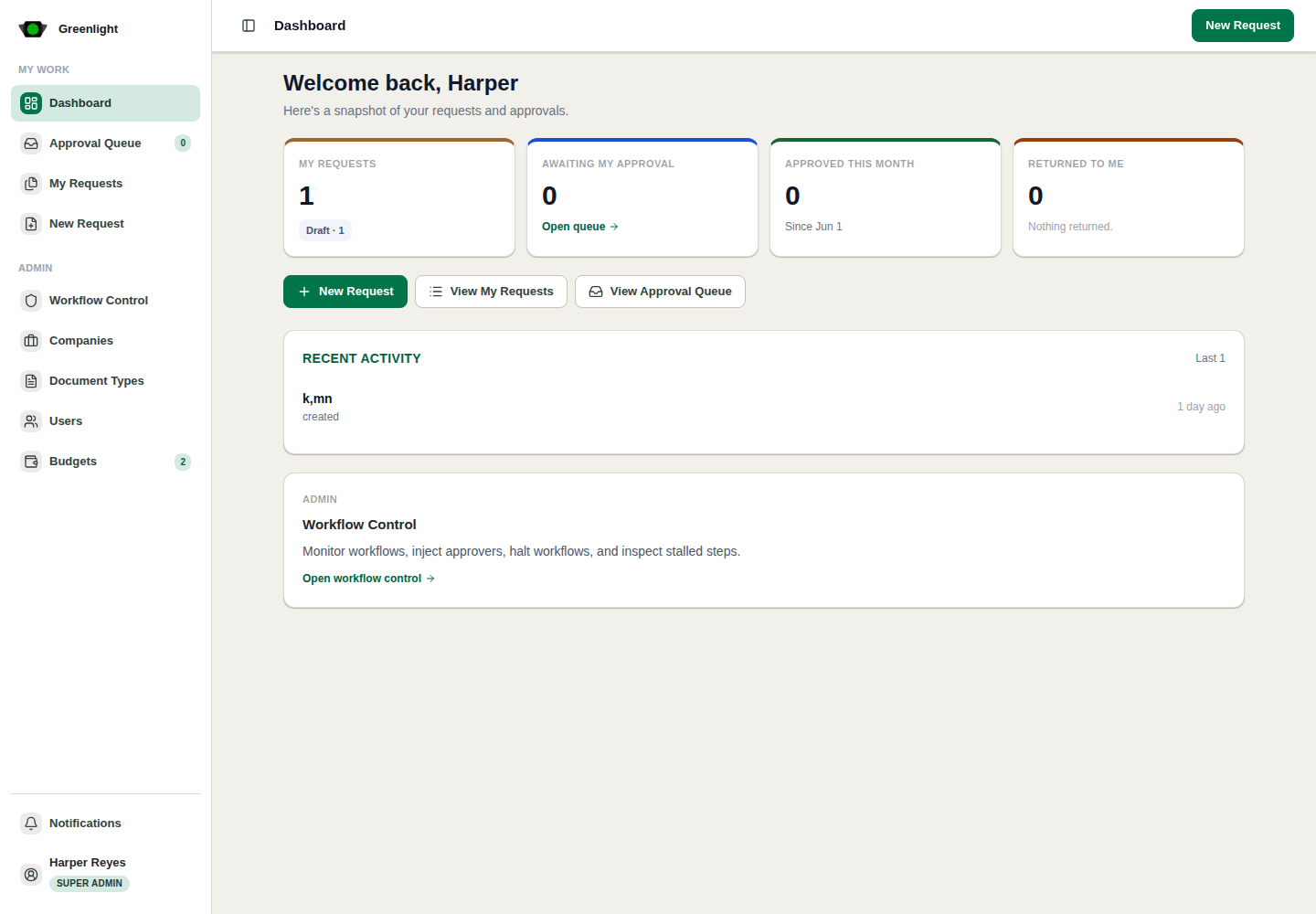
Dashboard
One screen that says where your attention belongs: metrics, approvals in motion, what waits for you, and recent activity.
 Track and find
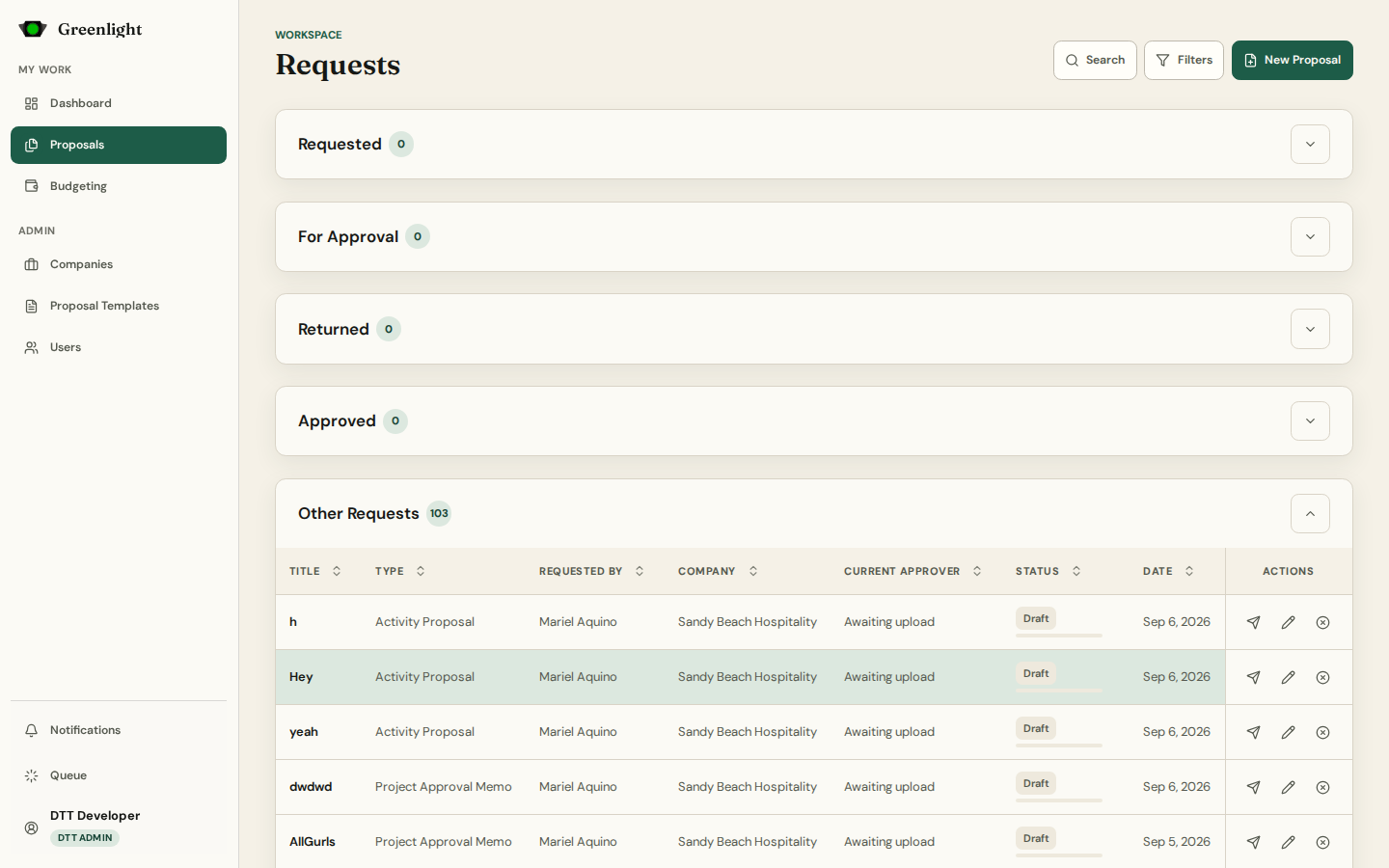
Proposals workspace
Every proposal paper you can see, in lanes: Requested, For Approval, Returned, Approved, and the rest.
Track and find
Proposals workspace
Every proposal paper you can see, in lanes: Requested, For Approval, Returned, Approved, and the rest.
 Create
New proposal
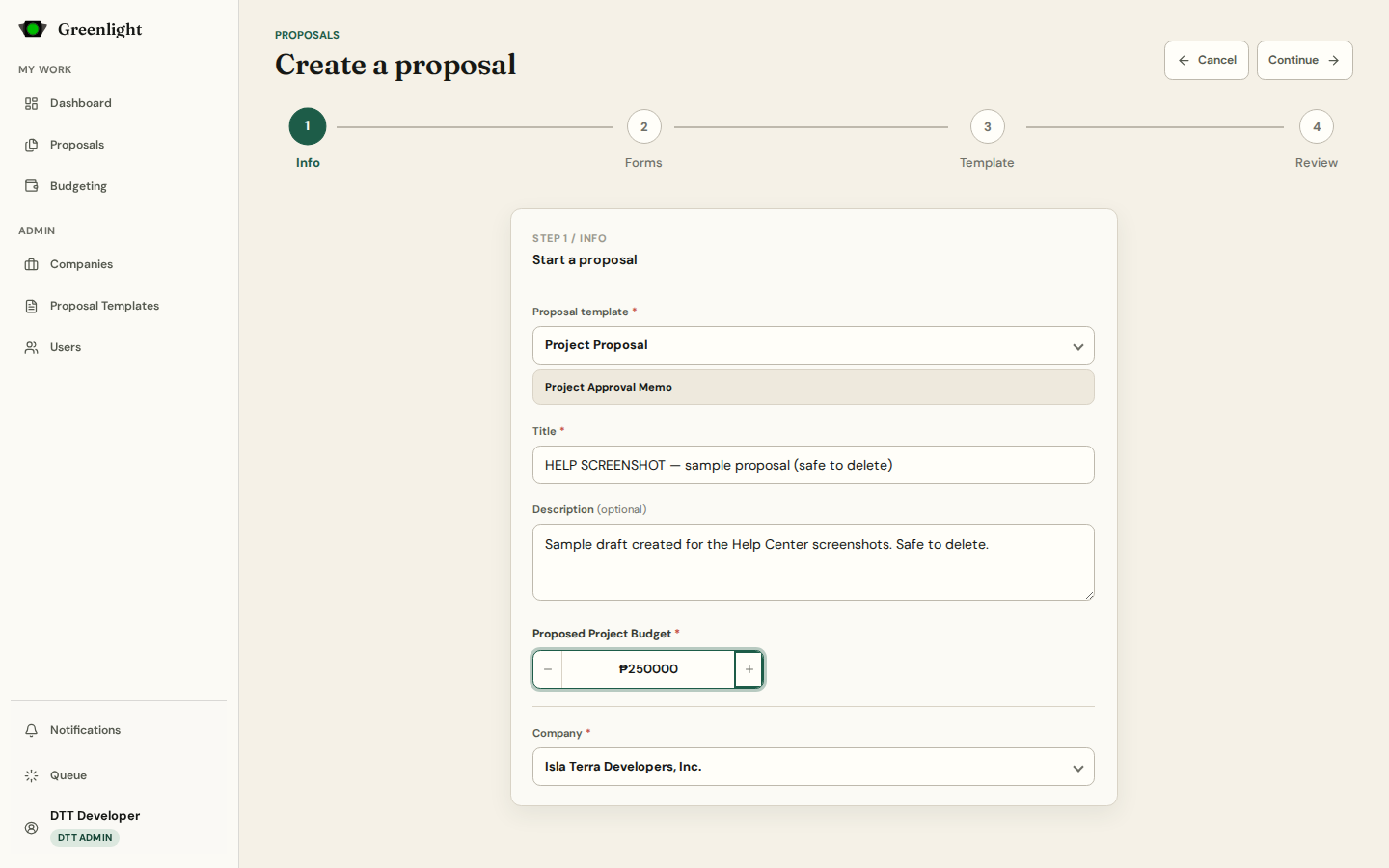
The four-step wizard: Info, Forms, Template, Review. It keeps a draft as you type and the address bar keeps your place.
Create
New proposal
The four-step wizard: Info, Forms, Template, Review. It keeps a draft as you type and the address bar keeps your place.
 The chain
Proposal overview
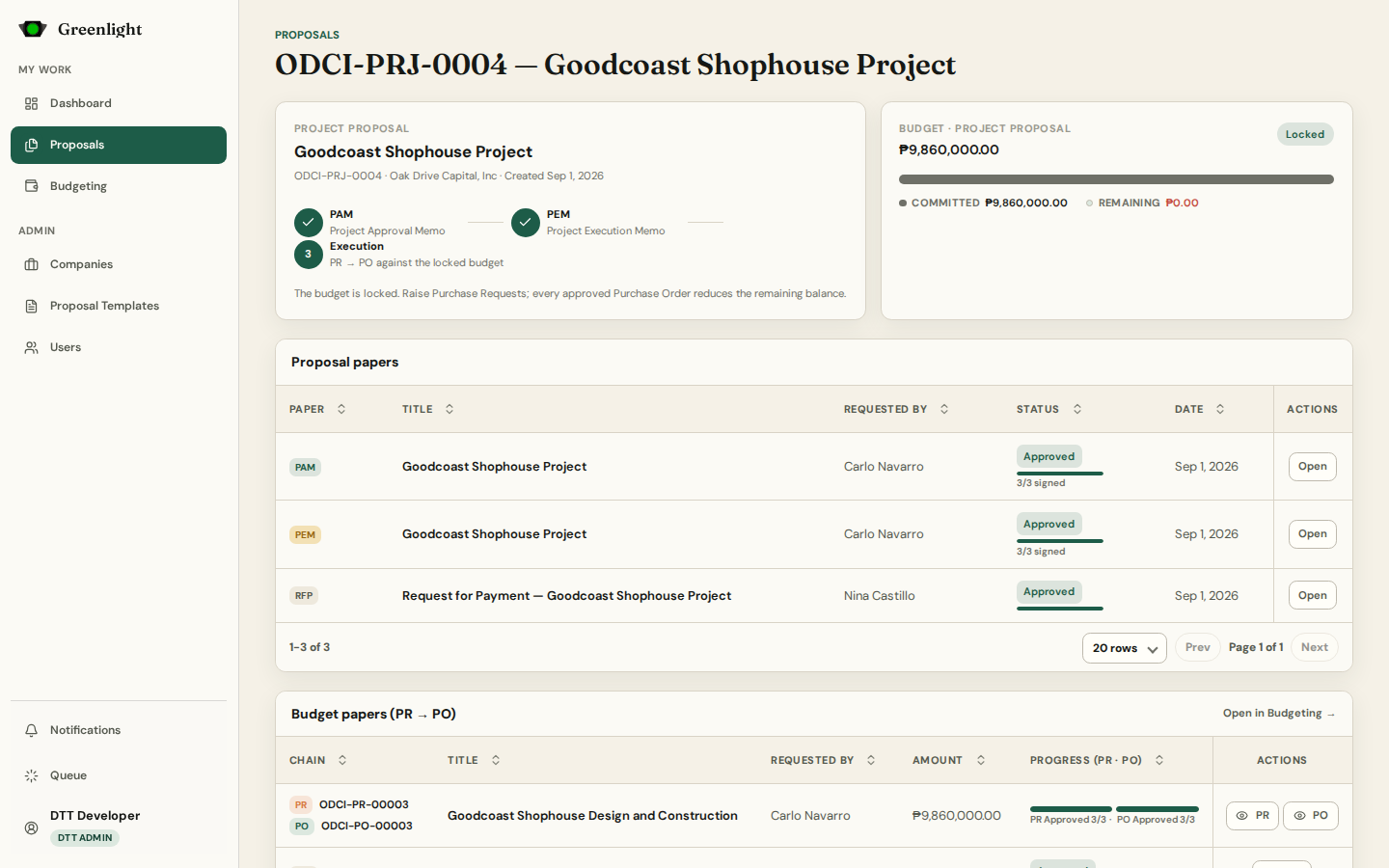
One page per proposal: its papers in order, its budget, the budget papers drawn against it, and the ledger of movements.
The chain
Proposal overview
One page per proposal: its papers in order, its budget, the budget papers drawn against it, and the ledger of movements.
 One paper, everything about it
The paper page
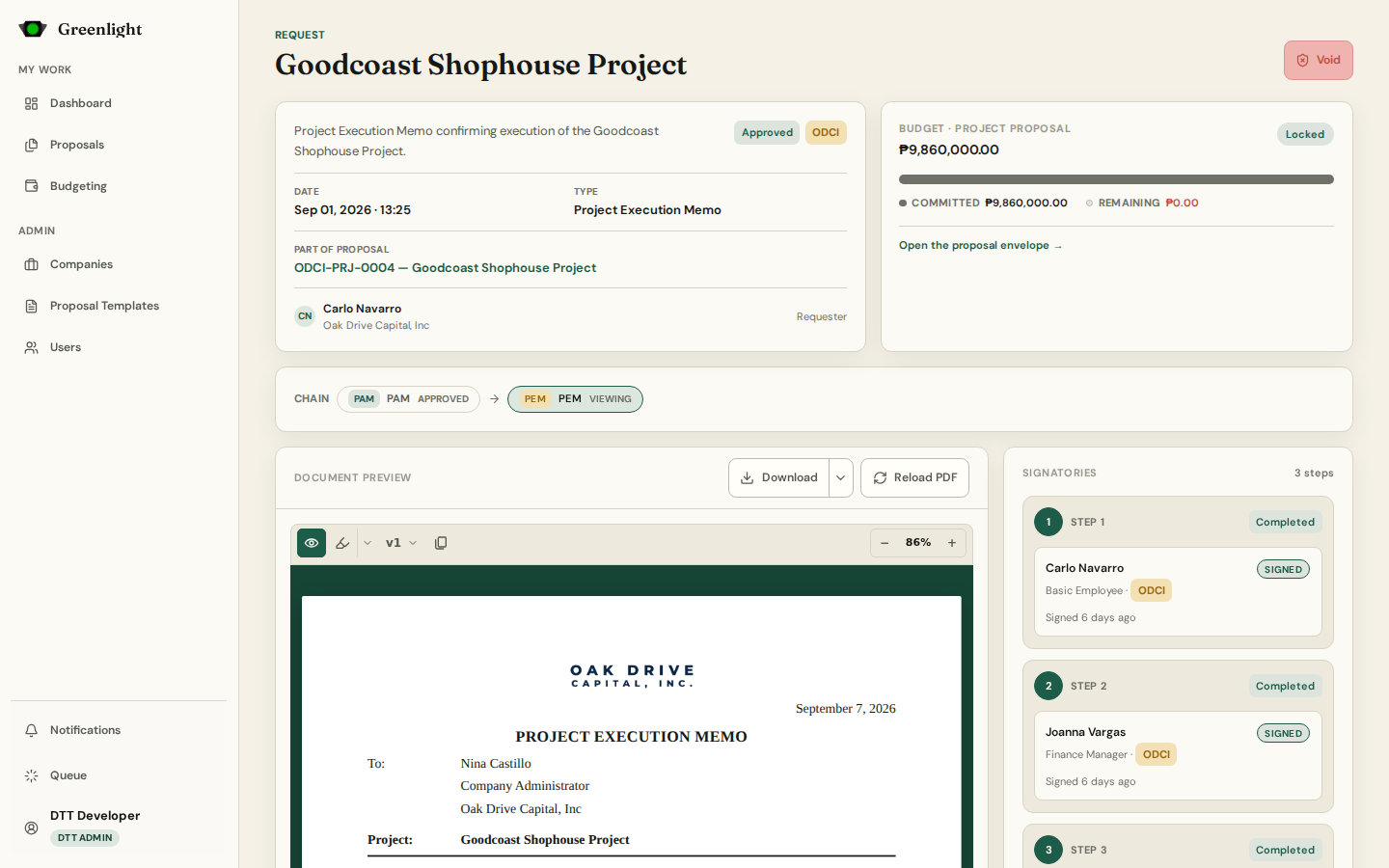
The complete record of one paper: the rendered document, its versions, annotations and chat, the signatory chain, and the audit trail.
One paper, everything about it
The paper page
The complete record of one paper: the rendered document, its versions, annotations and chat, the signatory chain, and the audit trail.
 Approver
Approving and returning
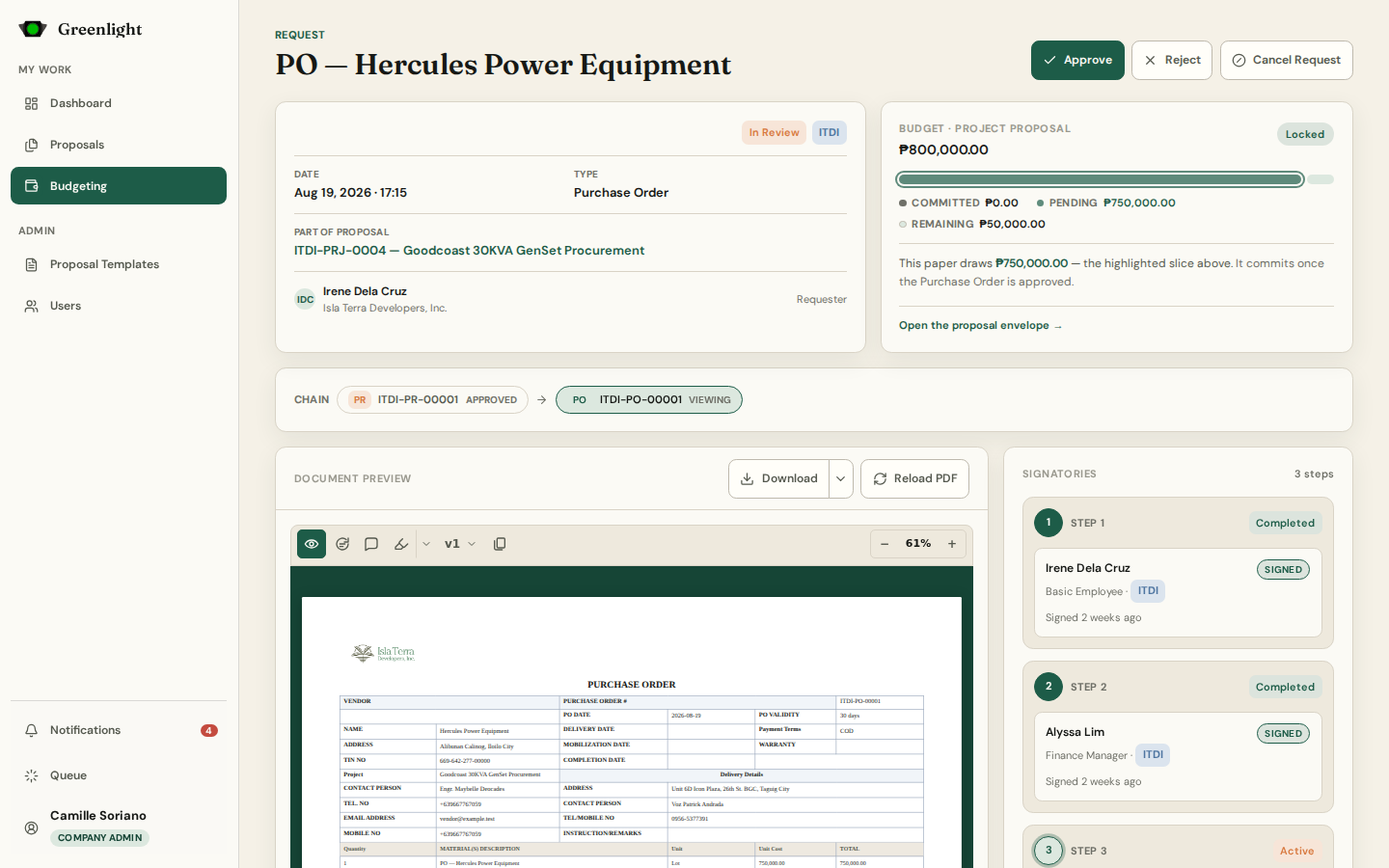
What an approver does with a paper that reached them: read, annotate, then Approve, request a revision, or Reject.
Approver
Approving and returning
What an approver does with a paper that reached them: read, annotate, then Approve, request a revision, or Reject.
 PR → PO → RFP
Budgeting
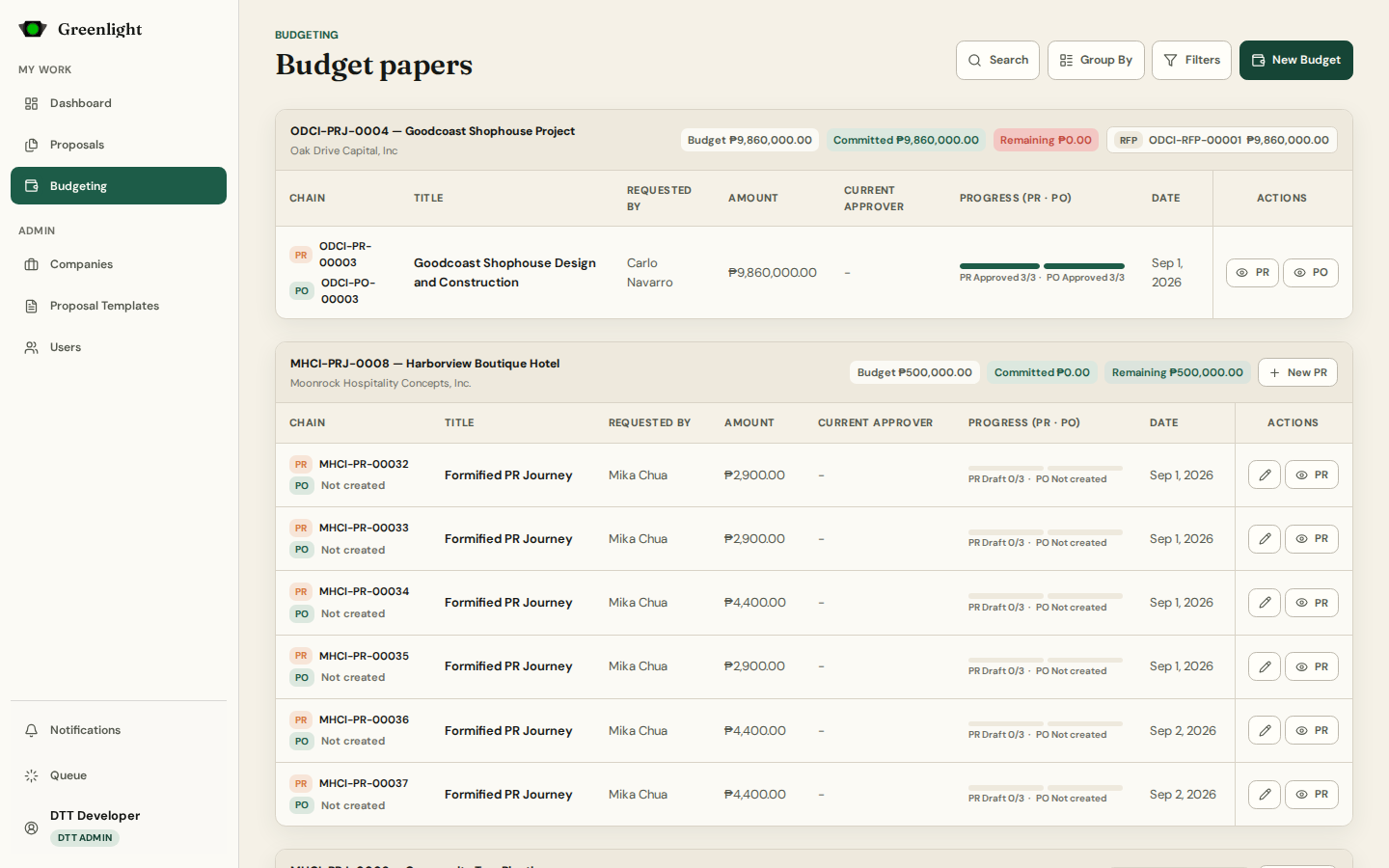
The procurement papers raised against an approved proposal budget: Purchase Requests ask, Purchase Orders commit, the Request for Payment compiles itself.
PR → PO → RFP
Budgeting
The procurement papers raised against an approved proposal budget: Purchase Requests ask, Purchase Orders commit, the Request for Payment compiles itself.
 Background work
Generation queue
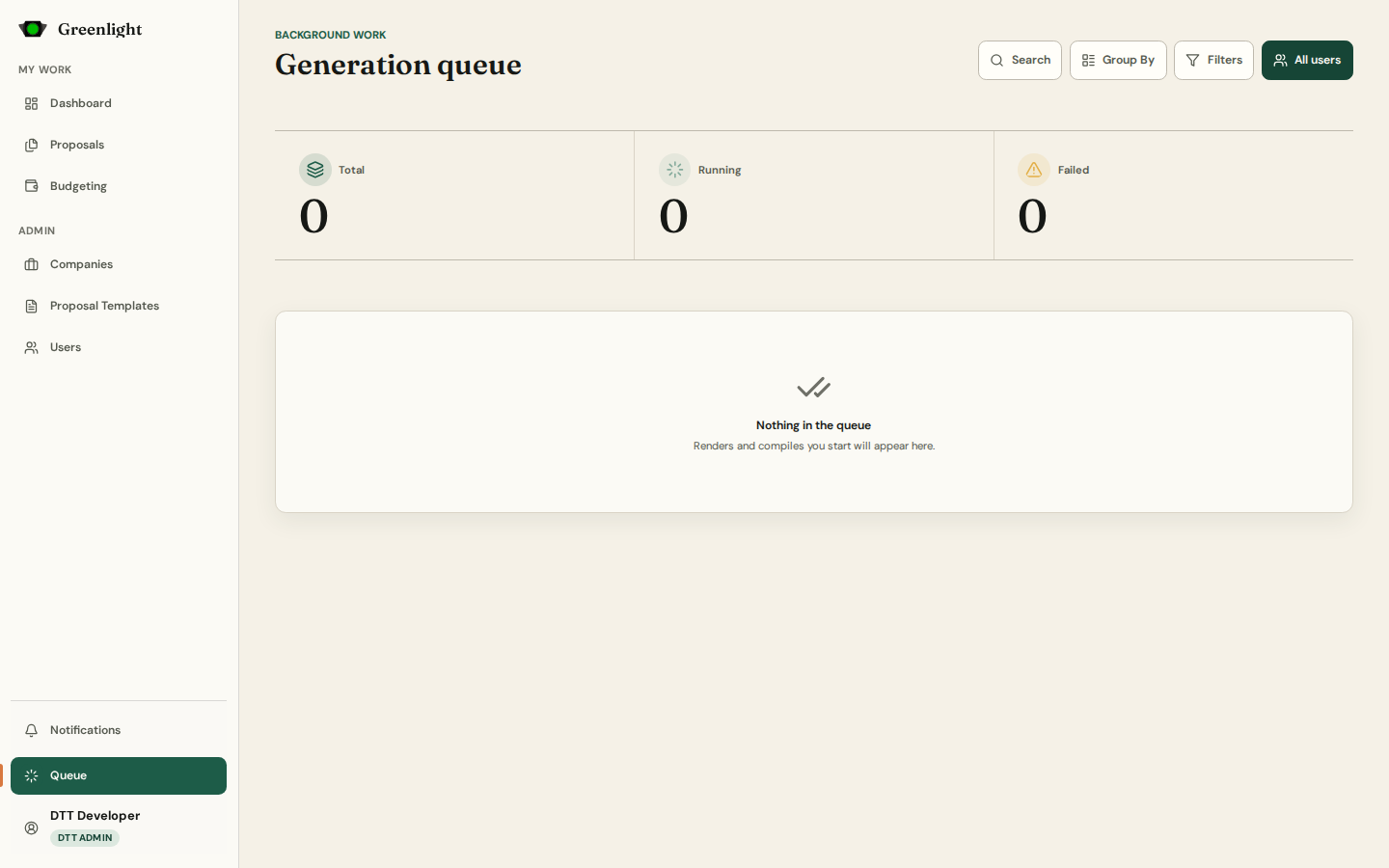
Document renders, PDF regenerations and RFP compiles run in the background; this page shows them and lets you retry or stop one.
Background work
Generation queue
Document renders, PDF regenerations and RFP compiles run in the background; this page shows them and lets you retry or stop one.
 Inbox
Notifications
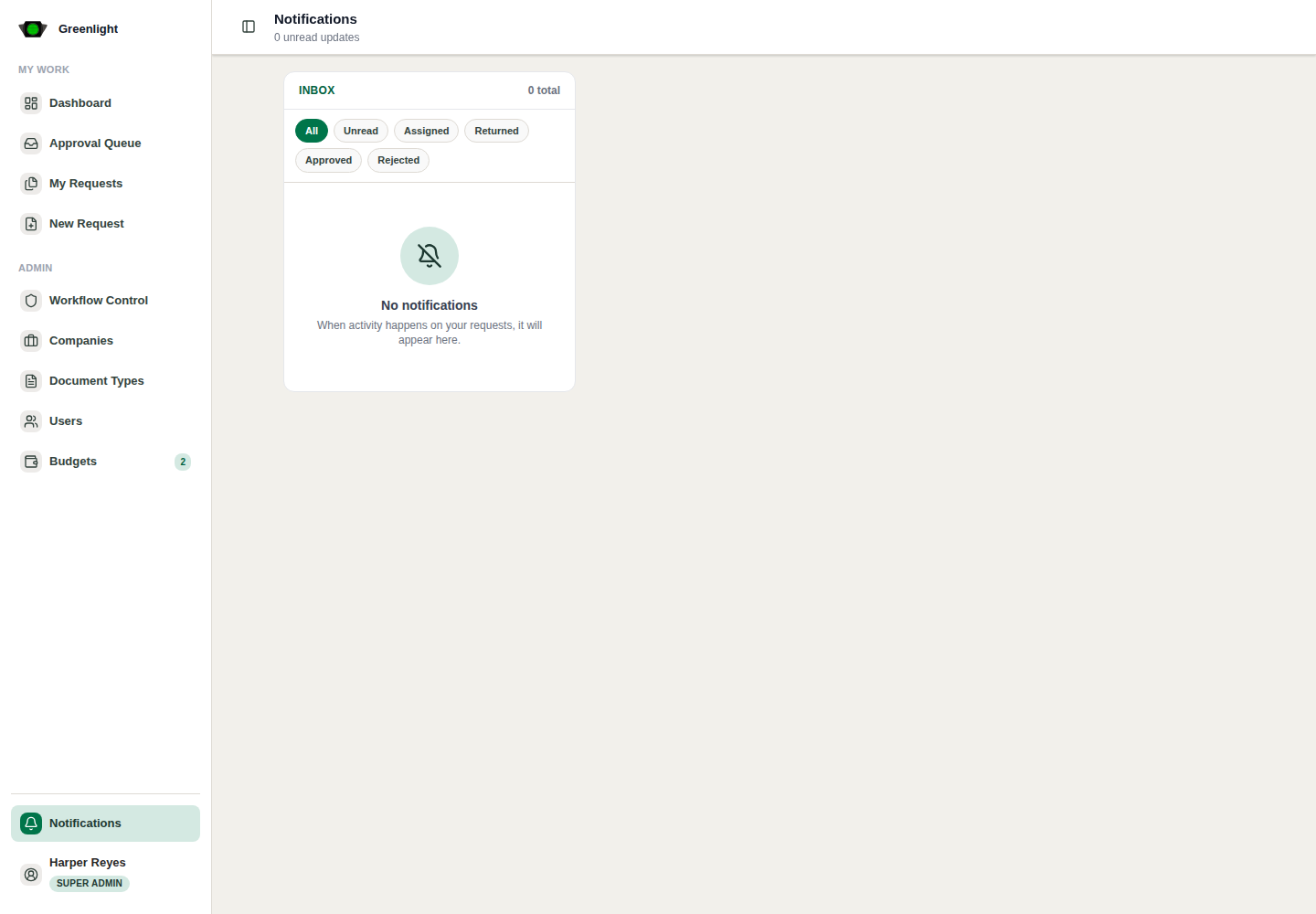
Every workflow event that concerns you — assignments, returns, approvals, reminders, cancellations — kept beyond the popup.
Inbox
Notifications
Every workflow event that concerns you — assignments, returns, approvals, reminders, cancellations — kept beyond the popup.
Account
Account guides
 You
Account settings
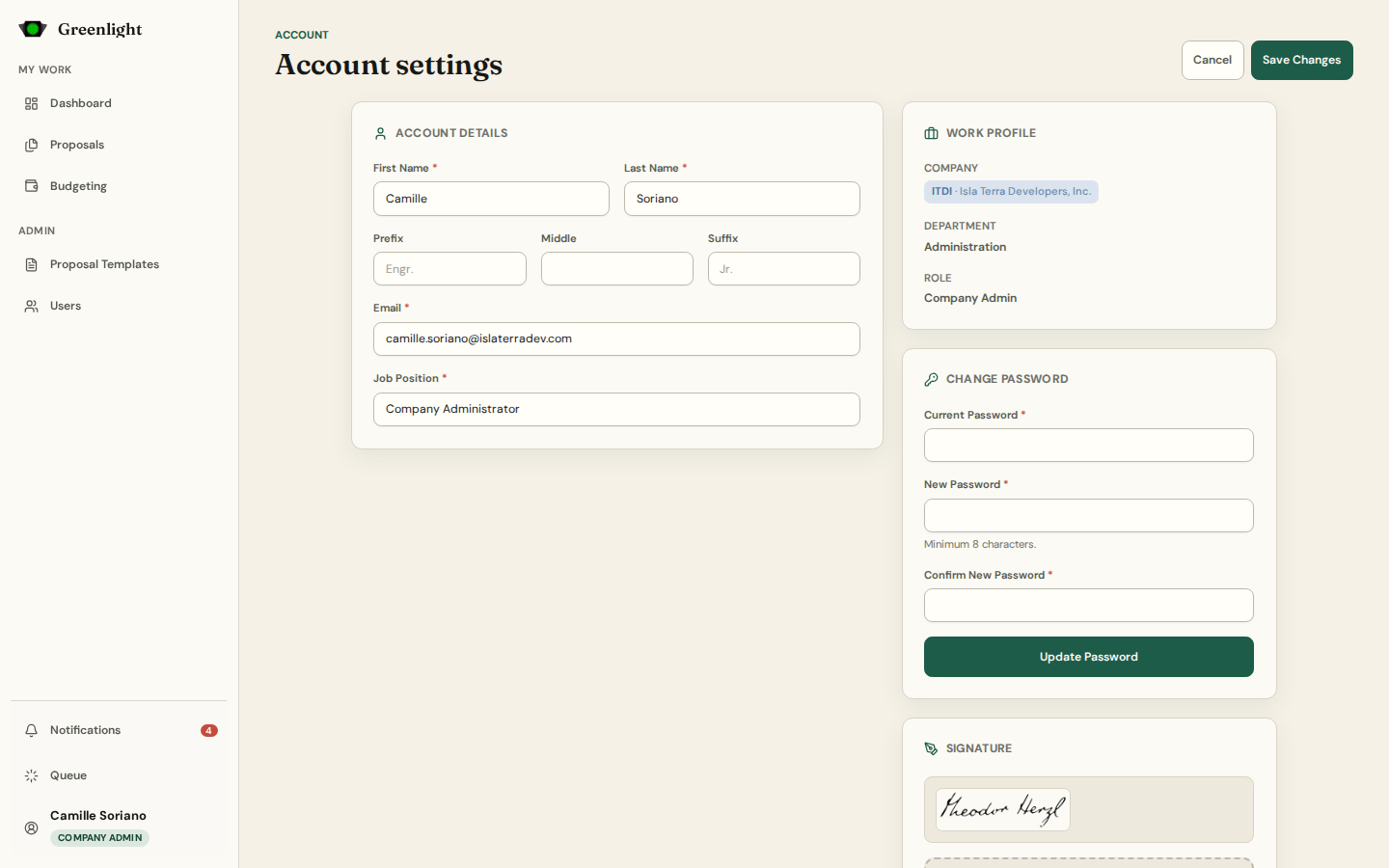
Identity, work profile, password, signature — and, from the account menu, the company you are working as.
You
Account settings
Identity, work profile, password, signature — and, from the account menu, the company you are working as.
 Preferences and system
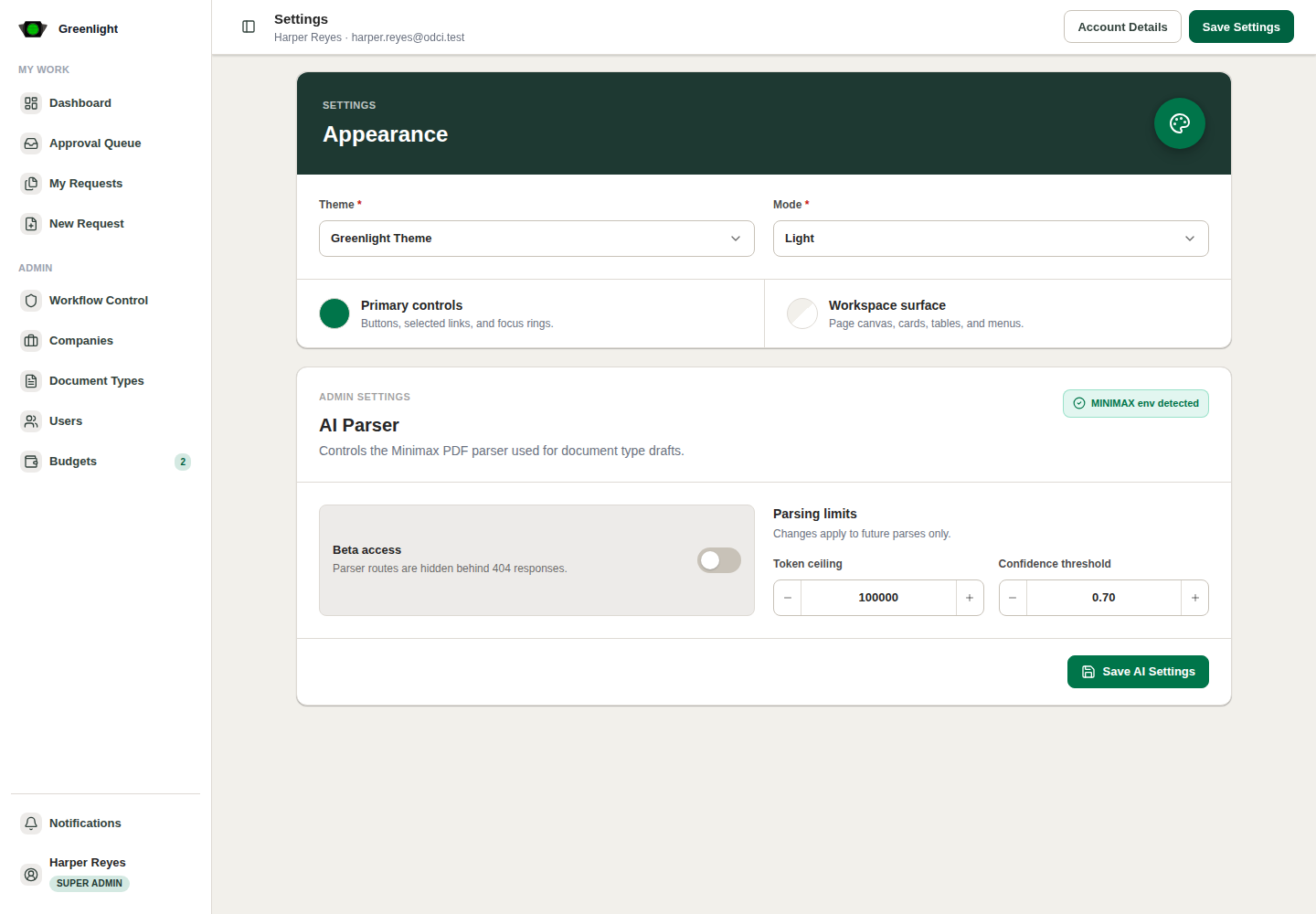
Settings
Your appearance and alert preferences; for a DTT Admin, the system settings too — Descriptions level, login methods, mail, AI parser, request rules.
Preferences and system
Settings
Your appearance and alert preferences; for a DTT Admin, the system settings too — Descriptions level, login methods, mail, AI parser, request rules.
Admin
Admin guides
 Where administrators work
Admin overview
The Admin section of the sidebar — Companies, Proposal Templates, Users — plus the administrative actions that live inside the workspaces.
Access
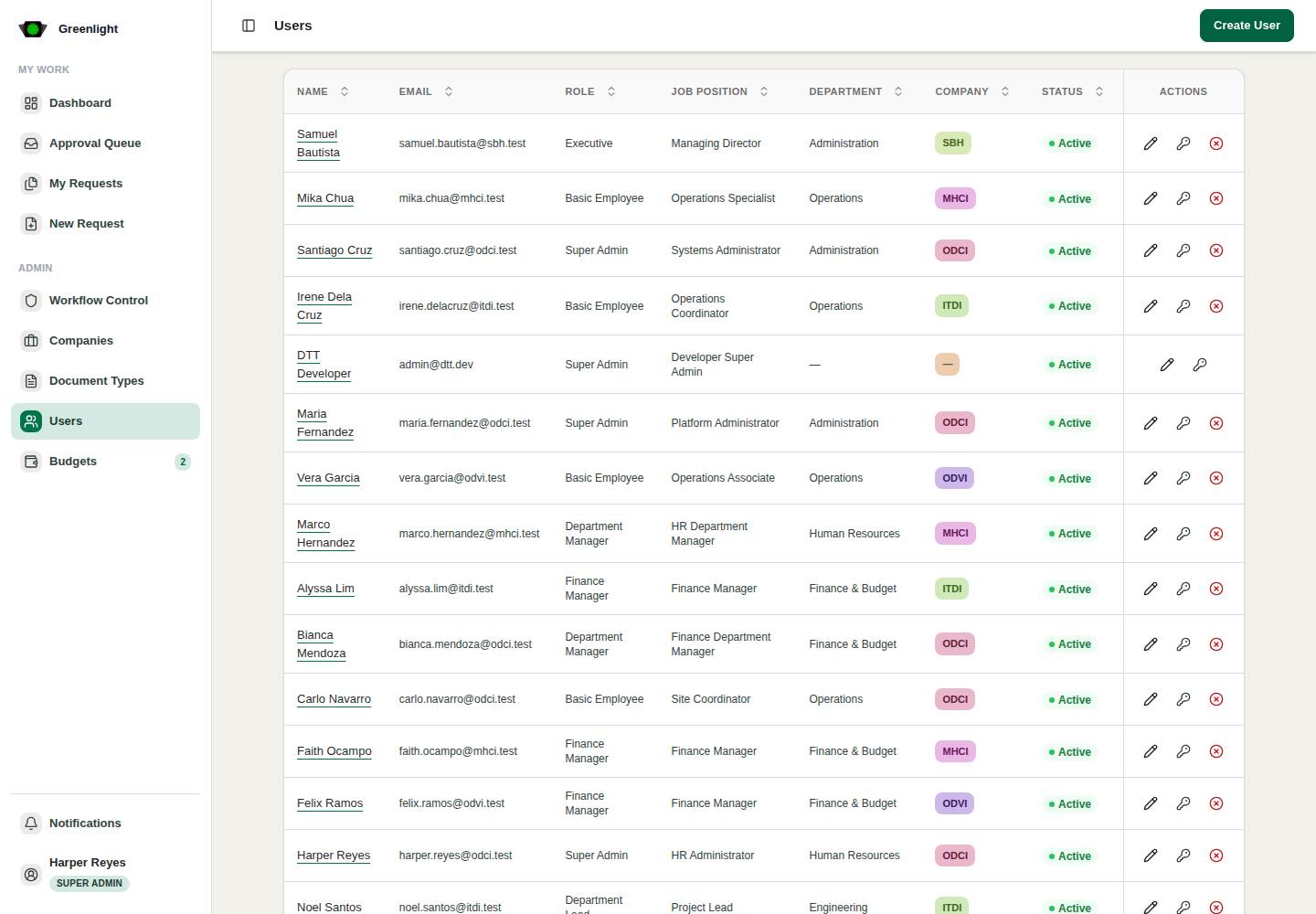
Users
People in four lanes — Invited, Accepted, Verified, Disabled — with bulk email invitations, verification, and multi-company assignments.
Organization
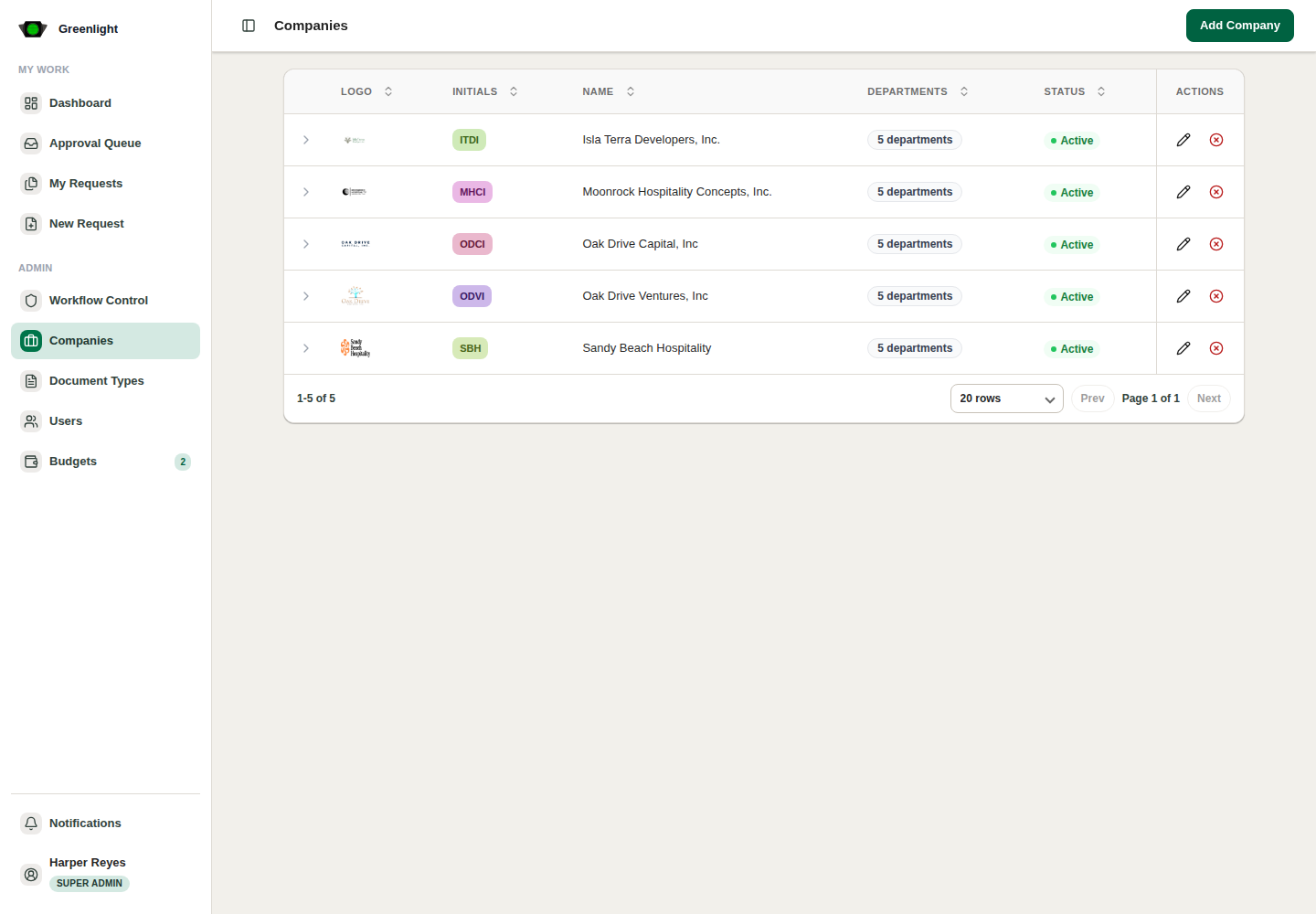
Companies
Company identities, departments, and operating status — the context everything else is scoped to.
Where administrators work
Admin overview
The Admin section of the sidebar — Companies, Proposal Templates, Users — plus the administrative actions that live inside the workspaces.
Access
Users
People in four lanes — Invited, Accepted, Verified, Disabled — with bulk email invitations, verification, and multi-company assignments.
Organization
Companies
Company identities, departments, and operating status — the context everything else is scoped to.
 Chains of papers
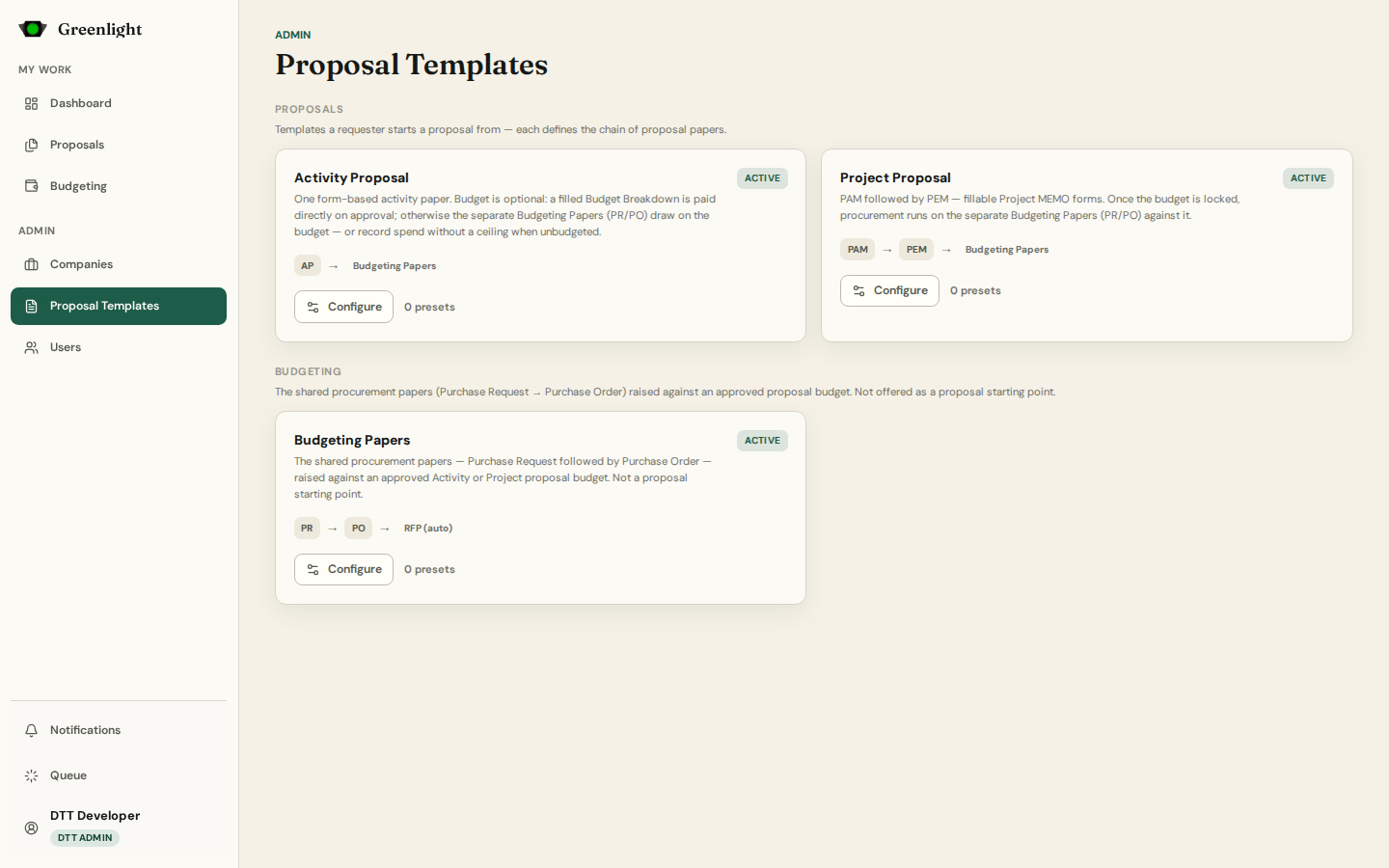
Proposal templates
The templates a requester starts from — Activity Proposal, Project Proposal — and the shared Budgeting Papers, each a chain with default signatories and presets.
Chains of papers
Proposal templates
The templates a requester starts from — Activity Proposal, Project Proposal — and the shared Budgeting Papers, each a chain with default signatories and presets.
 Form & Signatories
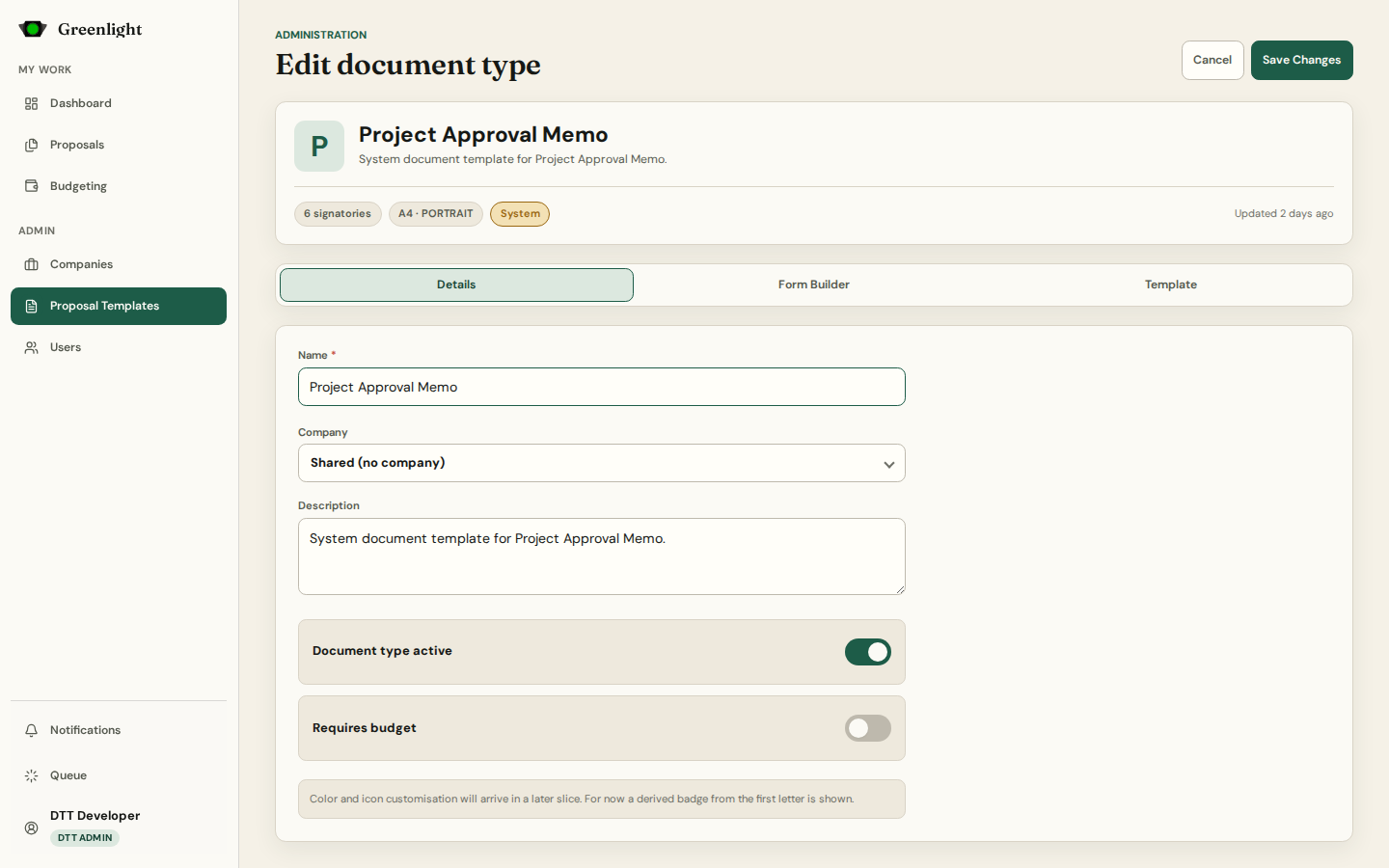
Paper editor: Details, Form Builder, Template
Each paper in a chain rides a document type. Its editor holds the details and signatory ladder, the fillable form, and the page template with page view and rulers.
Form & Signatories
Paper editor: Details, Form Builder, Template
Each paper in a chain rides a document type. Its editor holds the details and signatory ladder, the fillable form, and the page template with page view and rulers.
 Reachable, not in the sidebar
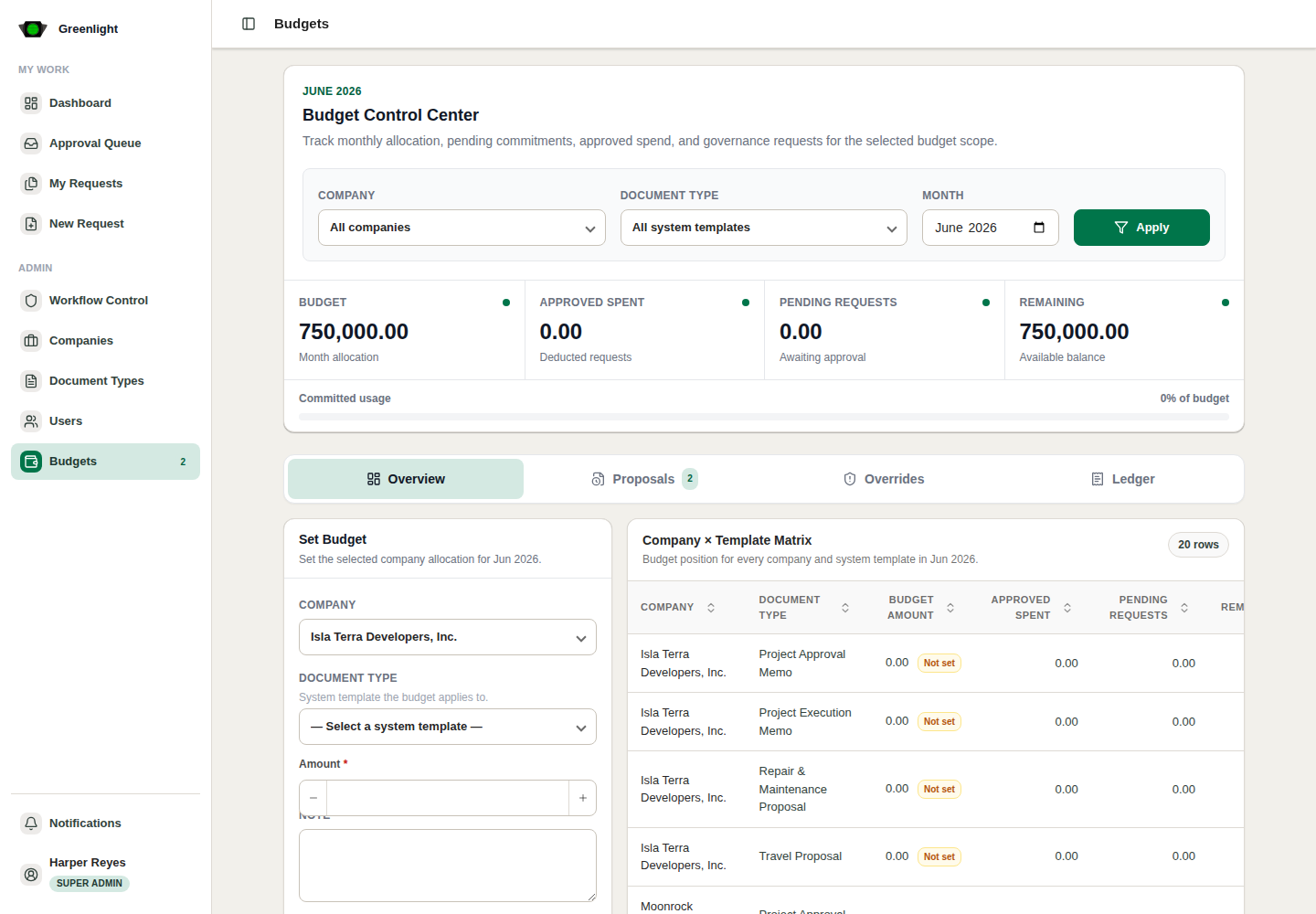
Monthly budgets (legacy)
The older company-month-template budget control: overview, proposals, overrides, ledger. Proposal chains now hold budgets per project, so this page is kept for history.
Reachable, not in the sidebar
Monthly budgets (legacy)
The older company-month-template budget control: overview, proposals, overrides, ledger. Proposal chains now hold budgets per project, so this page is kept for history.
 Diagnostics
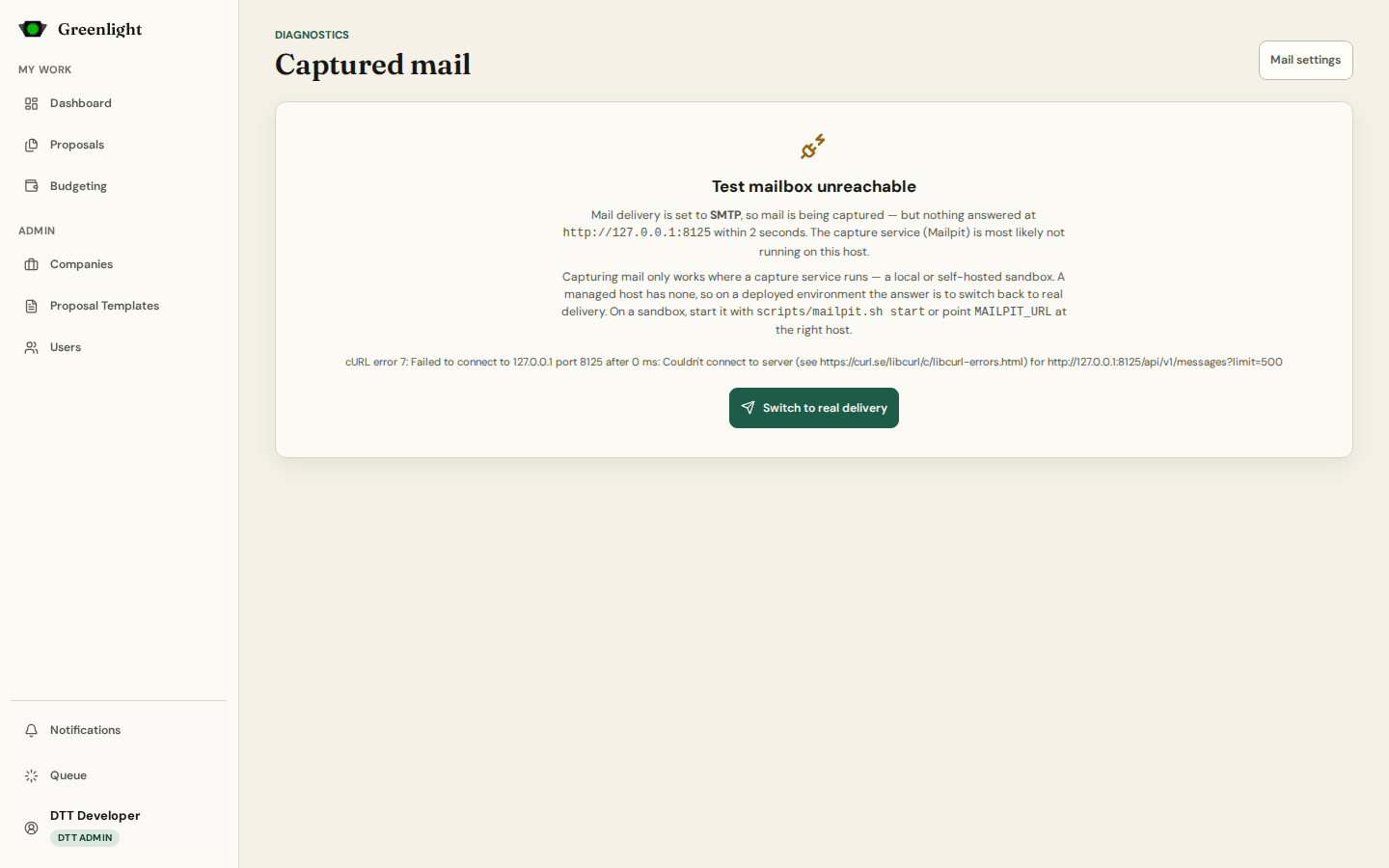
Captured mail
Every notification email the app sent while delivery is set to capture — readable here, delivered to nobody.
Diagnostics
Captured mail
Every notification email the app sent while delivery is set to capture — readable here, delivered to nobody.