How to use this page
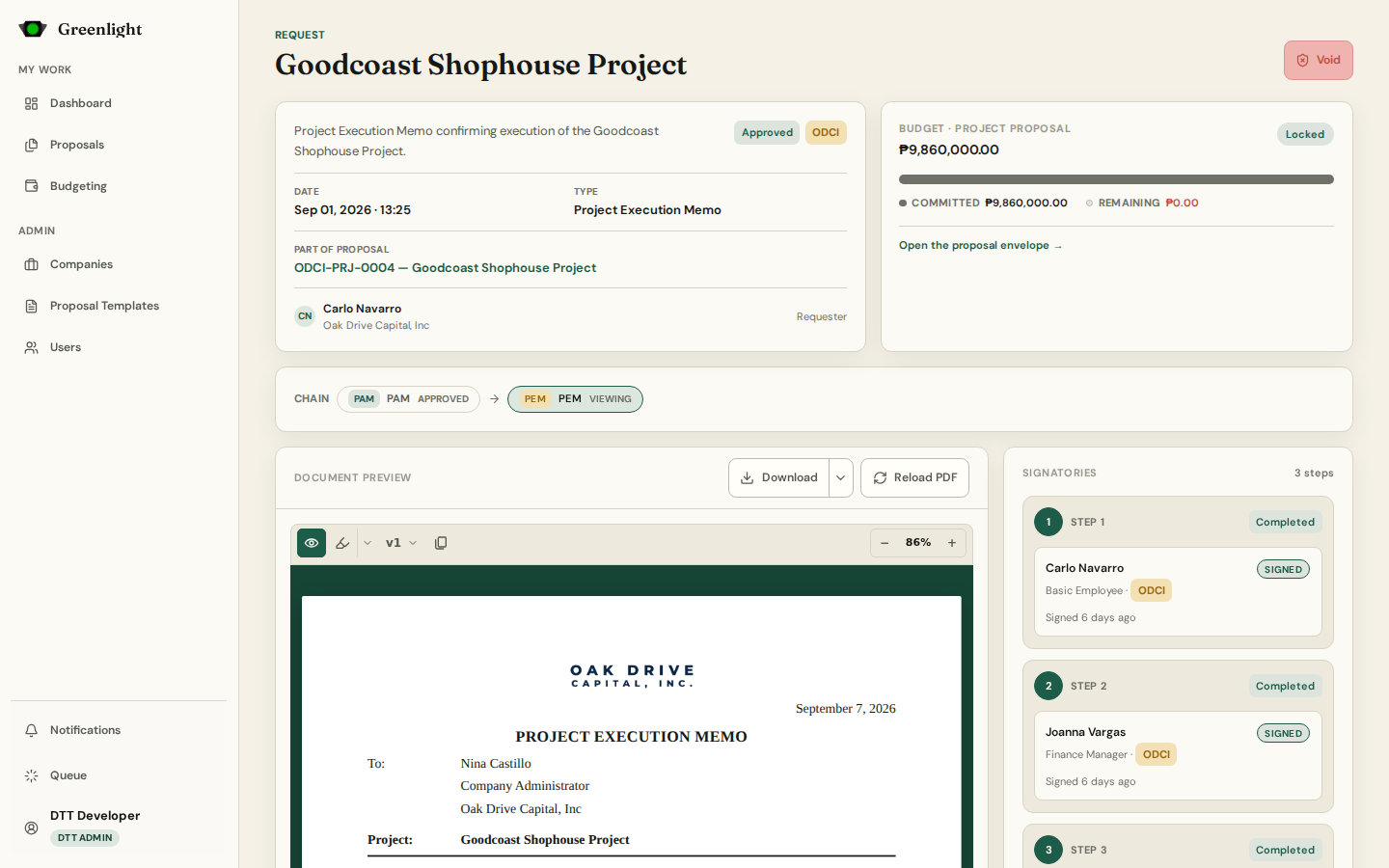
- 1 The top bar carries the actions you can take right now: Submit or Edit on a draft, Revise on a returned paper, Cancel Request, and — for administrators — Void or Delete.
- 2 The document renders in the middle exactly as the PDF will. Open PDF and Download serve the current render; Reload PDF queues a fresh one.
- 3 Annotate (in the document toolbar) pins a highlight, element, box, revise or comment note to a spot on the page; each pin opens its own floating thread.
- 4 The right rail also holds the general chat — a flat feed for the people on the chain — and the signatory ladder with who has acted.
- 5 Document Versions lists every render; pick one to compare what changed between submissions.
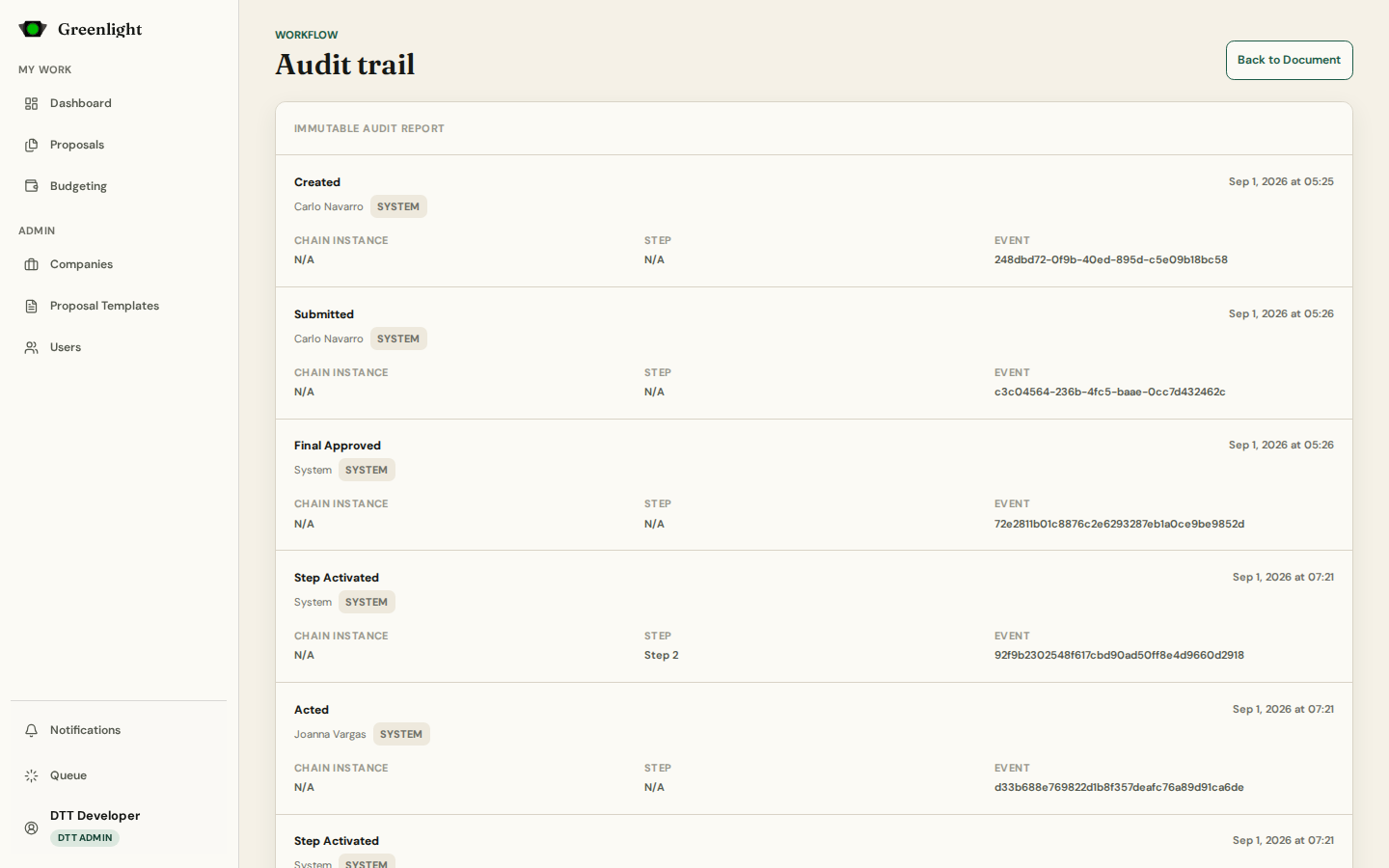
- 6 Audit Trail at the bottom, and the full page at /requests/<uuid>/audit, is the immutable who-did-what-when.
PDFs
- Two files exist per paper: the base render without signatures and the signed render with the signature page stamped.
- Renders run on a queue worker in headless Chrome; while one is running the buttons say Preparing your PDF and the Queue page shows the job.
- Download can include or exclude annotations; the choice is remembered per reader.
Before acting
- Confirm the version on screen is the one you mean to act on.
- Read the return notes and open annotation threads before repeating a comment.
Screenshots
Page states