How to use this page
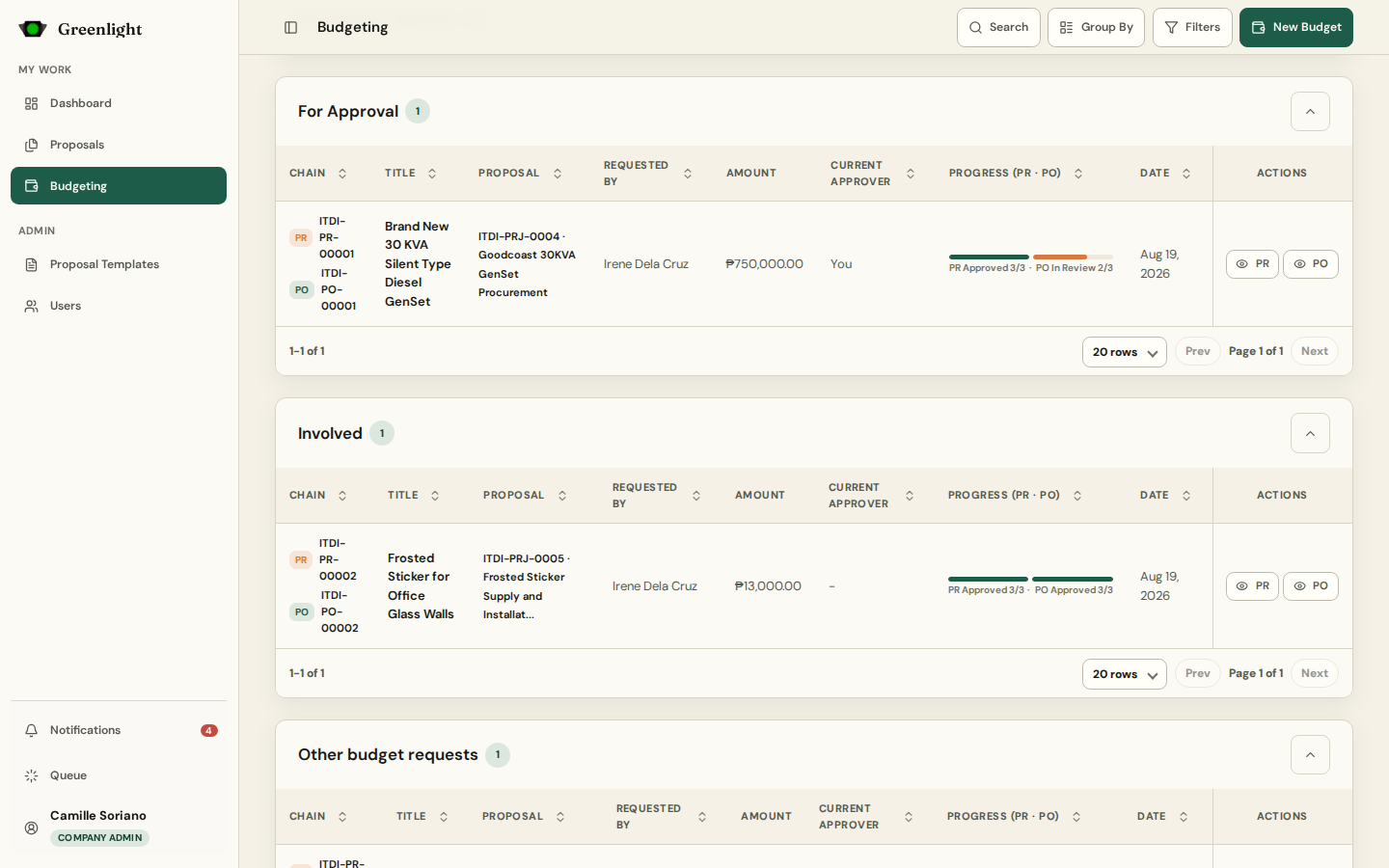
- 1 Find the paper under For Approval — on the dashboard, in Proposals (proposal papers), in Budgeting (Purchase Requests and Orders), or from the notification that told you it is your turn.
- 2 Open it. Never decide from the table row: the document, the earlier signatures, and the return history are on the paper page.
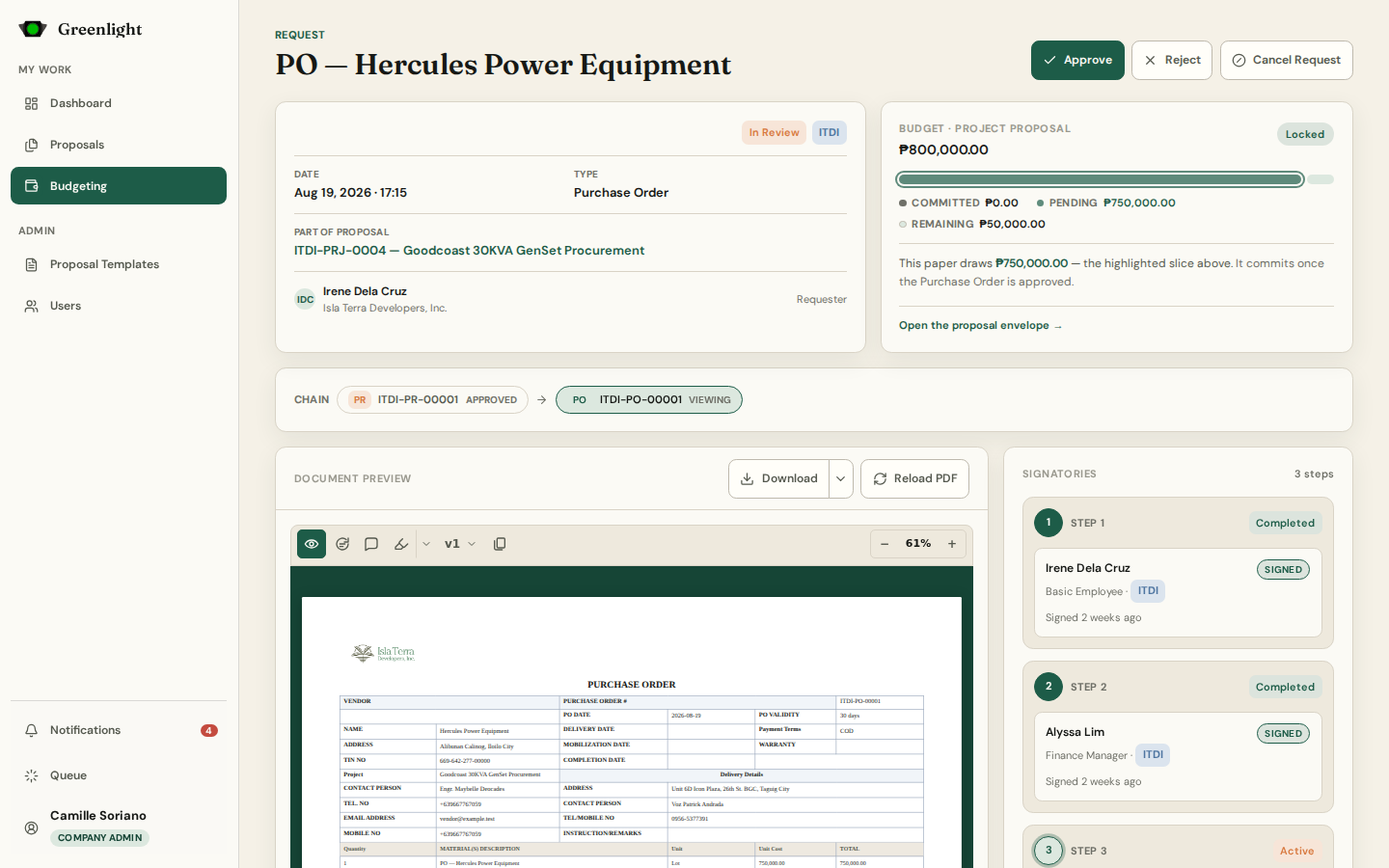
- 3 Something wrong on the page? Switch on Annotate, drop a pin, and write what must change. Open annotations turn Approve into a revision request.
- 4 Approve signs your slot; the chain moves to the next signatory, or completes and the signed PDF is generated.
- 5 Reject ends the chain with your reason. A revision request returns the paper to the requester, who revises and resubmits the same record.
- 6 Papers you acted on move to Returned or Approved in your workspace; the audit trail keeps the exact time and note.
Sequential locking
- Only the current slot can act; later signatories see the paper but their Approve is locked.
- A revision restarts the chain from the first signatory and bumps the paper version.
- An administrator can Halt a running chain or Void an approved paper from the Proposals workspace; both leave an audit entry.
Budget gates
- Purchase Orders check the proposal's remaining budget; final approval draws it down once.
- When a paper would exceed the envelope a Super Admin must approve with a written reason.
Screenshots
Page states