How to use this page
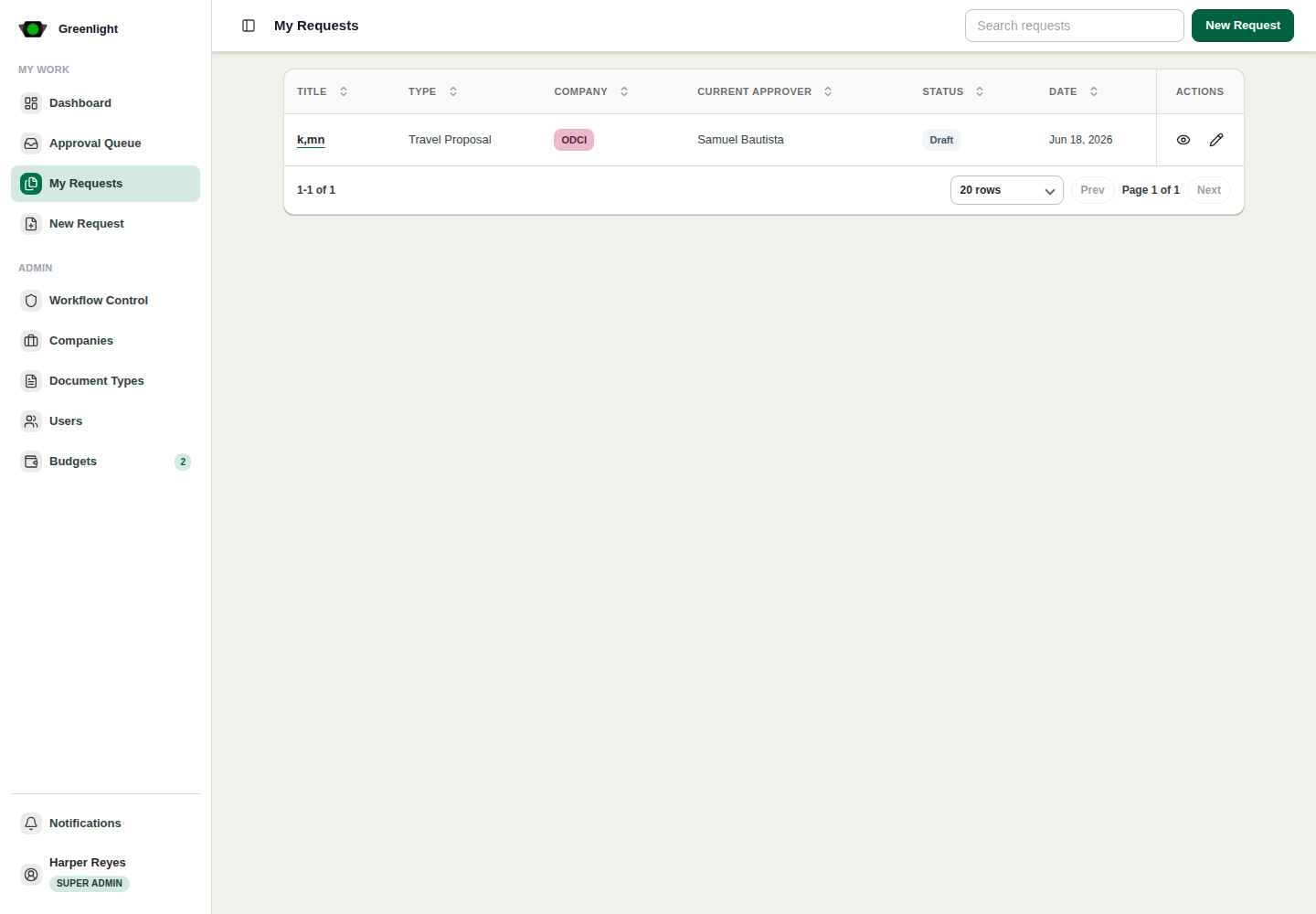
- 1 Review summary, generated document, uploaded files, form data, signatories, comments, and audit trail.
- 2 Use the action bar for submit, approve, revise, reject, cancel, void, or admin actions when available.
- 3 Open the audit report when you need who/when evidence.
- 4 Download the current PDF when the signed document is needed outside Greenlight.
Before acting
- Confirm the current version is the one you intend to approve or revise.
- Check return notes and annotations before repeating a prior comment.
- For budget-required work, verify the budget status panel before final approval.