How to use this page
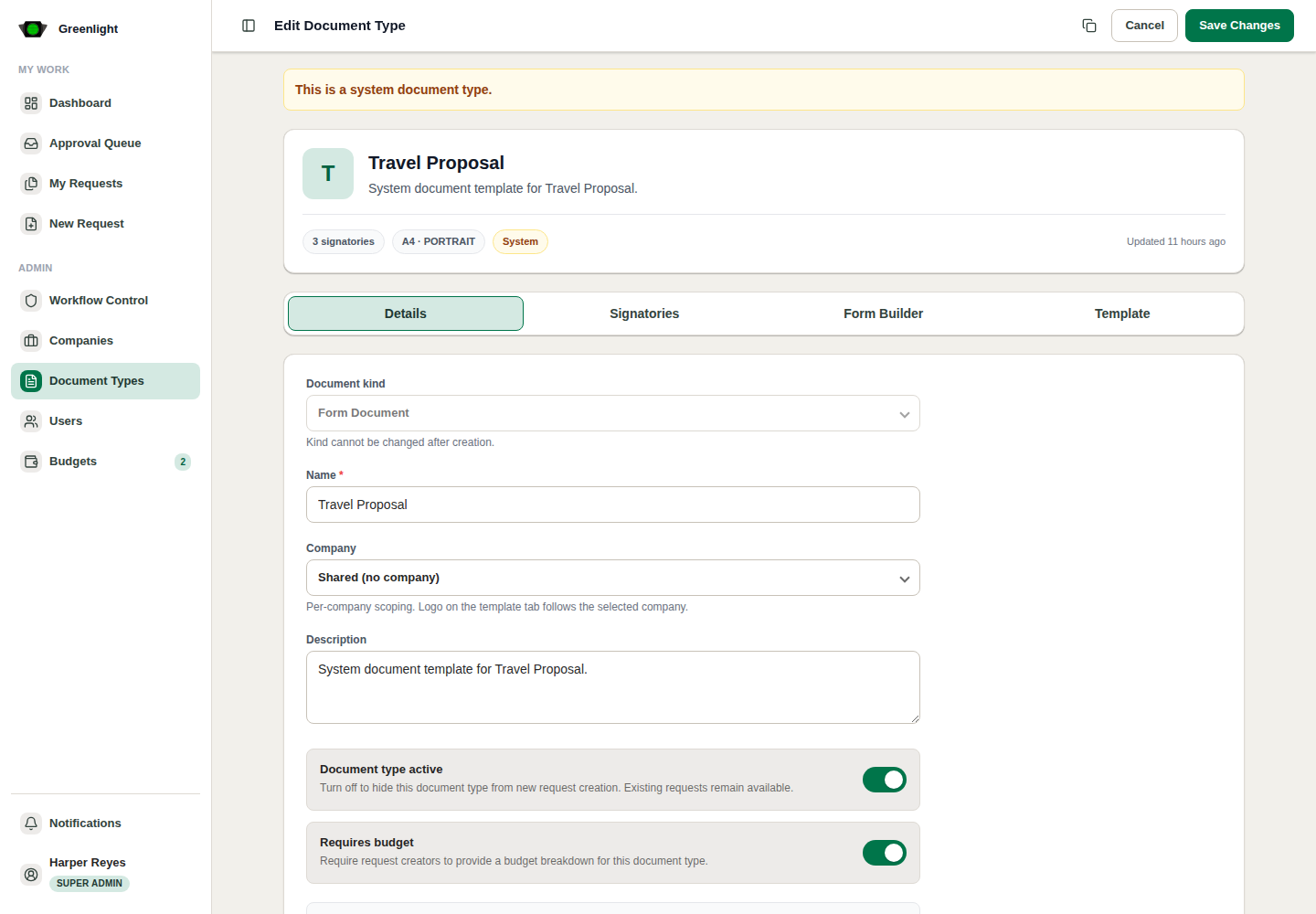
- 1 Details tab: set document name, base template, company scope, kind, active status, and budget requirement.
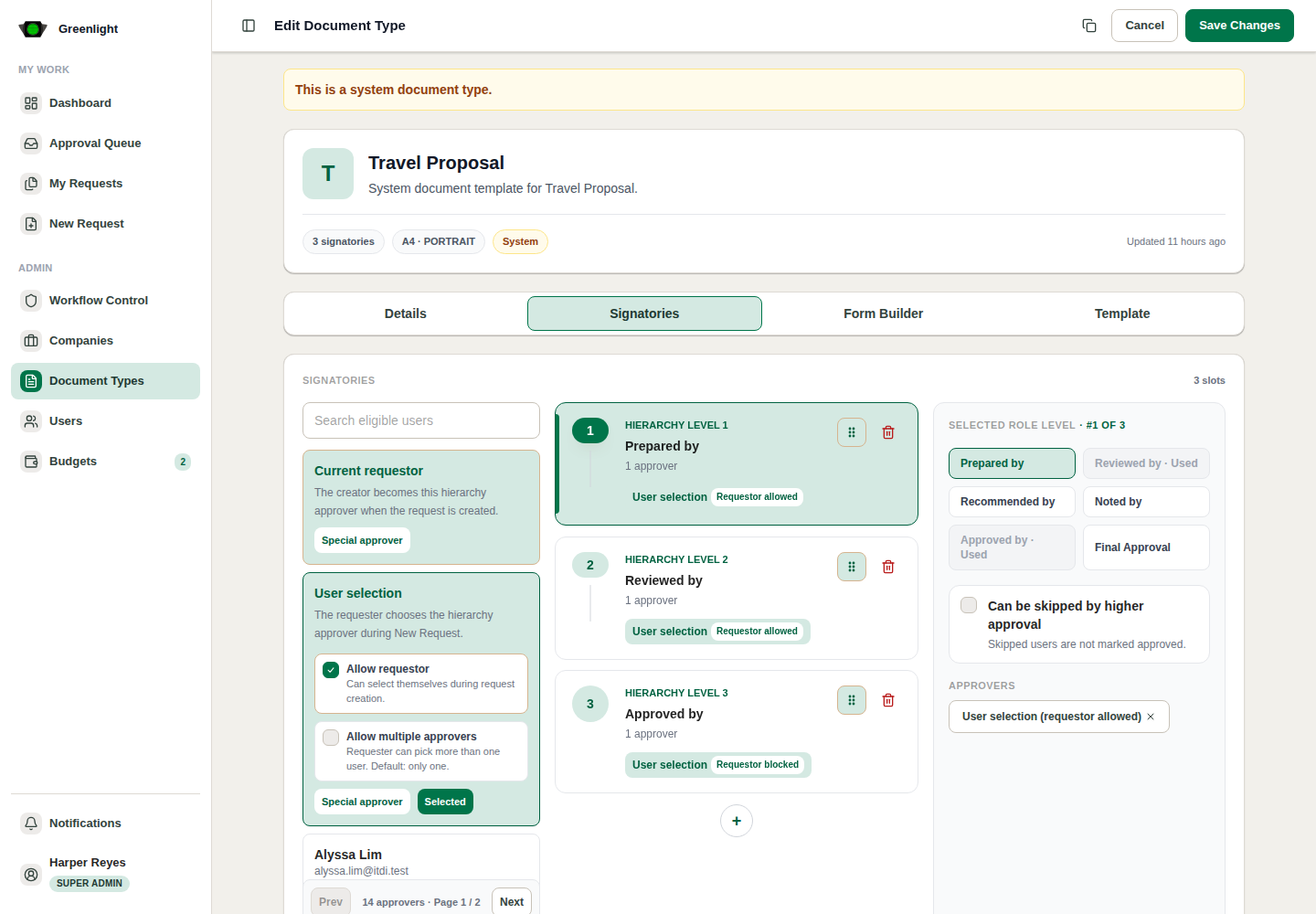
- 2 Signatories tab: define every approval level and label.
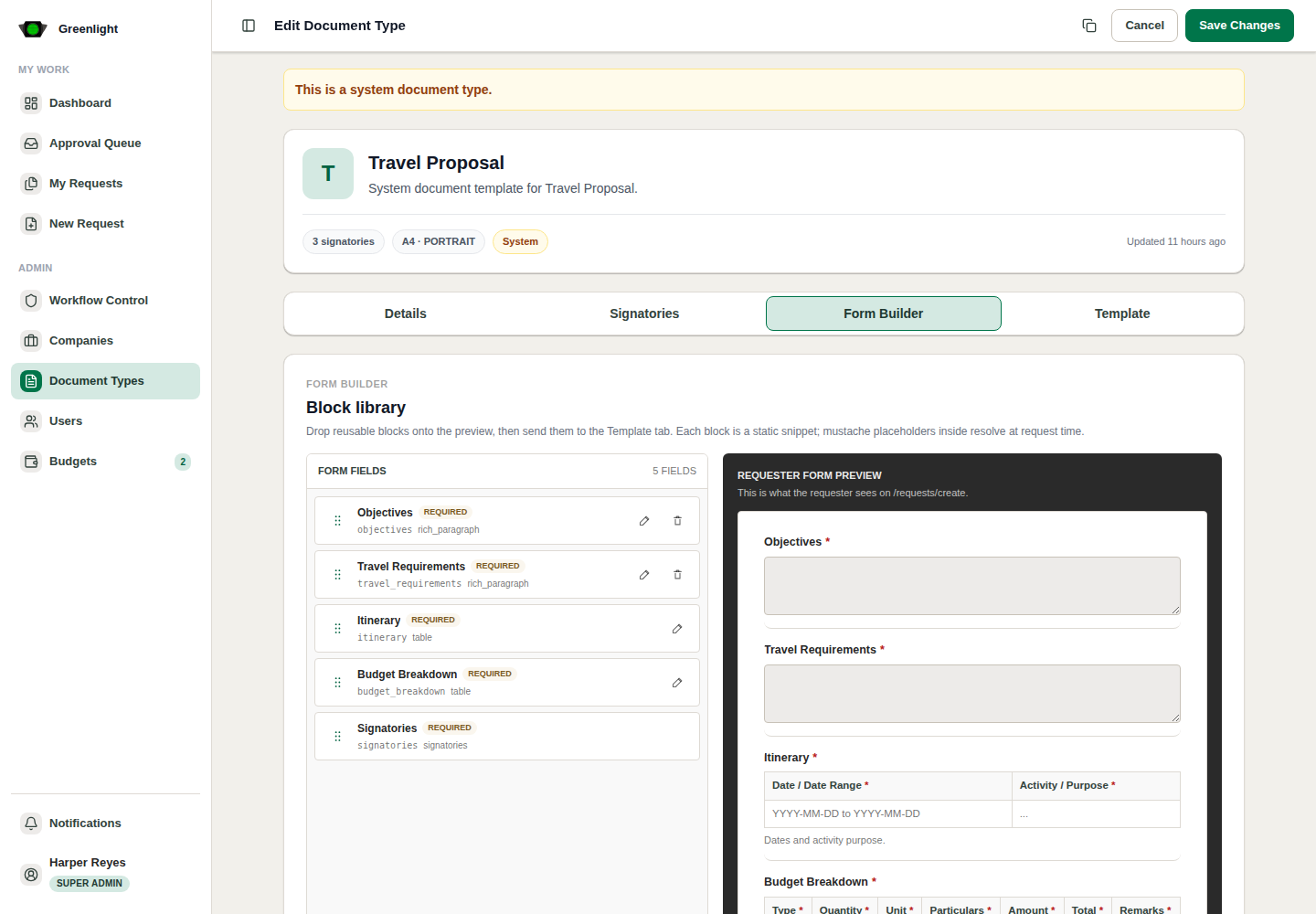
- 3 Form Builder tab: add required fields for Form Document templates.
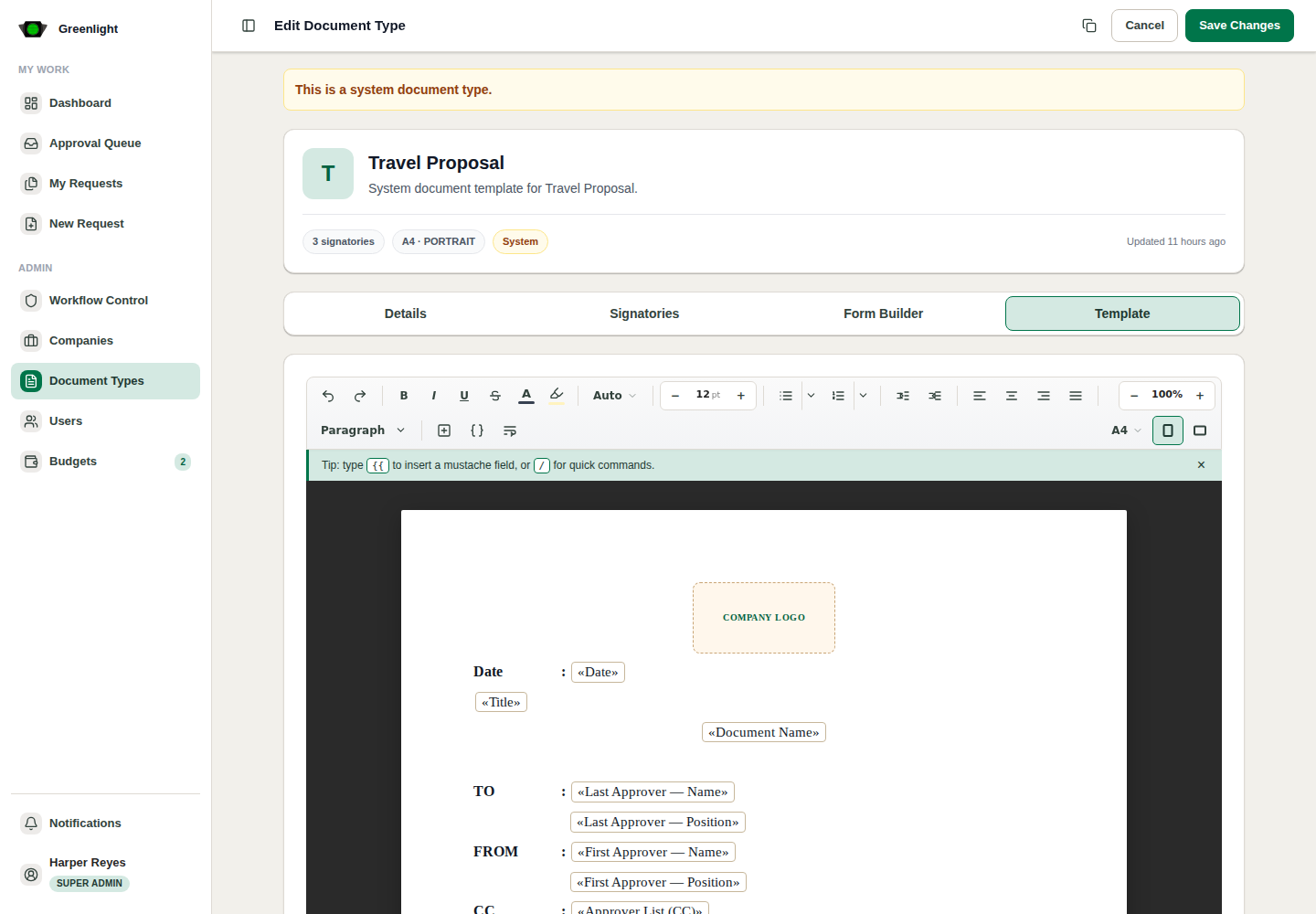
- 4 Template tab: insert placeholders and verify the generated layout.
Publish checklist
- Confirm budget-required templates have matching budget configuration.
- Confirm placeholders still render after changing signatories or form fields.
Screenshots
Page states and tabs