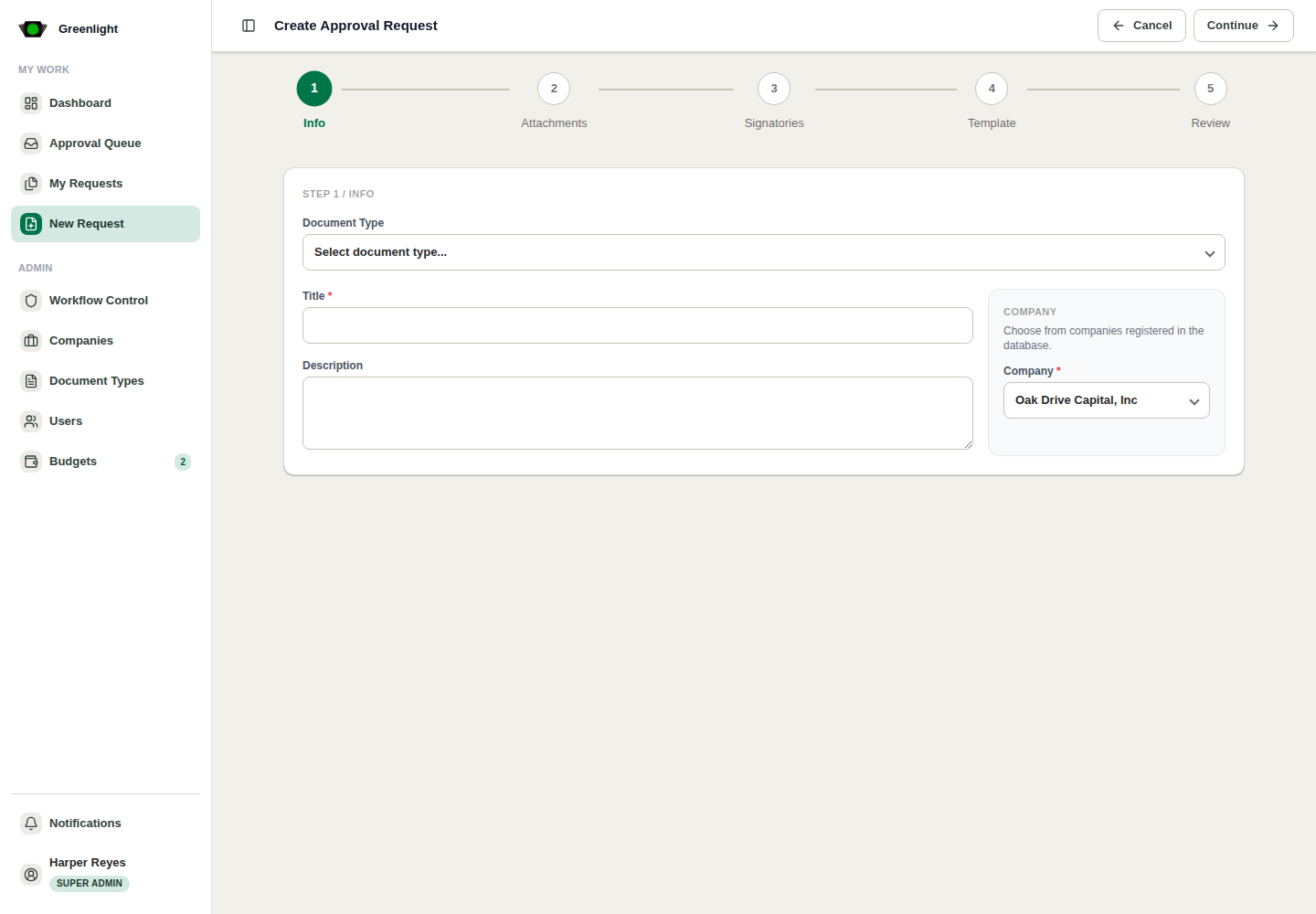
How to use this page
- 1 Choose a document template that matches the work being approved.
- 2 Fill Details with a specific title, company, description, budget month, and budget amount when required.
- 3 Complete Forms or Upload PDF depending on the selected document kind.
- 4 Assign Signatories for every required approval level.
- 5 Review Template output and return to earlier steps if values are missing or wrong.
- 6 Submit Approval only after the request summary, document, signatories, and budget details are correct.
PDF Document path
- Use for a prepared PDF that already exists outside Greenlight.
- Upload the PDF, assign signatories, then review the request before submission.
- Approvers inspect the uploaded document and final signature output from the request detail page.
Form Document path
- Use for repeatable approvals where Greenlight should collect structured fields.
- Complete generated rich text, dates, amounts, tables, uploads, and budget fields.
- The template preview renders the approval document from the captured form values.