How to use this page
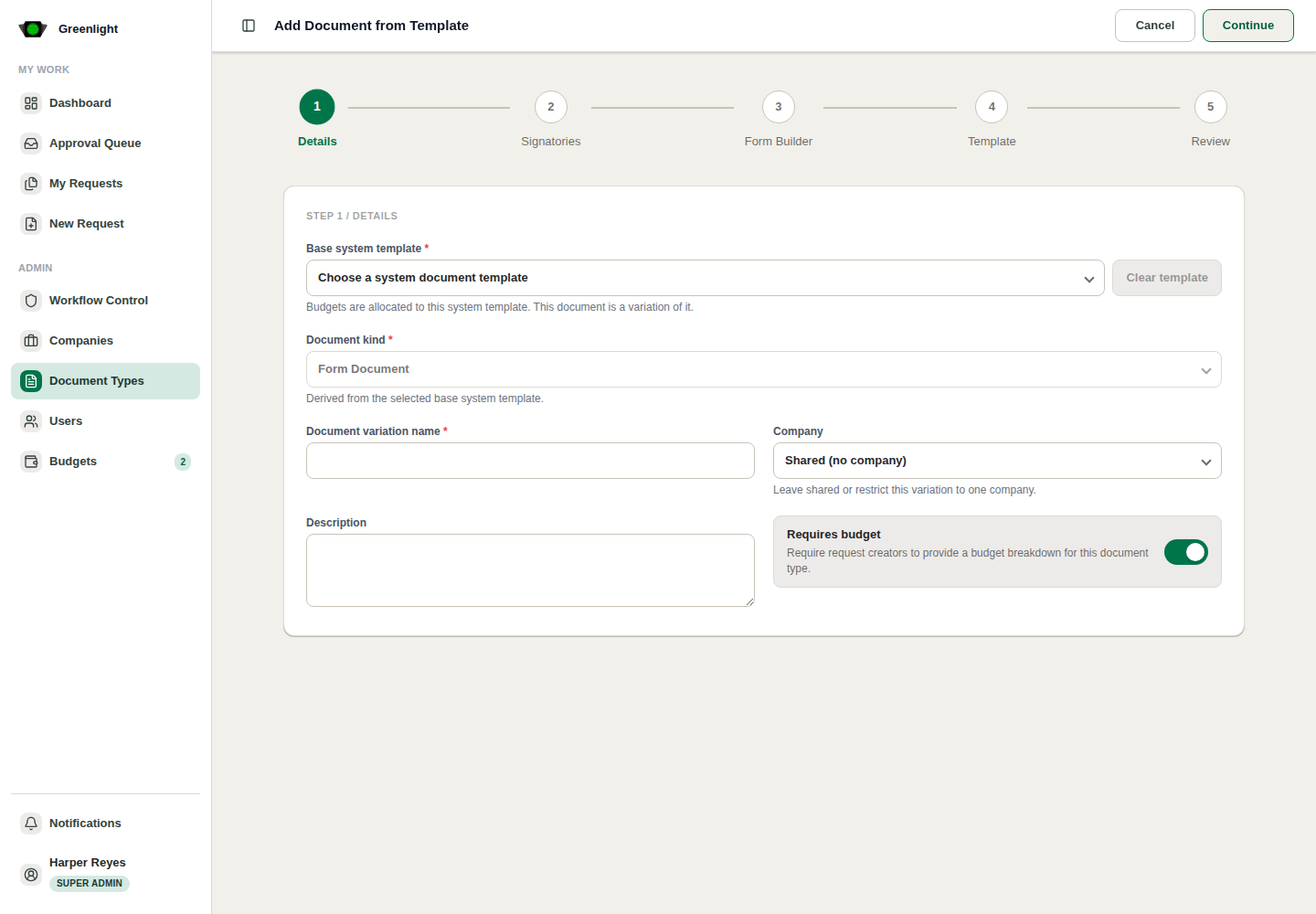
- 1 Open Add Document from Template.
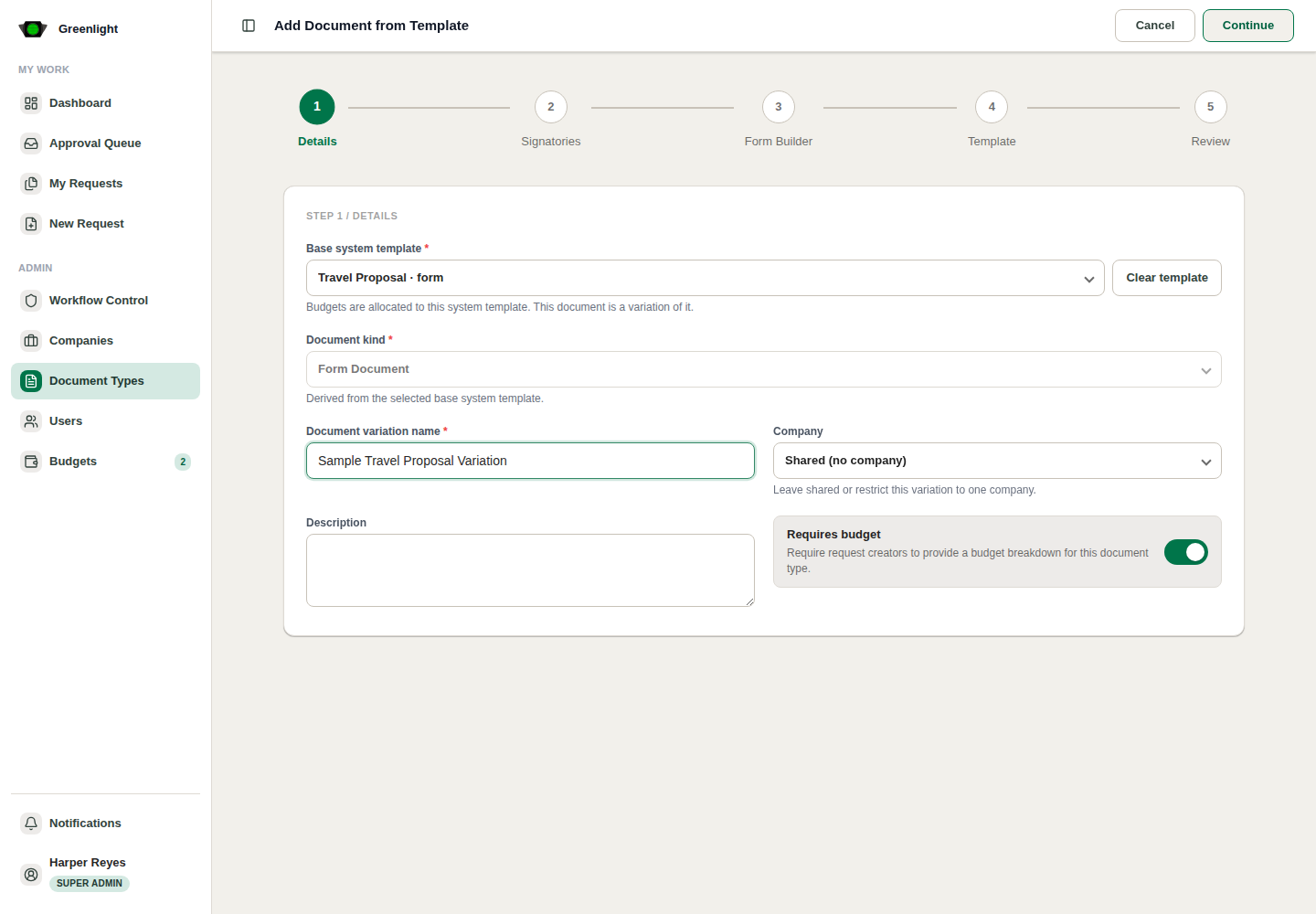
- 2 Choose the Base system template while staying on Details.
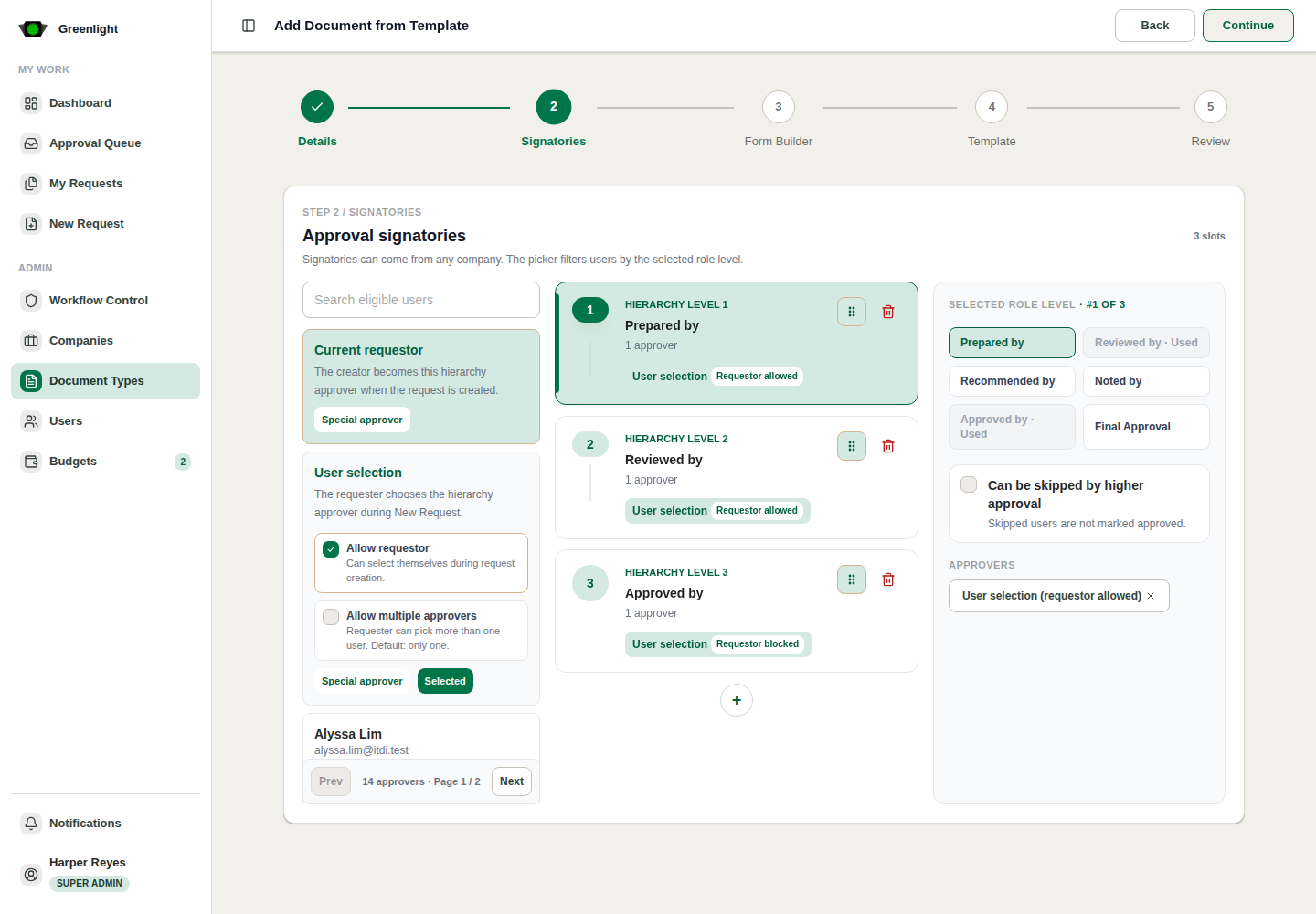
- 3 Review inherited Signatories.
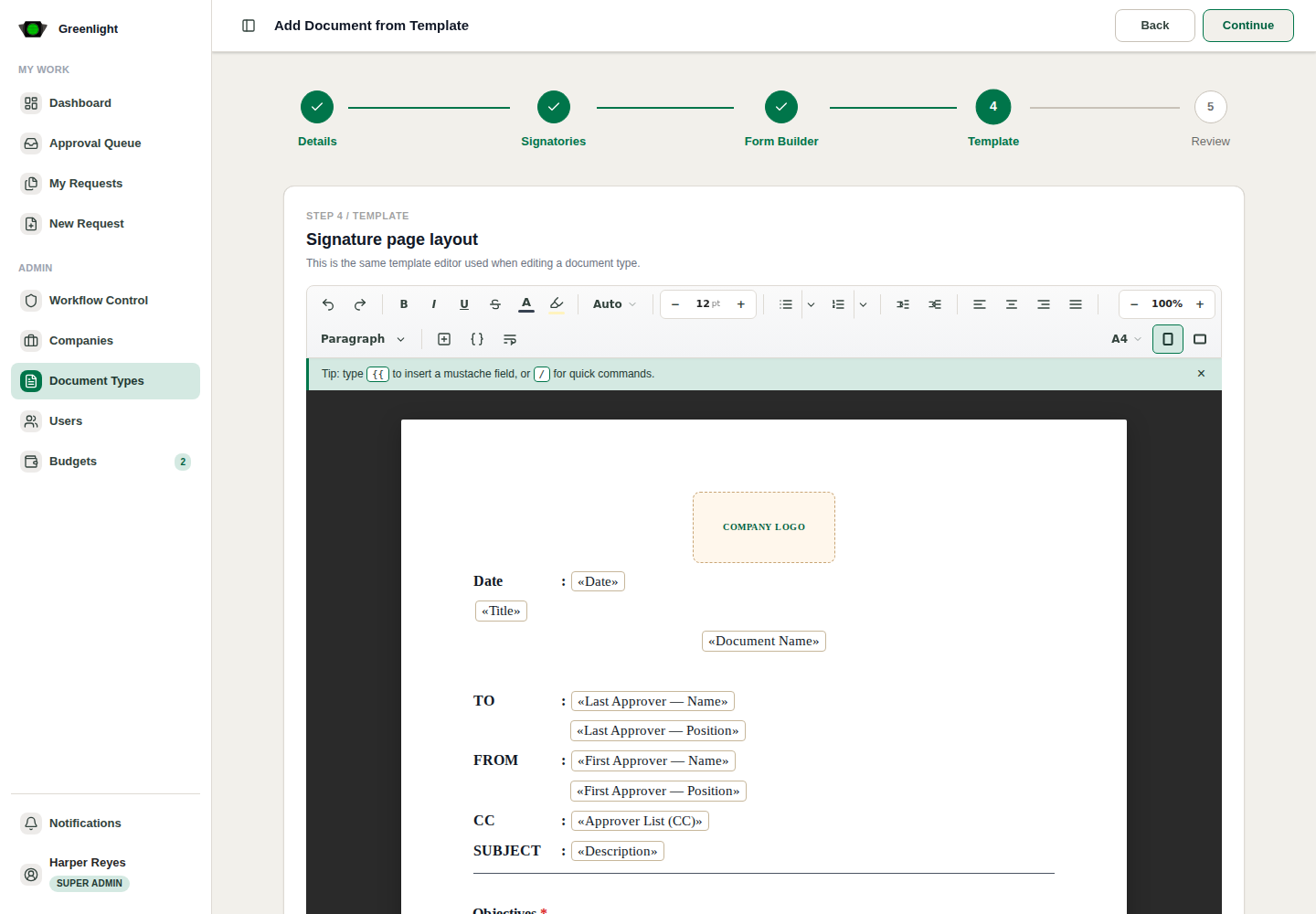
- 4 Review inherited Form Builder and Template content.
- 5 Save only after the variation agrees across all tabs.
Use when
- A company needs its own wording or fields but should inherit the system template structure.
- You want to avoid rebuilding signatories, fields, and layout from scratch.
Screenshots
Page states and tabs