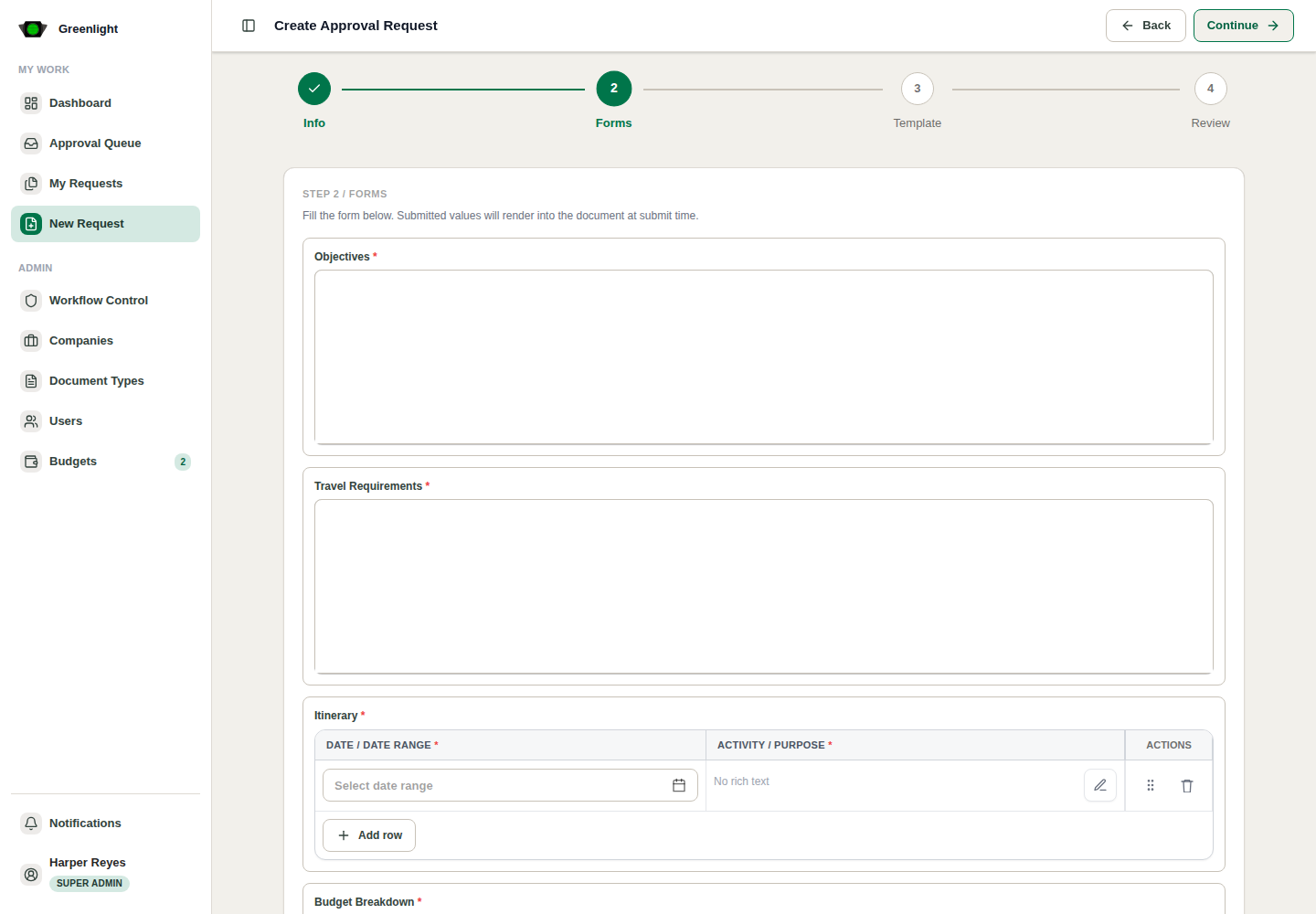
How to use this page
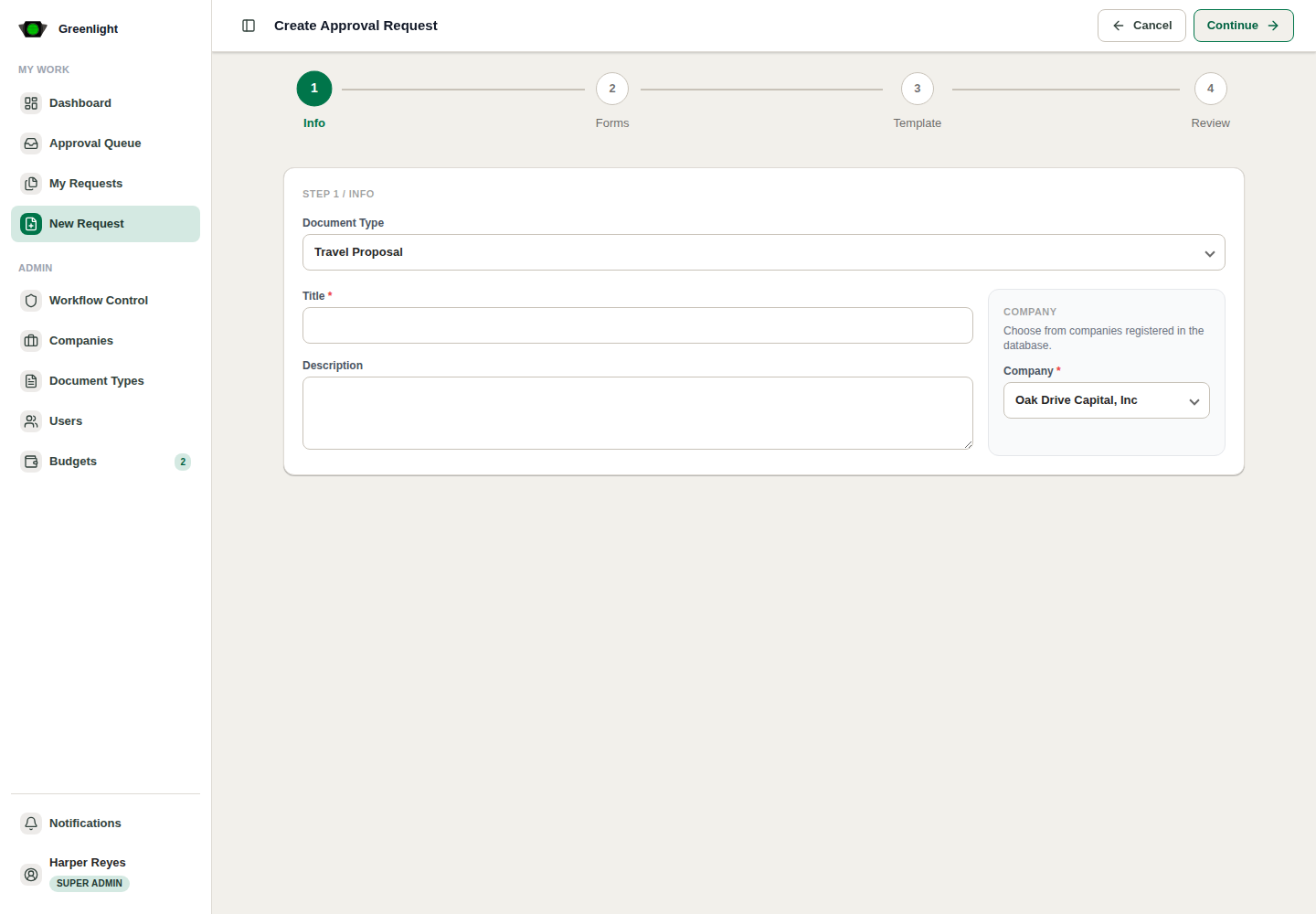
- 1 Choose a Form Document template such as Travel Proposal.
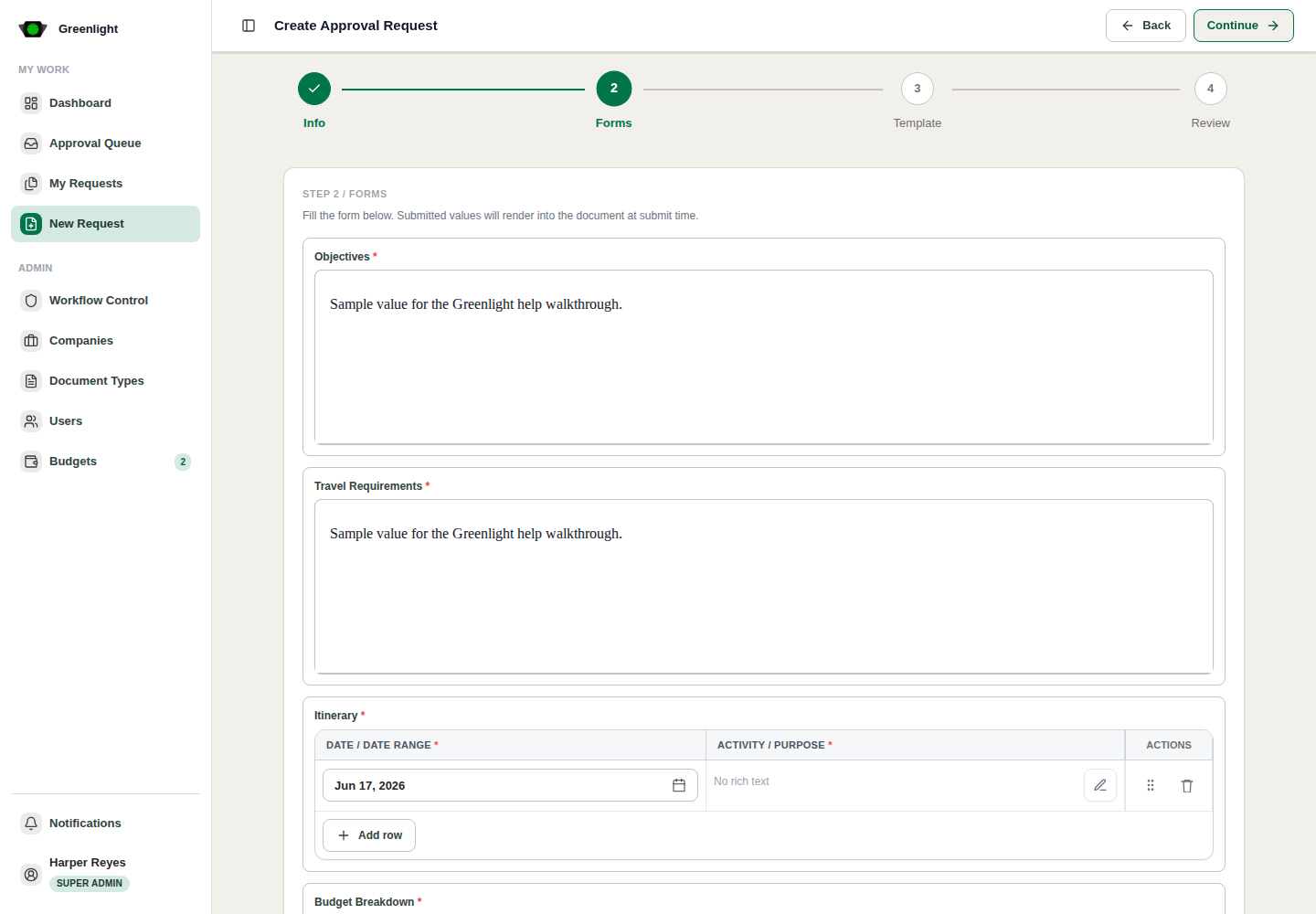
- 2 Fill request details and budget fields.
- 3 Complete generated form fields from the template builder.
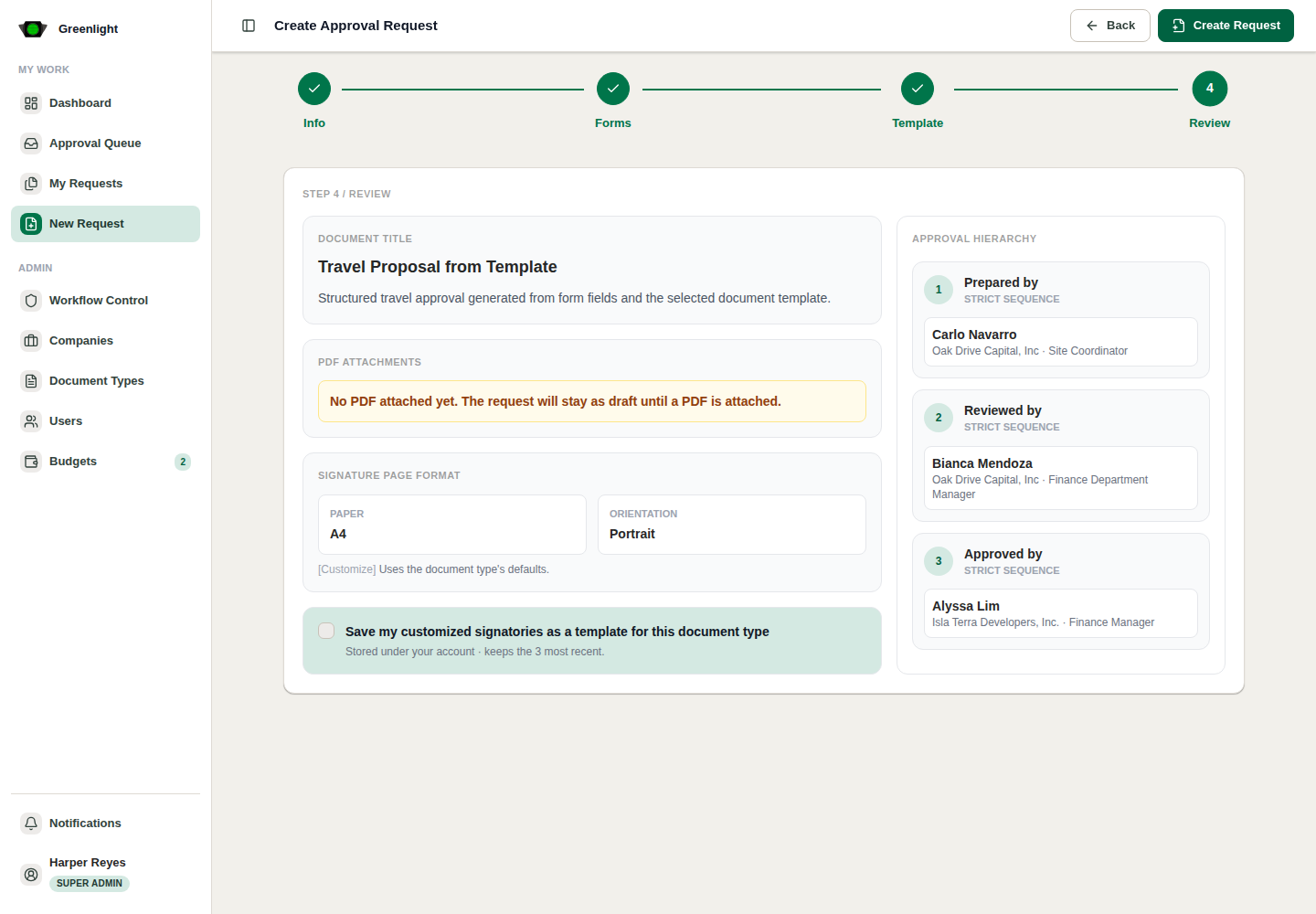
- 4 Assign signatories for each required level.
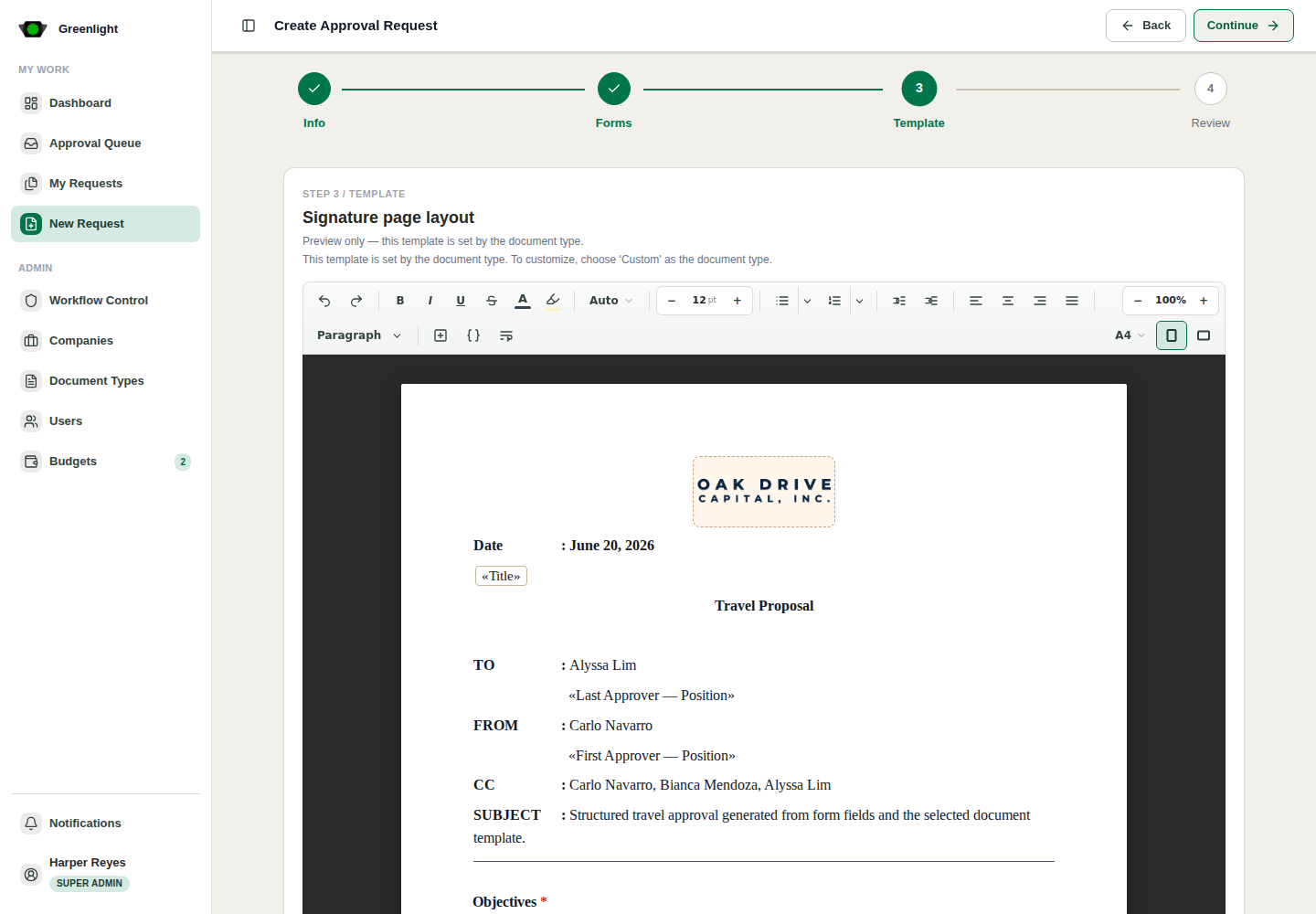
- 5 Preview the generated template and submit from the review step.
Use this for
- Travel proposals, repair requests, project memos, budget tables, and structured recurring approvals.
- Approvals where consistent fields matter more than a requester-uploaded finished PDF.
Screenshots
Page states and tabs