How to use this page
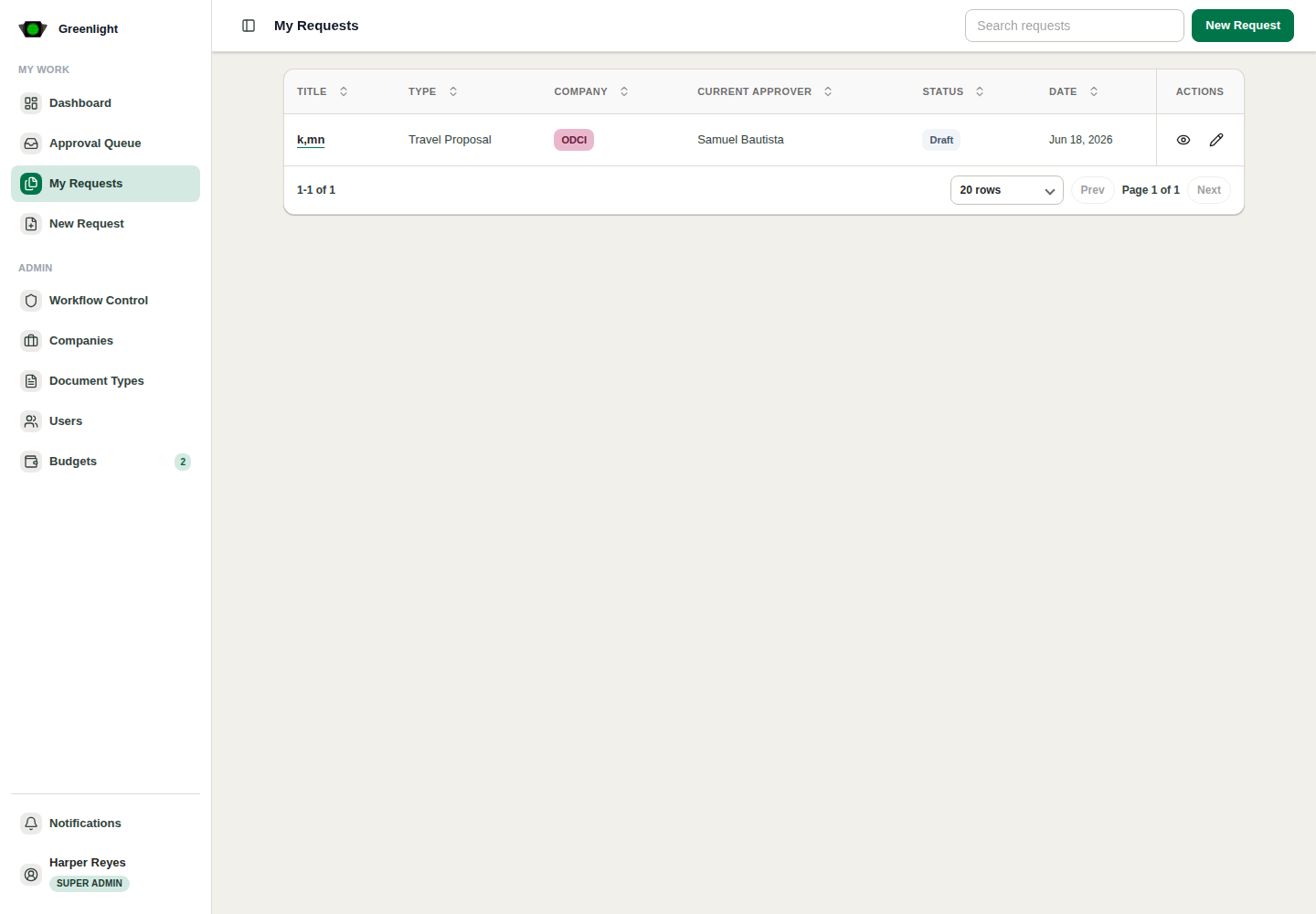
- 1 Open My Requests from the sidebar.
- 2 Search by title, type, company, current approver, status, or date.
- 3 Open a request to continue a draft or inspect submitted work.
- 4 Use the status and current approver columns to understand who owns the next action.
Status reading
- Draft means the request has not entered the approval chain.
- In Review means the chain is active and the listed approver is next.
- Returned means the creator should revise and resubmit from the same record.